
01
Upload one product photo
Add one clear JPG, PNG, or WebP photo of the actual product on an uncluttered background.
Turn one product photo into a 6-second 16:9 teaser with a cold spotlight, rapid detail cuts, and a full reveal with sound.
Choose settings and write your own prompt on another model page.
Turn one product photo into a 720p teaser. An icy spotlight opens the scene, rapid close-up cuts show texture and shape, and the product lands in a centered wide shot with a sound accent.
Made for hardware previews, accessories, and packaged goods when you want deliberate studio pacing before adding launch typography.
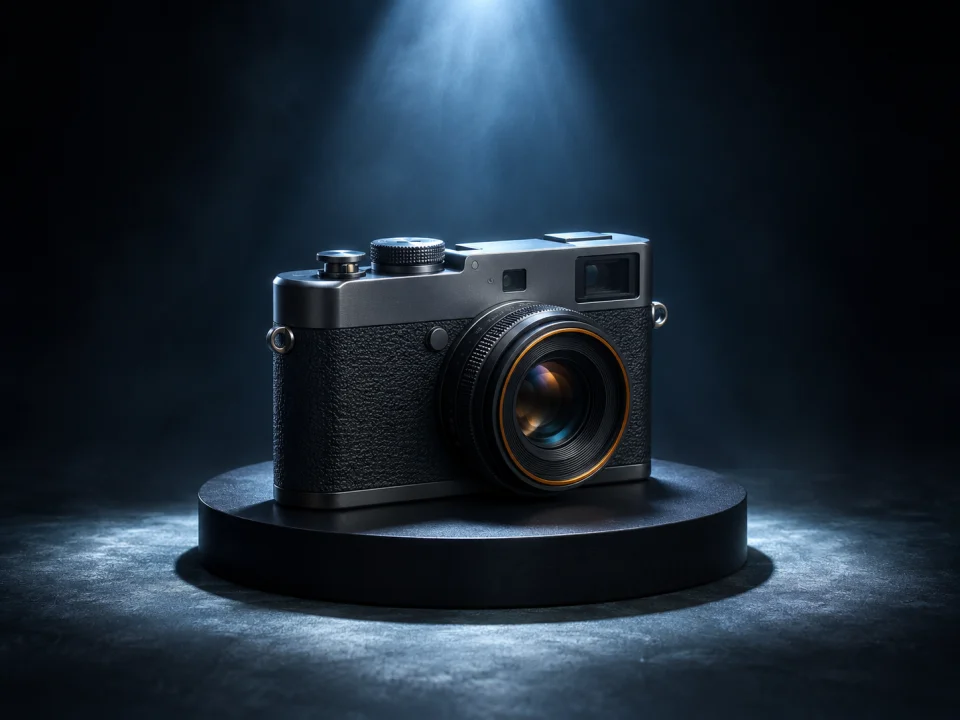
A brief overhead light sets the scene. The first cut moves straight to the product’s material, stitching, or surface grain.
Cool rim light traces one side of the product. A second close-up shows another real detail, such as the outsole on a shoe or a seam on a device.
The camera pulls back to show the complete product in a pool of light. A low sound accent lands on the reveal and the shot leaves room above for a title.
Add one clear JPG, PNG, or WebP photo of the actual product on an uncluttered background.
Optionally describe tabletop material, rim-light tone, or backdrop color in Extra details.
Check the credit quote, inspect shape, colors, and logos, then add launch dates and typography in your editor.
Questions before generating
Upload one sharp JPG, PNG, or WebP photo of the actual product with its silhouette, finish, and visible markings unobstructed. Avoid hands, harsh glare, or cluttered props covering key edges.
Preserving product geometry, colors, and visible logos is the prompt goal, not a guarantee. AI video can distort small marks or proportions, so review the rendered clip carefully before commercial use.
The preset makes a 6-second 16:9 video at 720p with sound effects. Download it to add launch dates, typography, or a music track in your editor.
Use the optional prompt field to guide surface texture, backdrop tone, or lighting direction. Check the credit estimate before submitting; each run starts a new task, and model pages below offer custom settings.
Upload one product photo to make a 6-second 16:9 teaser with sound and a centered product reveal.