
One photo
JPEG, PNG, or WebP
One photo, an optional second, and the car leaves the ramp.
Open another video model when this flight is not the shot you want.
Drop a subject onto a ramp that climbs, turns, and lands in smoke. The photo sets the look. The built-in clip sets the camera and the timing.
JPEG, PNG, or WebP
Mini starts at 720p. Other models change the quality list.
The estimate counts the built-in reference clip.
Use a clear photo with the full outline and the details you want kept.
Climb, launch, turn, and landing stay one sequence.
Seedance 2.0 Mini is the start. Seedance 2.5 sits on the same form.
The clip is a recognizable subject, a guided flight, and a credit quote you can read first.
Shape, color, and material come from your photo. A full outline gives the model more to keep than a tight crop.
Leave room around wheels, limbs, and anything that sticks out.
The photo does not need a ramp or a stunt pose.
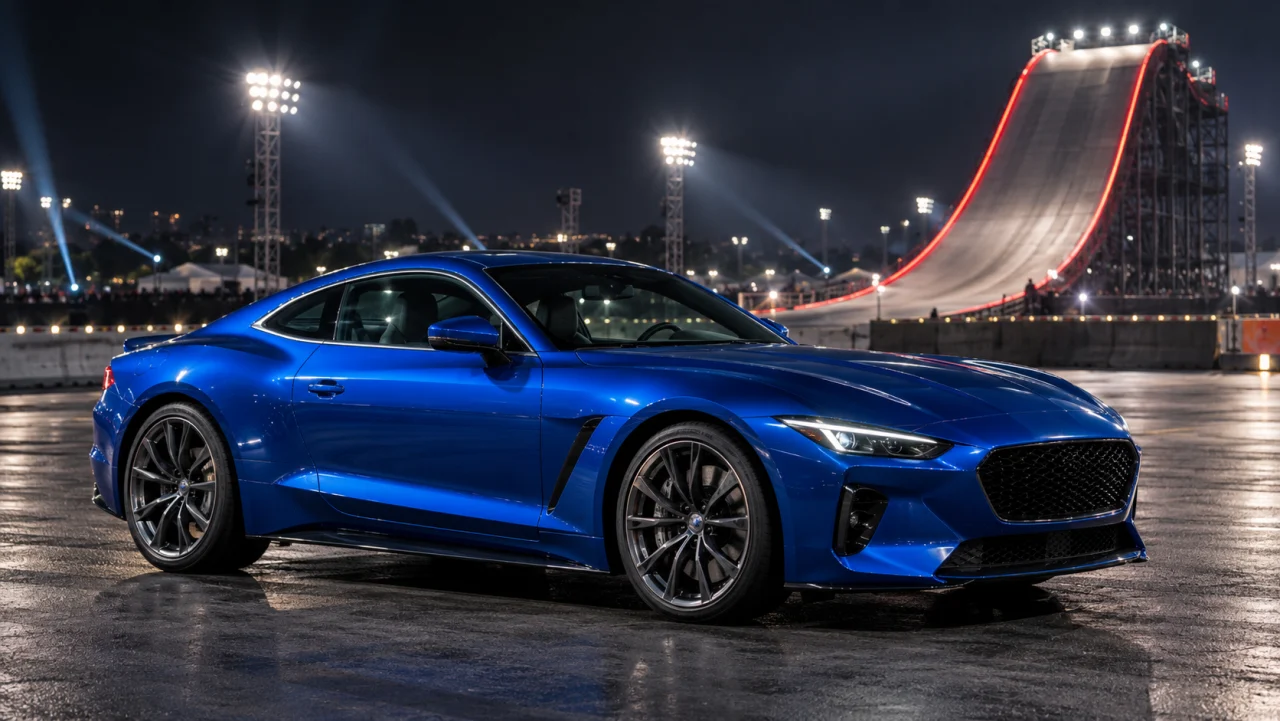
The built-in clip carries the climb, the turn, the smoky landing, and the camera. Start from the included prompt and add the details you want kept.
Ascent, turn, and landing are one pass.
The effect is already set. Add optional details without writing a full prompt.
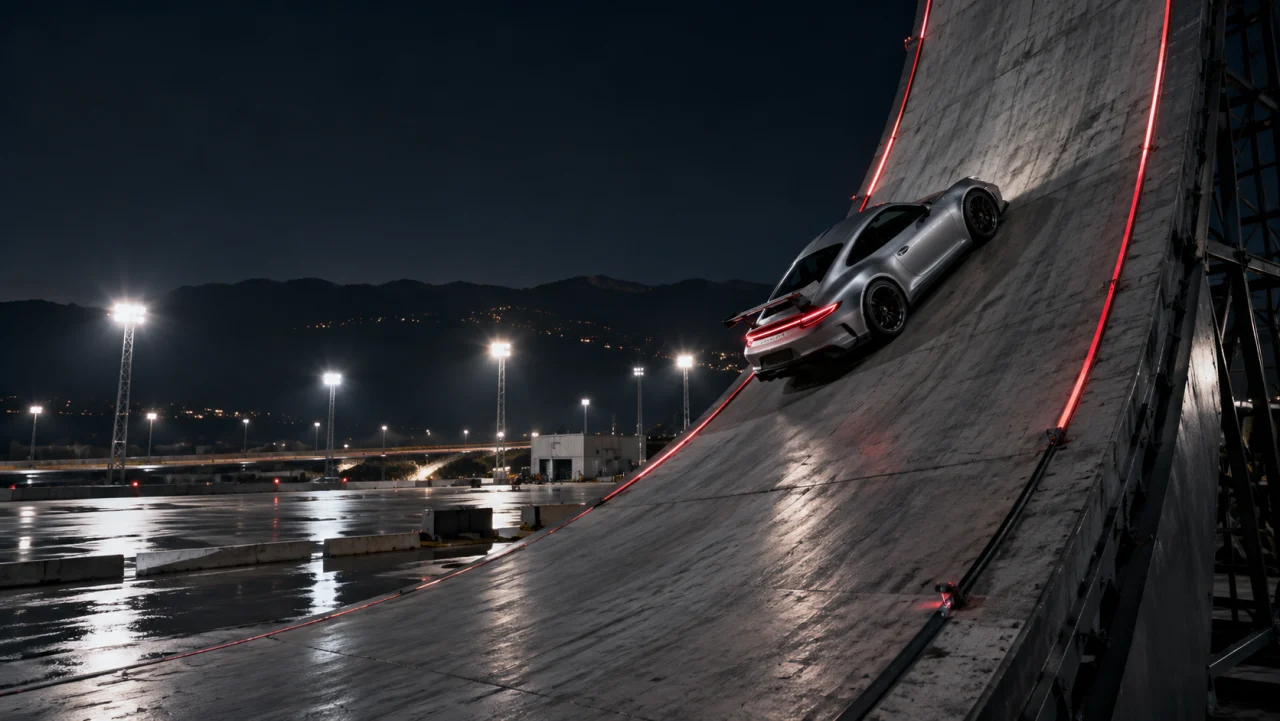
Seedance 2.0 Mini at 720p is the 15-second 16:9 start. Change model, quality, and audio before you submit. Resolutions depend on the model, and the quote includes the reference clip.
The credit line updates before you submit.
Look at identity, the turn, and contact with the ground.
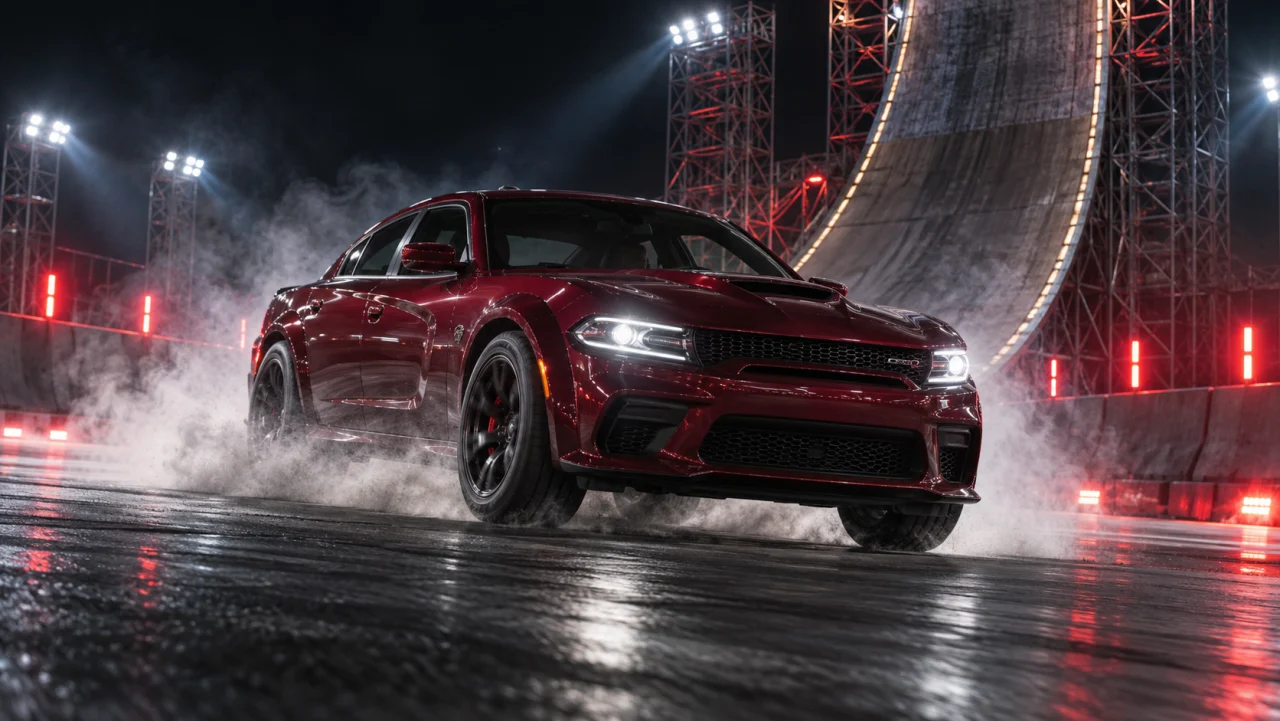
Pick a sharp subject on a simple background.
Preview the effect, add details if needed, then review the settings and credit quote.
Sign in, confirm the credits, and review the clip before you share it.
Flying car questions
A new clip of your photo subject on a ramp climb, a turn in the air, and a landing, guided by a built-in reference.
Yes. Sign in, pick the model and quality, and read the quote on the button. The quote includes the reference clip and updates when settings change.
A car is a clear starting subject. Other subjects can work when they are fully visible. Unusual shapes and many connected parts are harder to keep.
No. One image is enough. VoraVideo attaches the ramp reference, and its length is part of the quote.
The clip is 15 seconds at 16:9. Mini offers 480p and 720p. Other models list their own quality options. Audio starts on and can be turned off. When it is on, the prompt asks for motion and landing sound.
The photo and the reference guide the render. Shape, motion, and timing can still shift. Review the turn and the landing before you share it.
Download the finished file. It is landscape 16:9. A vertical post needs an editor that keeps the subject and the flight in frame.
One subject. One ramp. A clip you can download.