
2 · Photo reference
Upload two clear portraits, one person per photo. The first person stays human; the second is the transformed partner.
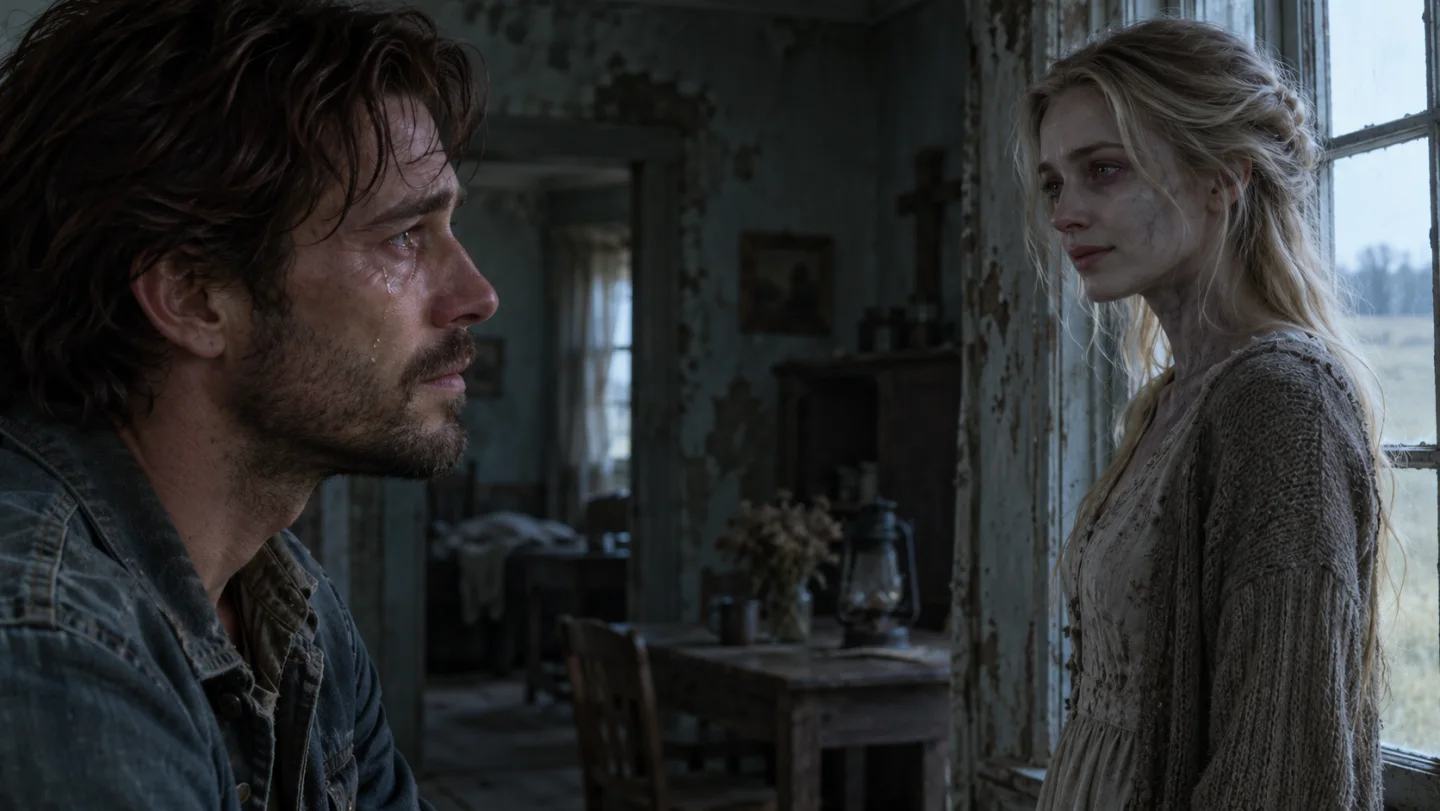
Two portraits become the leads in a tense reunion, a hesitant embrace and a warmer memory.
Open a model when you want to write your own prompt.
Two portraits become the leads in a tense reunion, a hesitant embrace and a warmer memory.
Upload two clear portraits, one person per photo. The first person stays human; the second is the transformed partner.
Keep the subject recognizable through the shot. Review the full motion, hands, faces and transitions before sharing.
The quote uses this preset’s model and output settings. Review it before submitting.
Two portraits become the leads in a tense reunion, a hesitant embrace and a warmer memory.
Upload two clear portraits, one person per photo. The first person stays human; the second is the transformed partner.
Keep each face assigned to its role. Review the embrace, hands and scene transition before sharing.
Two portraits become the leads in a tense reunion, a hesitant embrace and a warmer memory.
Two portraits become the leads in a tense reunion, a hesitant embrace and a warmer memory.
Create a short cinematic zombie-reunion story. Image one defines the human survivor; image two defines their changed partner. Start in a dim abandoned room with tense eye contact and alternating close-ups. Recognition replaces fear, then they carefully embrace. End in a warm sunlit meadow memory with both characters healthy. Use gentle camera movement and an emotional pacing arc. No graphic injury or gore.
Upload two clear portraits, one person per photo. The first person stays human; the second is the transformed partner.
Keep each face assigned to its role. Review the embrace, hands and scene transition before sharing.
Name the change you want and anything that must stay. The preset supplies the main direction.
Keep each face assigned to its role. Review the embrace, hands and scene transition before sharing.

Upload the required reference photos.
Add a color, mood or styling note if you want.
Review the credit quote, generate, then compare the result.
Two portraits become the leads in a tense reunion, a hesitant embrace and a warmer memory.
Upload two clear portraits, one person per photo. The first person stays human; the second is the transformed partner.
No. This effect includes its main instructions. Extra details are optional.
Use Extra details for the color, styling or mood you want. Keep the request focused so the prepared effect remains clear.
The Generate button shows the current quote for the preset. Check that number before submitting; different models and settings can use different amounts.
The preview shows a creative direction. Your result is newly generated and can differ in identity, small details, movement or composition. Review it before use.
Two portraits become the leads in a tense reunion, a hesitant embrace and a warmer memory.