
1 portrait
One clear portrait in JPEG, PNG, or WebP.
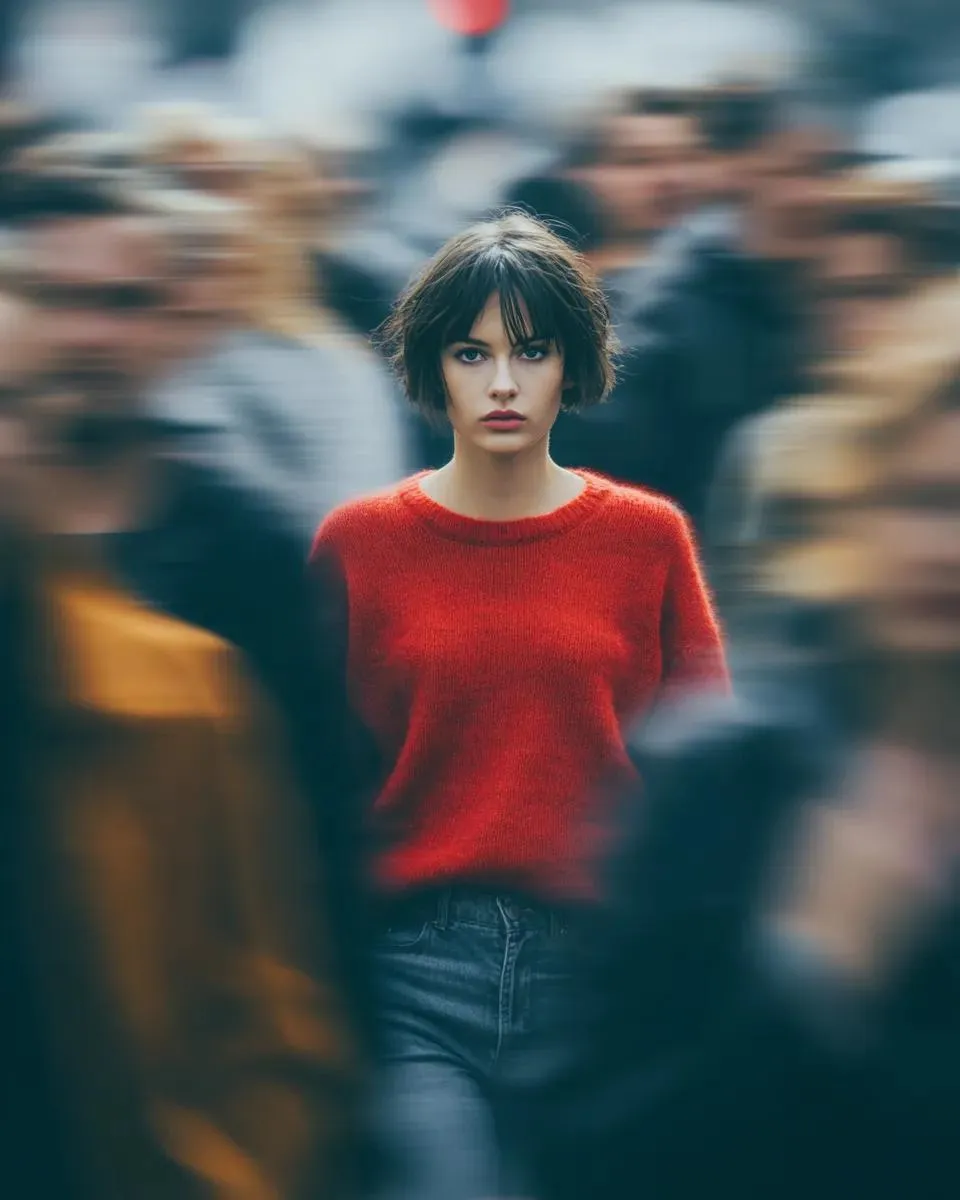
One portrait, a hard flashlight beam, and the rest of the frame goes dark.
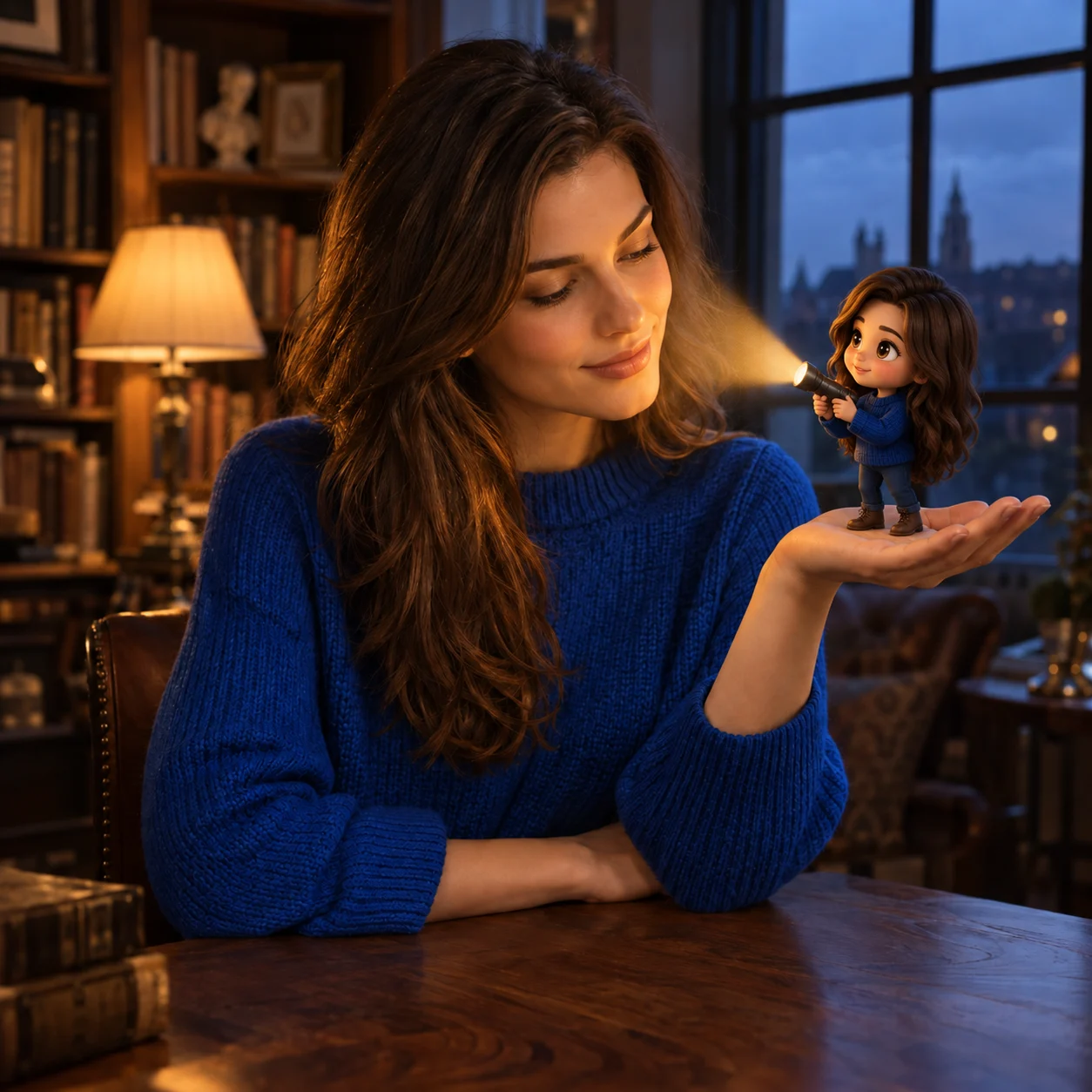
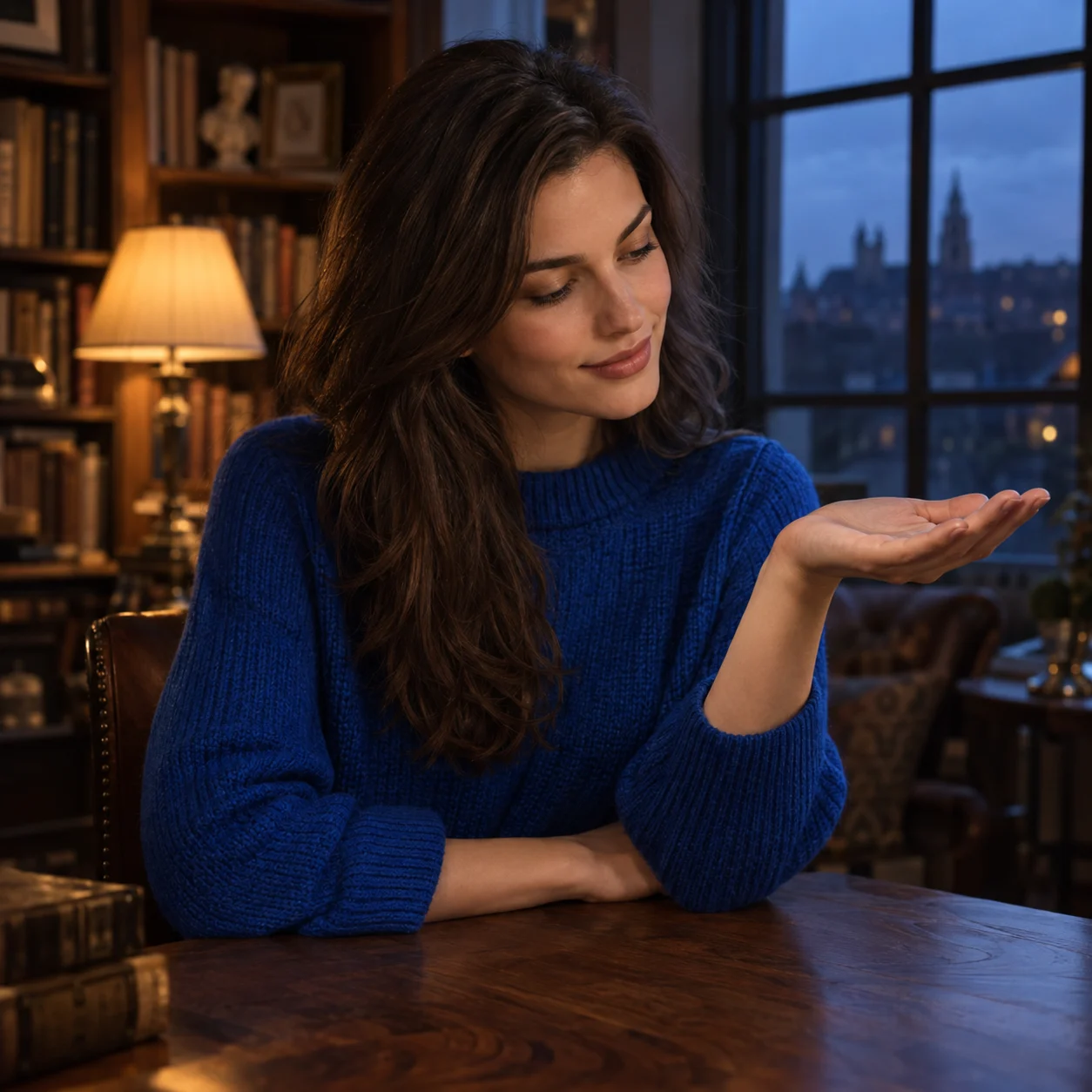
Open another image model when you want a different still.
The effect is already set. Add optional details without writing a full prompt.
One clear portrait in JPEG, PNG, or WebP.
The effect is already set. Add optional details without writing a full prompt.
Pick a size before you render.
Your photo guides the person’s appearance. Check the face, clothing and small details in the generated result.
Write the color, brightness, and direction you want on the face.
The effect is already set. Add optional details without writing a full prompt.
The strongest results keep one person readable and the light coming from a place you can point to.
Your photo guides the person’s appearance. Check the face, clothing and small details in the generated result.
Choose a single-person portrait with hair and clothing visible.
Check the face, hands, and small accessories before you share.
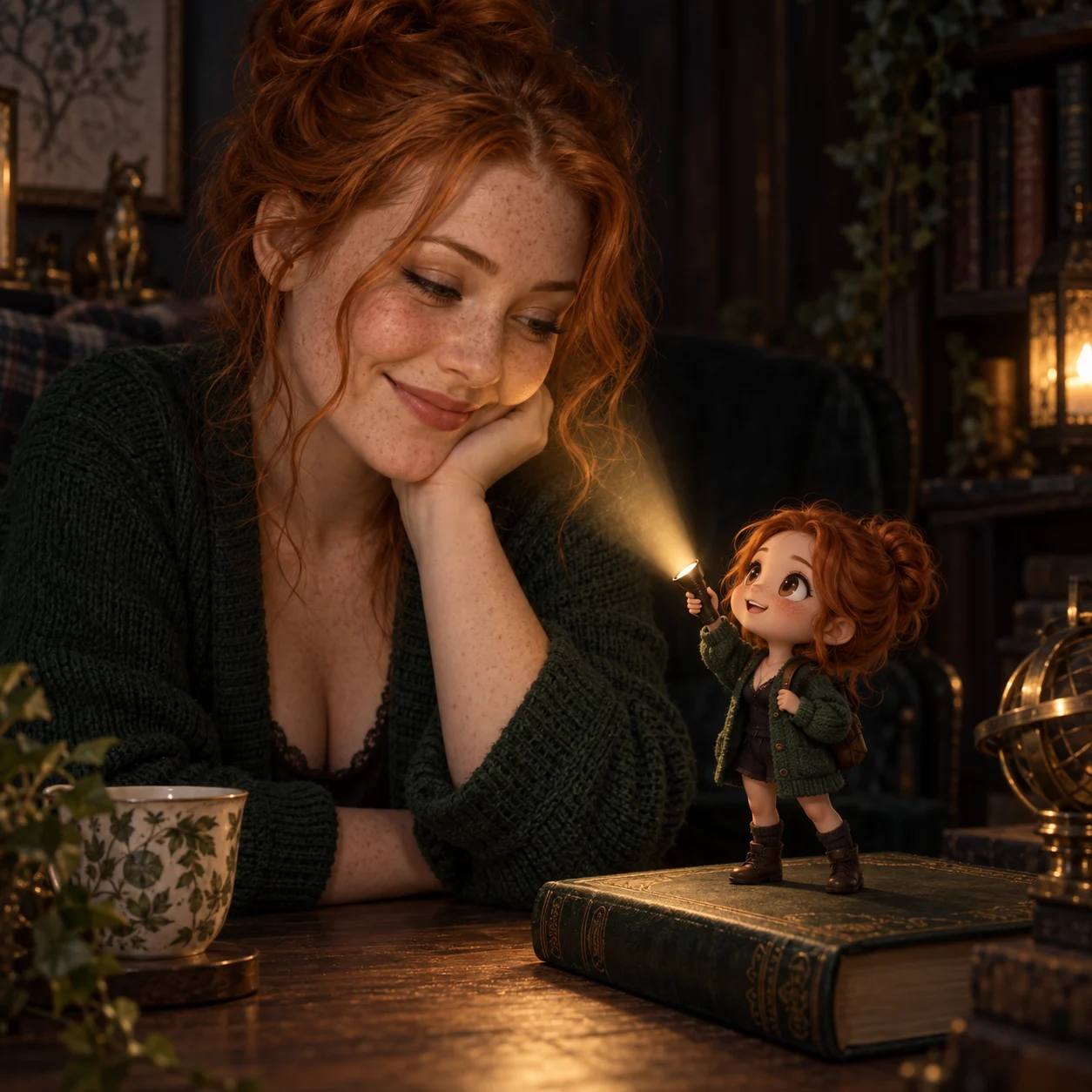
Warm amber feels close. Cool blue feels stark. Neutral white stays plain. The edit should connect the beam, the lit face, and the dark surround.
Add the beam color, direction or background you want in Extra details.
A firm beam works better than a blown-out face.
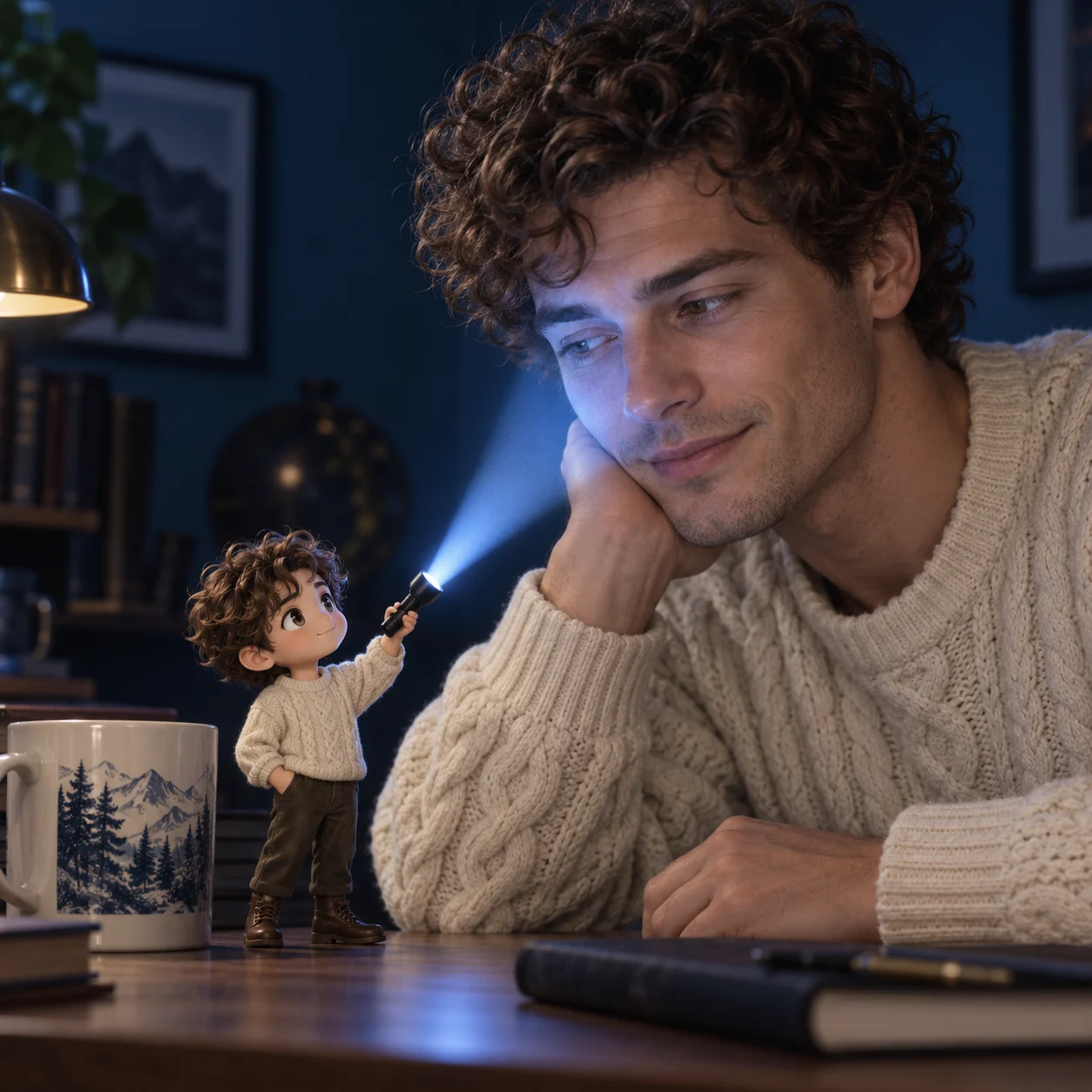
A little space around the head lets the darkness sit beside the face instead of covering it. Say where the beam starts if you want it in a hand or at the edge of frame.
Choose a square, portrait, or landscape output ratio.
Add the beam color, direction or background you want in Extra details.
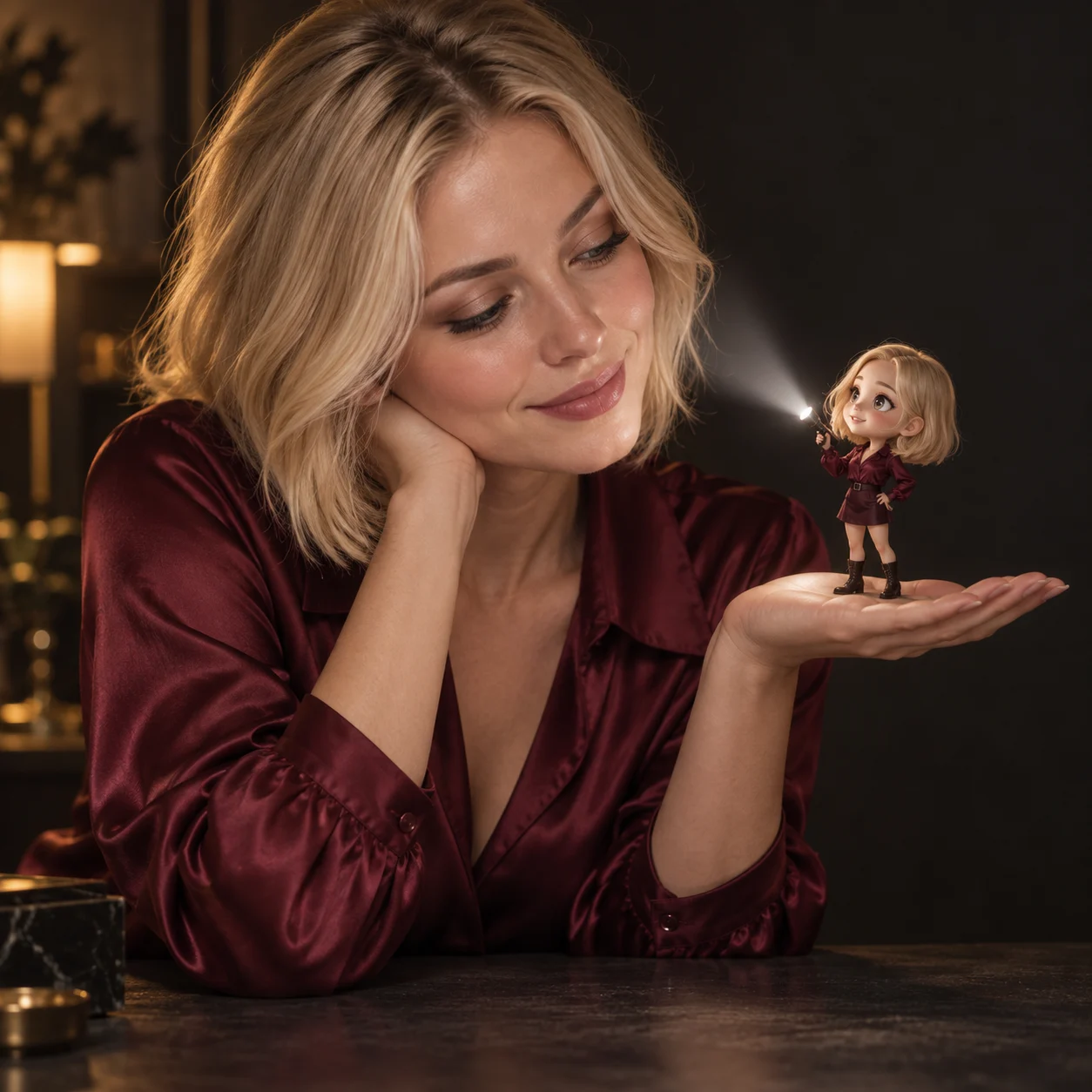
Use a clear photo of one person, with room around the face.
Preview the effect, add details if needed, then review the settings and credit quote.
Read the credit quote, sign in, and compare the result with the original.
Flashlight photo questions
It keeps a real portrait and adds one hard flashlight beam so the rest of the frame goes dark. You can rewrite the color and direction.
No. The effect includes its instructions. You can use it as is or add optional details in the form.
A clear portrait of one person, with hair and clothing visible and a little space beside the face. Covered faces and crowded groups are harder to keep.
The photo guides identity. The render is a new image, so small details, hands, clothing, or the background can shift. Compare it with the original before you share.
Add the beam color, direction or background you want in Extra details.
This effect uses GPT Image 2.5. Choose 1K or 2K and a 1:1, 3:4, or 4:3 ratio. Each request makes one image.
Yes. Sign in with your VoraVideo account. The button shows a quote before you submit, and each new render uses credits. Finished images go to your library.
Upload a photo and keep the rest of the frame dark.