
Coming soon
After the initial FLUX 3 Video rollout, BFL plans to open FLUX 3 Image early access.
Create and edit images with FLUX 3 Image.
Explore other image models for generation and editing.
FLUX 3 Image is the image synthesis plus editing capability of Black Forest Labs' unified FLUX 3 model. BFL says it is designed for complex prompts, accurate multilingual text, visual guides, and a wide range of styles, aspect ratios, and resolutions.
After the initial FLUX 3 Video rollout, BFL plans to open FLUX 3 Image early access.
Make new images or direct edits with prompts and visual guides.
FLUX 3 is jointly trained across images, video, plus audio in one architecture.
Built for image generation and editing with complex prompts, multilingual text, visual guides, and looser styles, aspect ratios, and resolutions.
While working within the same FLUX 3 foundation, make a new framing from text or direct changes to a current visual.
BFL reports substantial progress over earlier FLUX variants on prompts that combine several subjects, relationships, actions, and visual constraints.
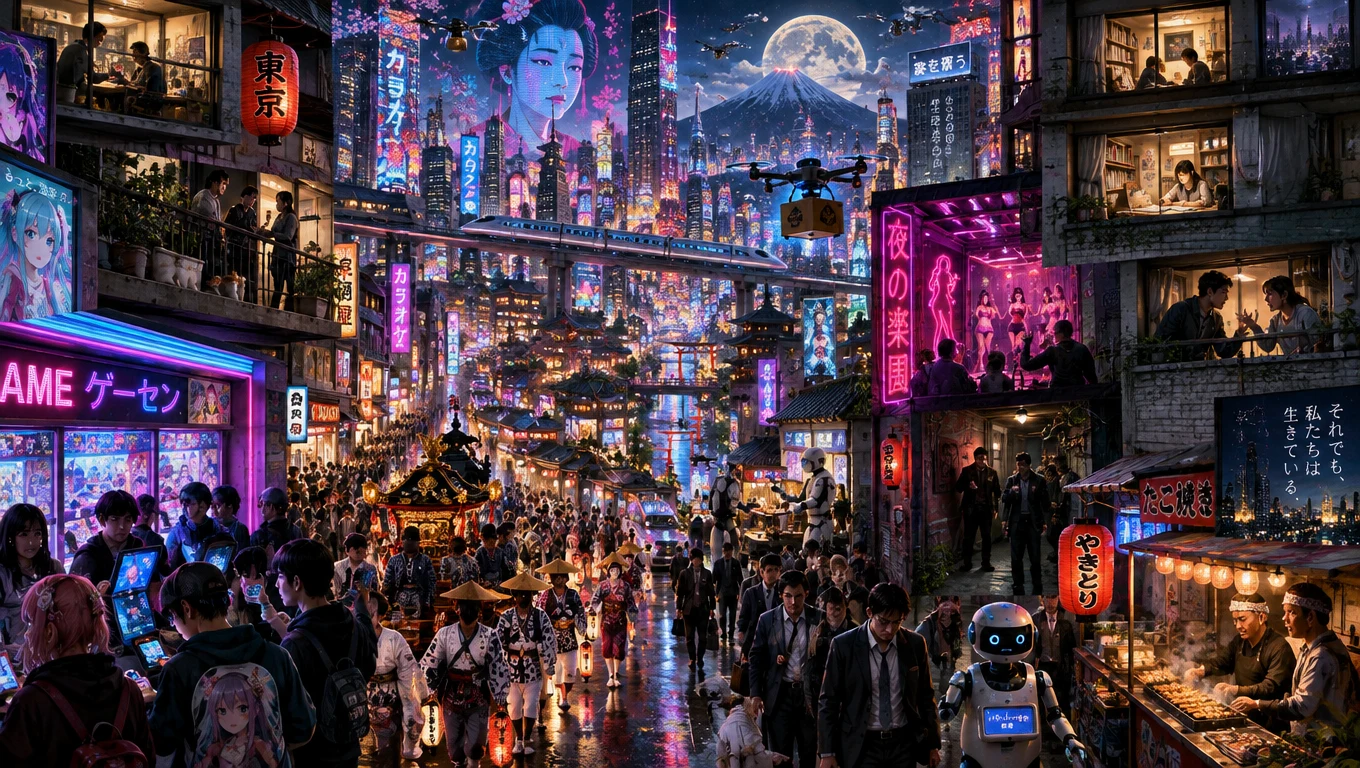
Render visual text in several languages for posters, packaging concepts, signs, editorial graphics, and localized campaign drafts.
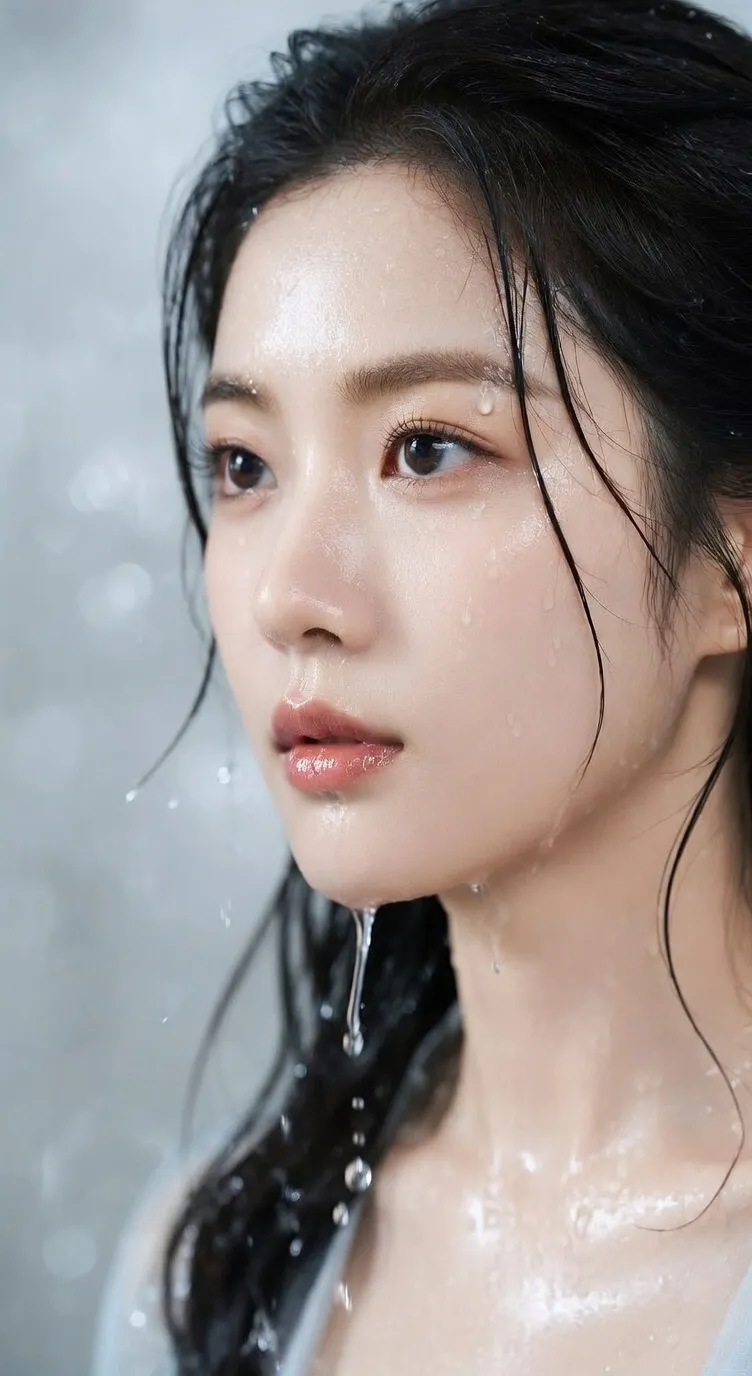
Move between photographic, illustrative, graphic, painterly, and experimental directions rather than being limited to one house look.
When the public API is documented, BFL has confirmed support for varied aspect ratios and resolutions; exact production variants will be added here.
Use visual inputs alongside language to communicate subject, framing, material, color, or style more directly.
Browse how FLUX 3 Image can support product concepts, brand visuals, and narrative-driven creative work.
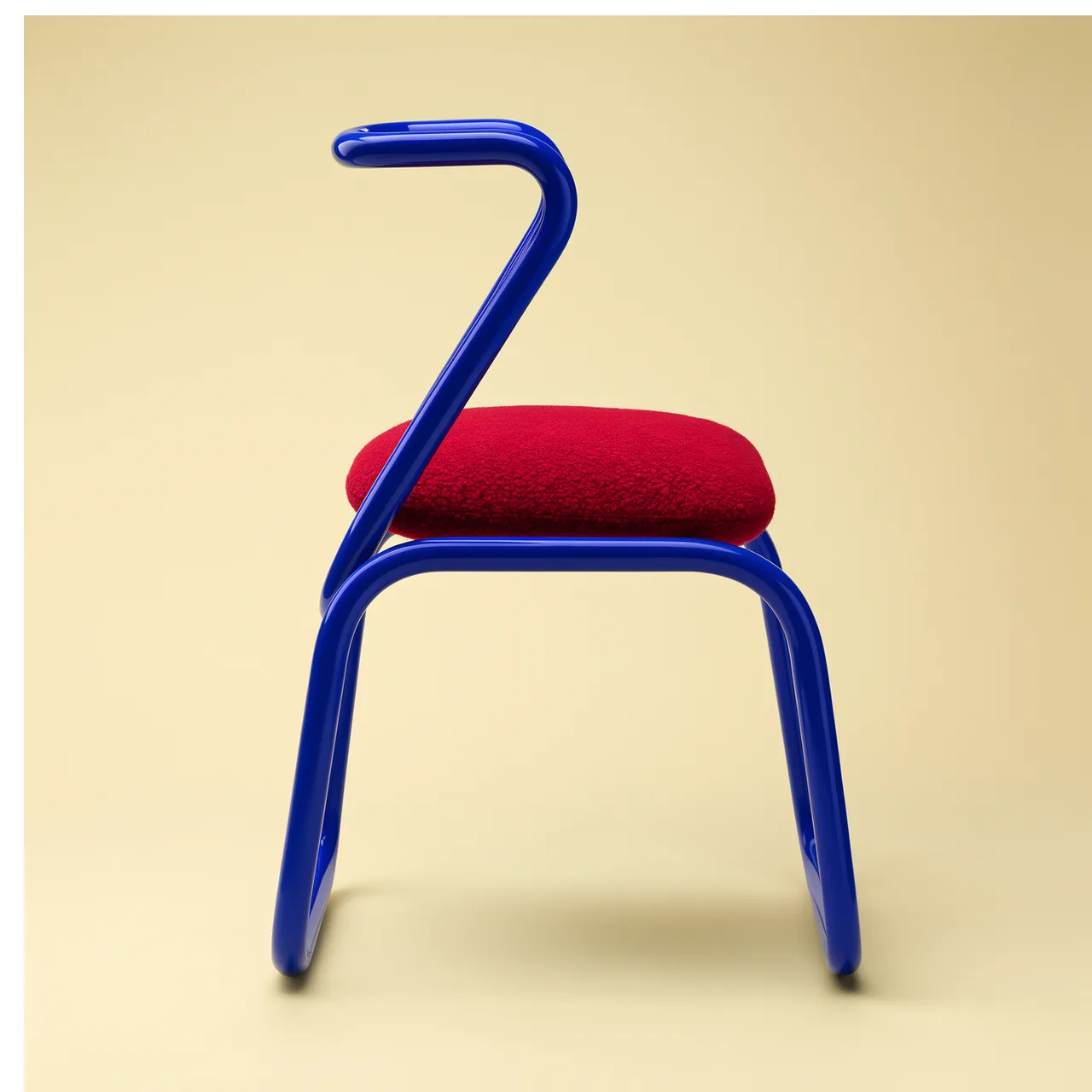
Spell out shape, material, color, light, backdrop, and camera language to browse objects that feel designed rather than assembled from stock imagery.
Specify silhouette, proportions, construction, finish, and the fine points that must remain recognizable.
Spell out surface response, reflections, shadow softness, lens choice, and backdrop contrast.
Treat rendered designs as concepts and review structure, labels, safety, and claims before production.
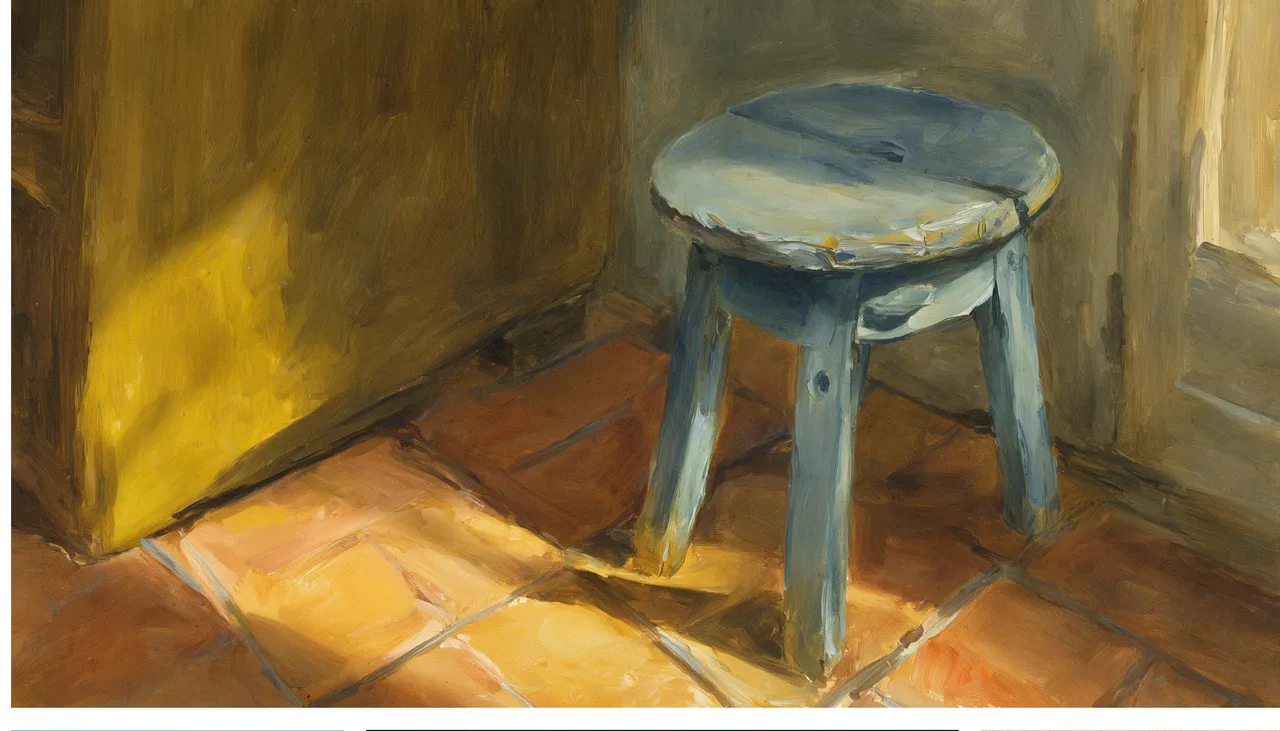
Use this same subject brief across photographic, painterly, editorial, or graphic treatments to compare art directions.
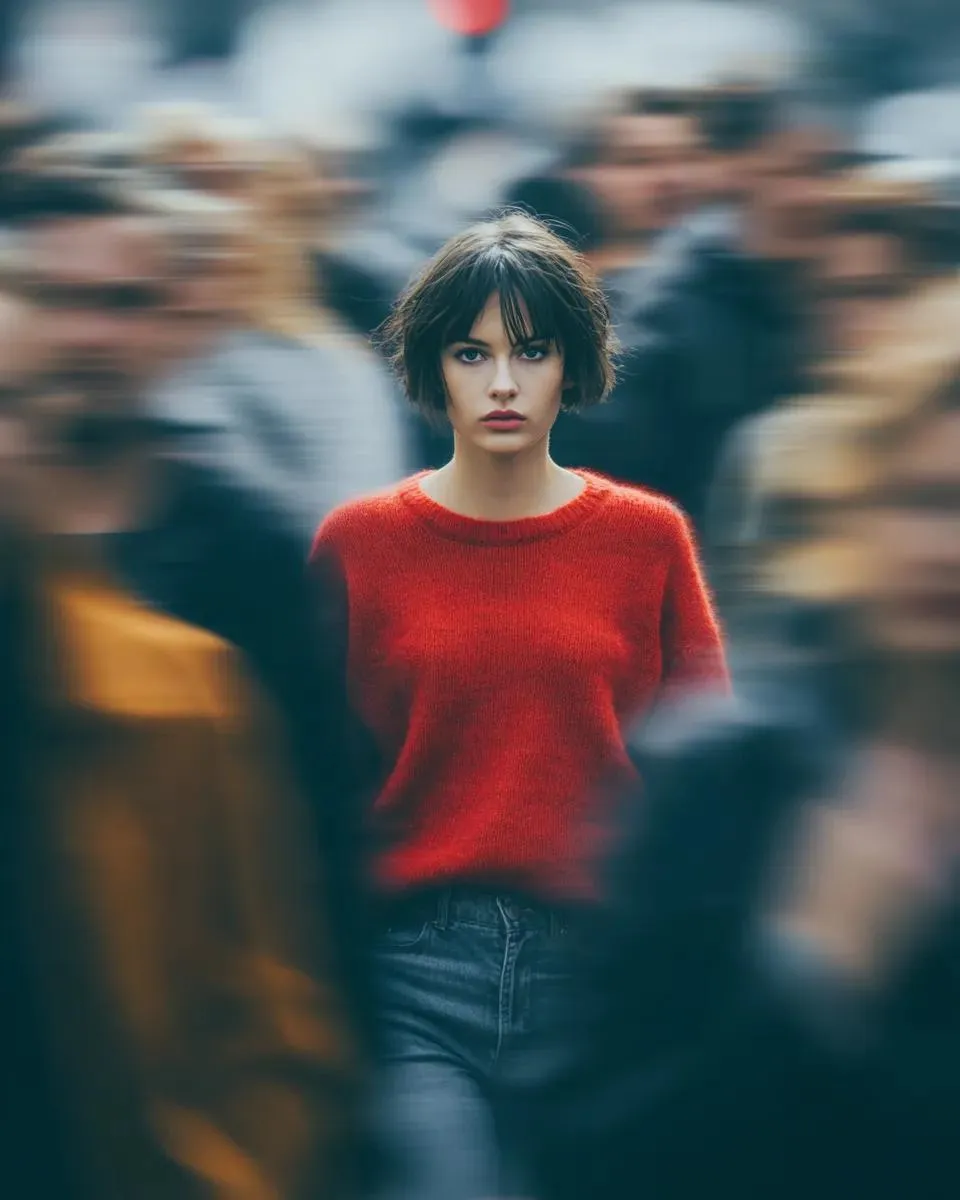
State the identity, pose, form, viewpoint, and framing that should remain steady across variations.
Vary medium, palette, texture, era, or light separately so each output remains easy to evaluate.
Compare anatomy, edges, object structure, color, and small fine points at full resolution.
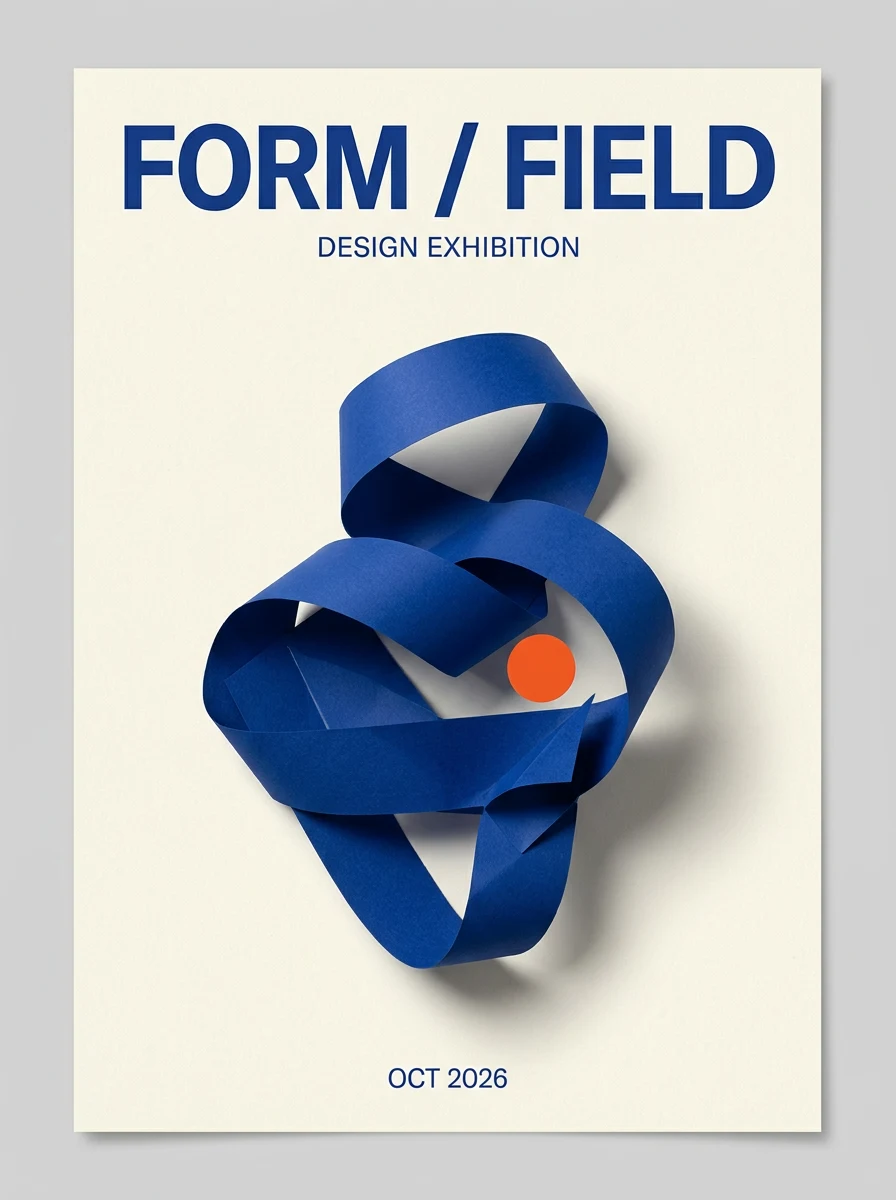
Set up poster, social, packaging, and editorial concepts that combine imagery with short text in the viewers's language.
Separate words that must appear from visual direction and specify language, case, hierarchy, and placement.
Set whitespace, contrast, alignment, and safe areas for headlines, labels, or calls to action.
Verify spelling, translation, punctuation, logos, product facts, plus legal copy outside the model.
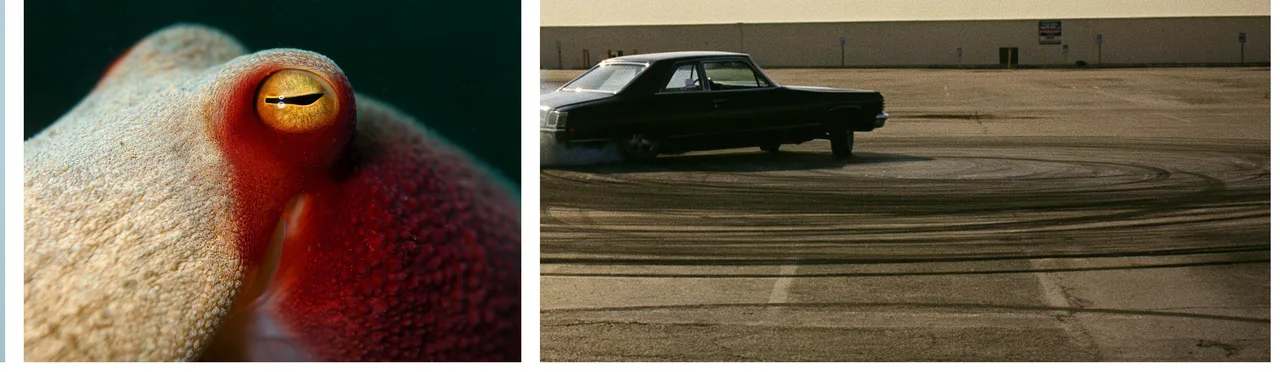
Set the subject, framing, style, light, text that must appear, format, and what a successful output must preserve.
Set up subject, product, material, layout, and style guides with clear rights and a particular role for each asset.
Compare variations, refine the prompt, and verify visual text, product fine points, and asset rights before publishing.
FLUX 3 Image FAQ
FLUX 3 Image is the image synthesis and editing capability of FLUX 3, Black Forest Labs' unified multimodal foundation model trained jointly across images, video, plus audio.
Not in VoraVideo. BFL announced that FLUX 3 Image early access would open in the weeks after the July 23, 2026 FLUX 3 launch. This page will remain marked Coming soon until integration access and production fine points are available.
BFL has confirmed both image synthesis and editing, along with generation guided by text and input guides. The exact editing controls and guide limits have not yet been published.
BFL reports improved text generation over earlier FLUX variants, along with high-accuracy text in several languages. Generated text should still be proofread before publication.
BFL has confirmed a variety of resolutions and aspect ratios but has not published the final production variants. When official API documentation is available, we will list exact settings.
Public API pricing plus VoraVideo credit costs have not been announced.
After integration access, pricing, and production controls are confirmed, FLUX 3 Image generation will become available here.