
1–2 · Photo reference
Use a clear waist-up portrait with both hands visible. A second image can guide the finished hairstyle and outfit.
Turn a hand gesture into a new look: palms turn, hands meet, and a makeover is revealed.
Open a model when you want to write your own prompt.
Turn a hand gesture into a new look: palms turn, hands meet, and a makeover is revealed.
Use a clear waist-up portrait with both hands visible. A second image can guide the finished hairstyle and outfit.
Keep the subject recognizable through the shot. Review the full motion, hands, faces and transitions before sharing.
The quote uses this preset’s model and output settings. Review it before submitting.
Turn a hand gesture into a new look: palms turn, hands meet, and a makeover is revealed.
Use a clear waist-up portrait with both hands visible. A second image can guide the finished hairstyle and outfit.
Keep the face and body proportions recognizable throughout the change. Check the hands and facial details in the finished clip.
Turn a hand gesture into a new look: palms turn, hands meet, and a makeover is revealed.
Turn a hand gesture into a new look: palms turn, hands meet, and a makeover is revealed.
Make one continuous makeover shot. Begin with the first reference person in an everyday look. They turn their open palms up and down, bring their hands together once, then reveal a polished hairstyle and a coordinated new outfit. If a second image is present, use its styling as the after-look guide. Keep the background steady and the transition readable.
Use a clear waist-up portrait with both hands visible. A second image can guide the finished hairstyle and outfit.
Keep the face and body proportions recognizable throughout the change. Check the hands and facial details in the finished clip.
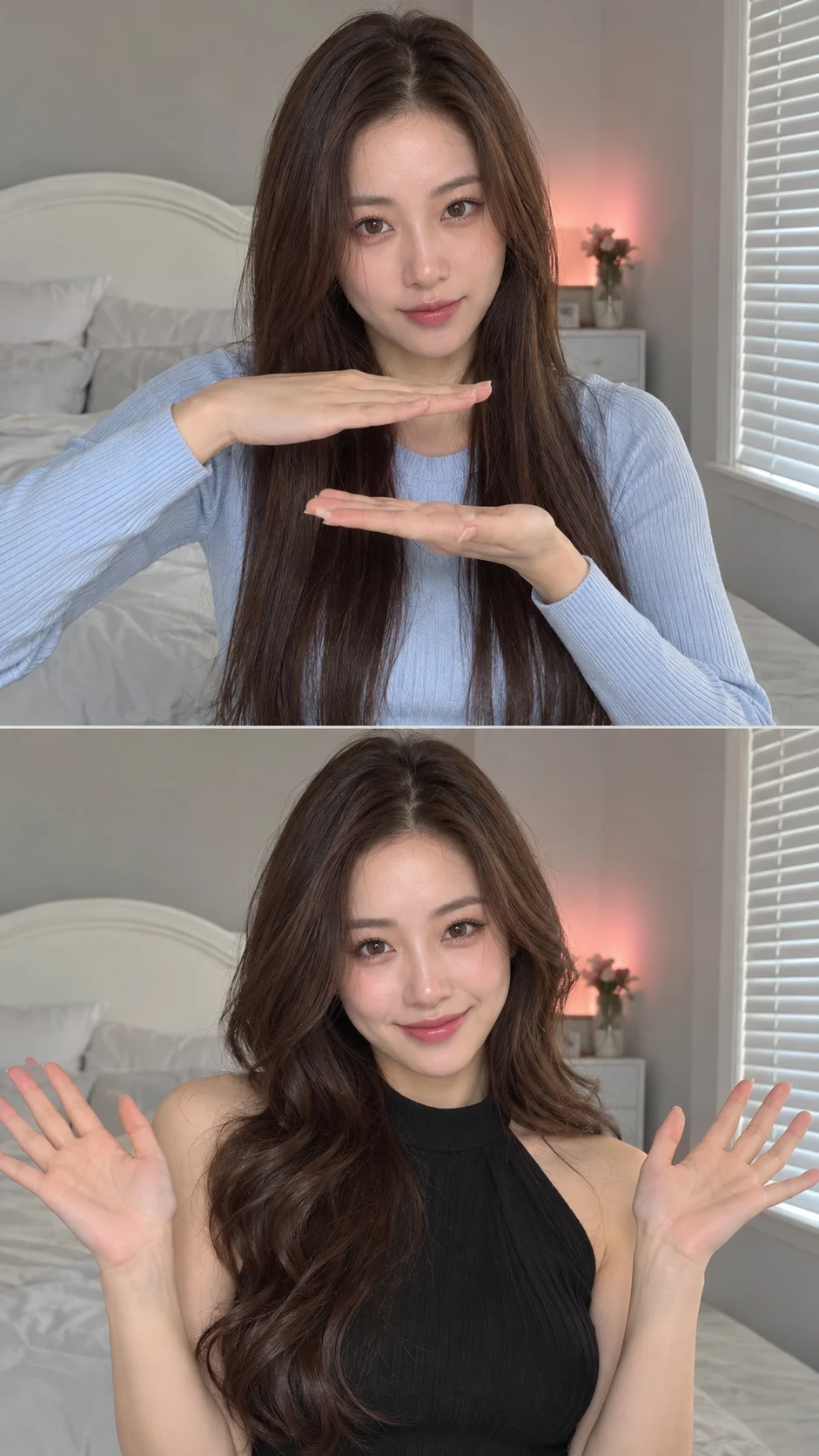
Name the change you want and anything that must stay. The preset supplies the main direction.
Keep the face and body proportions recognizable throughout the change. Check the hands and facial details in the finished clip.
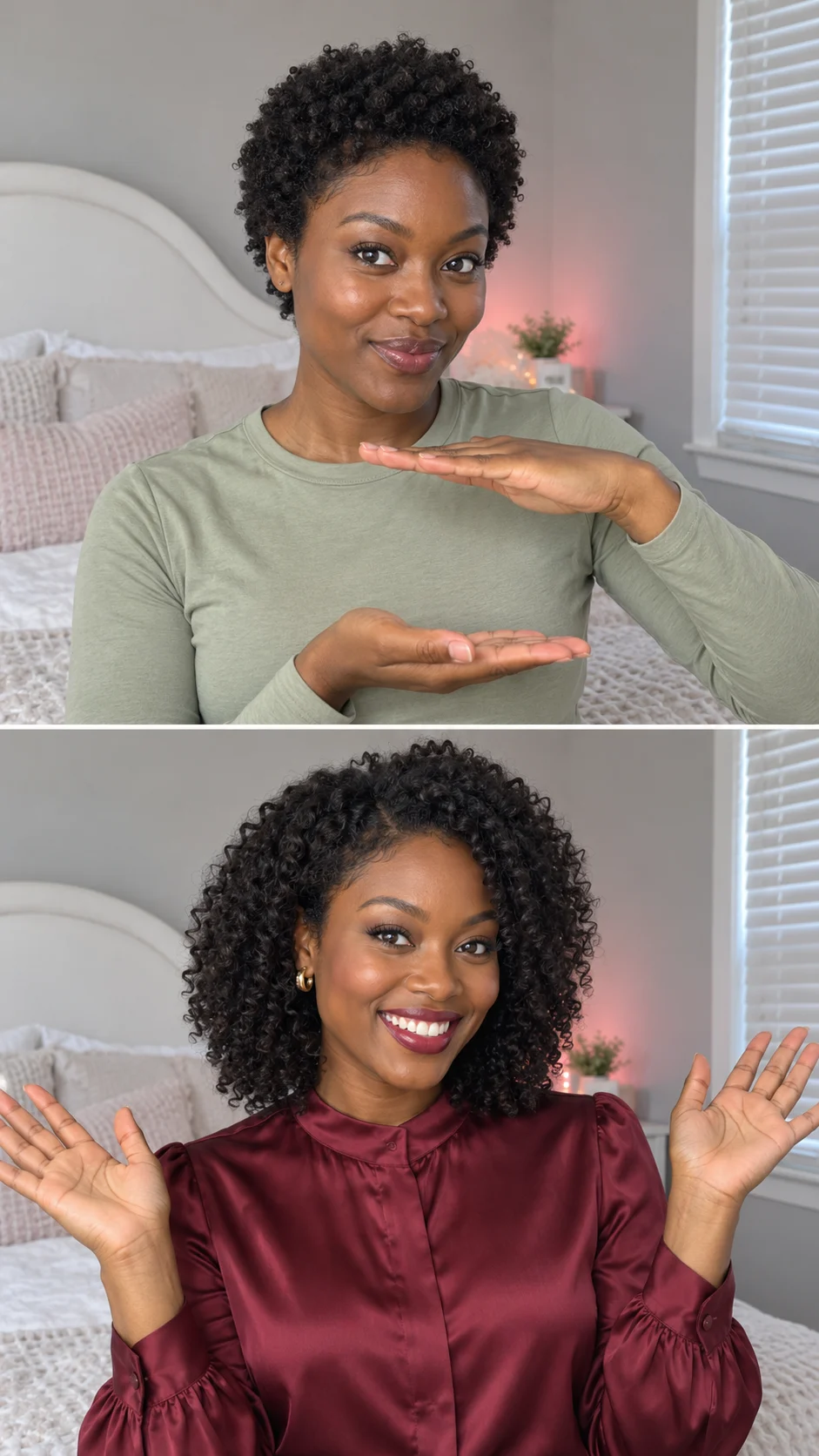
Upload the required reference photos.
Add a color, mood or styling note if you want.
Review the credit quote, generate, then compare the result.
Turn a hand gesture into a new look: palms turn, hands meet, and a makeover is revealed.
Use a clear waist-up portrait with both hands visible. A second image can guide the finished hairstyle and outfit.
No. This effect includes its main instructions. Extra details are optional.
Use Extra details for the color, styling or mood you want. Keep the request focused so the prepared effect remains clear.
The Generate button shows the current quote for the preset. Check that number before submitting; different models and settings can use different amounts.
The preview shows a creative direction. Your result is newly generated and can differ in identity, small details, movement or composition. Review it before use.
Turn a hand gesture into a new look: palms turn, hands meet, and a makeover is revealed.