
1 room photo
Upload a clear photo of an empty room, with space near a chair or sofa. Keep people, private documents and readable personal details out of the frame.
Your room becomes the setting for a recorded greeting from Santa.
Open a model page to create a different scene with your own prompt.
A greeting set somewhere familiar. Santa sits in the room from your photo, waves and speaks toward the camera. A short name and a single sentence leave more time for a natural delivery within the ten-second clip.
Upload a clear photo of an empty room, with space near a chair or sofa. Keep people, private documents and readable personal details out of the frame.
This creates a downloadable video through the usual generation flow. It does not place a call or connect to Apple FaceTime. Check speech and room details before sending.
Review the current credit quote before submitting. A new attempt is a new generation.
A straight, well-lit room photo gives the model furniture and perspective to work from. Leave a visible seat and avoid a crowded composition.
Add a first name, a pronunciation hint and the words you want spoken. Keep the message short; a long paragraph will not fit this preset.
This creates a downloadable video through the usual generation flow. It does not place a call or connect to Apple FaceTime. Check speech and room details before sending.
Santa FaceTime turns a room photo into the setting for a greeting to camera. A name and a short message can make the recorded Christmas greeting personal.
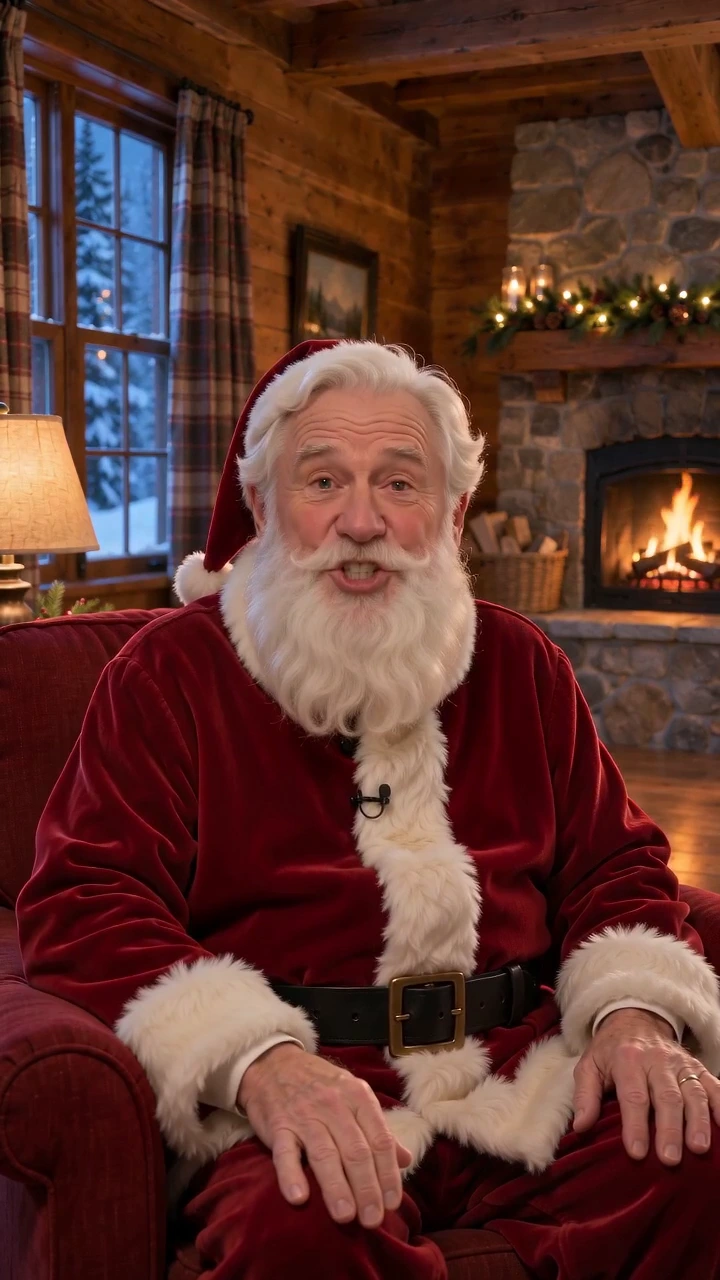
Your photo guides the furniture, perspective and lighting. The preset places Santa seated in the room and waving to the camera, combining a familiar background with a festive character. Generated room details may still change.
Extra details can specify the recipient’s name, pronunciation and language. A short message keeps the ten-second scene focused and turns a seasonal greeting into a few words intended for one person.
The opening wave, spoken greeting and farewell form one short recording, with picture and voice generated together. The result is a saved AI video rather than a live conversation; name pronunciation and lip sync still need review.
Photograph a room without people. Keep the chair or sofa and the surrounding space visible.
Optionally enter the recipient’s first name and one short sentence. Specify a language if you want one different from this page’s default.
Review the quote, create the 10-second video and listen to the name and message before downloading or sharing.
Questions before you generate
No. Santa FaceTime generates a recorded AI greeting. It does not call a phone, connect to Apple FaceTime or respond live.
No. This preset takes a photo of the room only. A first name or greeting can be entered as text; a portrait is not needed.
Pronunciation is generated and may vary. Add a simple pronunciation hint, keep the message brief and listen to the full result before sending.
The main scene is already prepared. Extra details are optional and should stay focused on this effect.
The Generate button shows the current quote for this preset. Review it before submitting; another attempt uses a new quote.
Each video is newly generated. Faces, shapes, motion and speech can vary. Review the complete result before sharing.
Turn one photo of your room into a short, recorded greeting from Santa. Add an optional name, pronunciation hint or short message. The result is an AI video, not a live call.