
1
Upload one sharp photo showing the whole car, including the roof and wheels. A front three-quarter view in even light works well.
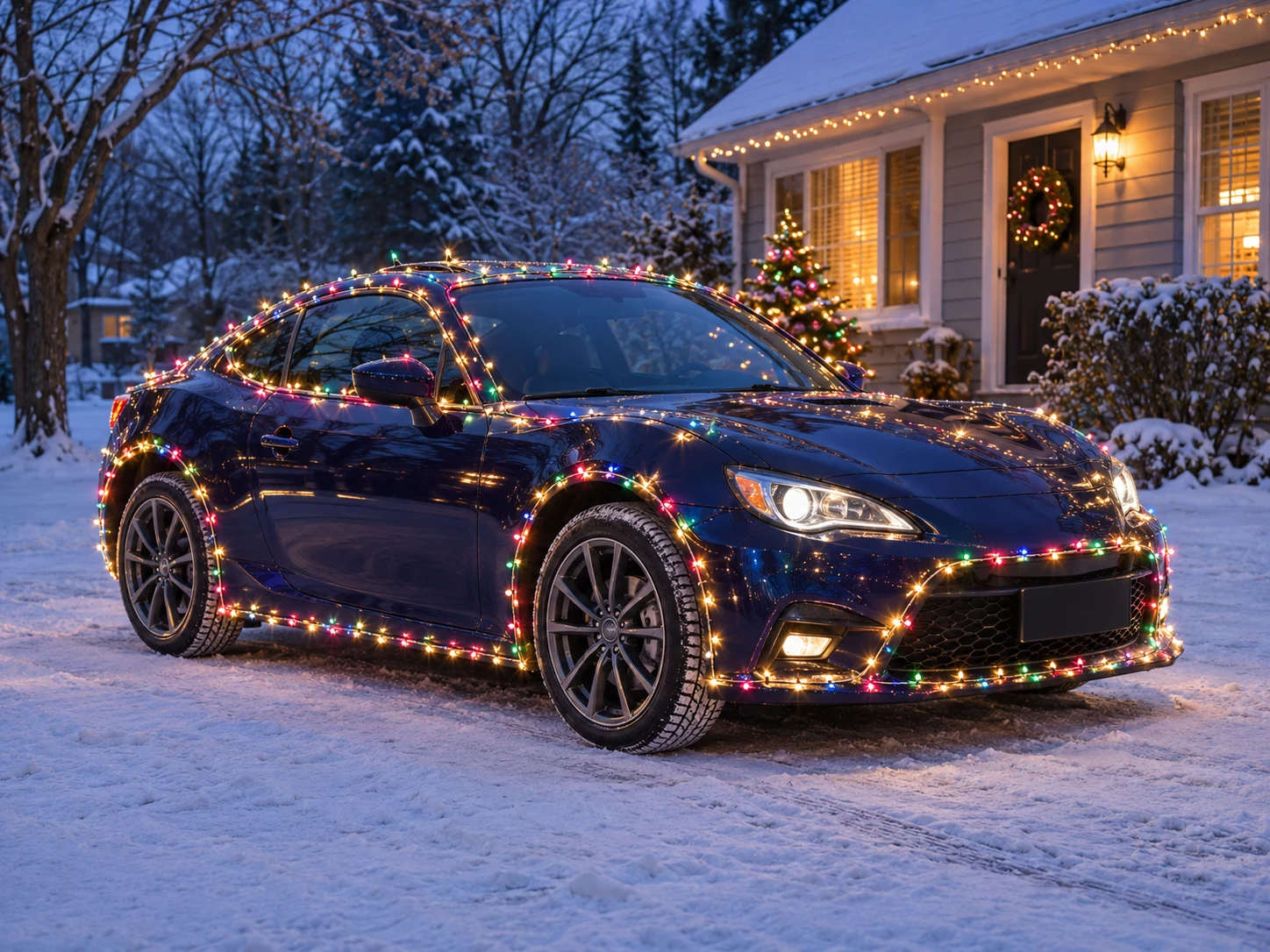
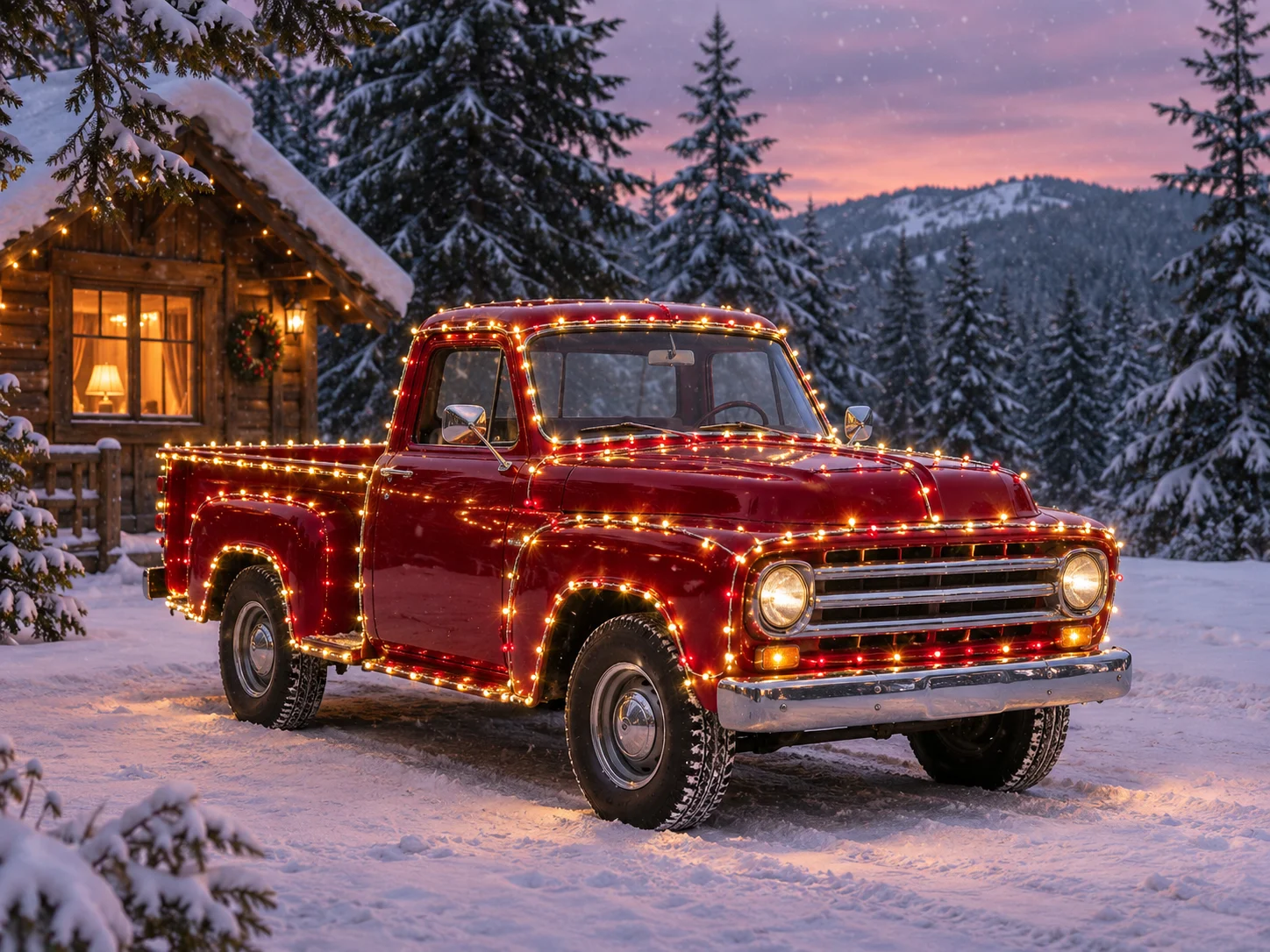
Give your car a snowy Christmas setting, with glowing lights tracing the roofline, windows and body.
Open a model to write your own prompt.
Give your car a snowy Christmas setting, with glowing lights tracing the roofline, windows and body.
Upload one sharp photo showing the whole car, including the roof and wheels. A front three-quarter view in even light works well.
Snow, dusk light and a warmly lit house create the setting. Review wheel contact, reflections and lamp placement in the finished still.
Review the current quote before submitting. Each new generation is a separate request.
Upload one sharp photo showing the whole car, including the roof and wheels. A front three-quarter view in even light works well.
For example, warm-white lights, a red-and-green accent, or a small cabin behind the car.
Review the current quote before submitting. Each new generation is a separate request.
Give your car a snowy Christmas setting, with glowing lights tracing the roofline, windows and body.
The photo guides body style, paint, wheels and visible modifications. Showing the whole vehicle gives the model more useful detail.
The preset follows the roofline, windows, mirrors and body with string lights. Add a color preference without covering the car’s distinctive shape.
Snow, dusk light and a warmly lit house create the setting. Review wheel contact, reflections and lamp placement in the finished still.
Upload one sharp photo showing the whole car, including the roof and wheels. A front three-quarter view in even light works well.
For example, warm-white lights, a red-and-green accent, or a small cabin behind the car.
Check the quote, generate, then inspect the result before downloading.
Questions before generating
Use one clearly visible vehicle and show its complete shape. The prompt asks to keep the source body type, so include the roof, wheels and distinctive modifications.
Crop to one car before uploading and leave some room around it. This preset is centered on a single vehicle and does not ask to retain people.
Yes. Name the colors or request warm-white lights in the notes. You can also describe the house or snow while keeping the car as the subject.
The preset asks for an unreadable plate and avoids new logos. Paint, wheels and modifications guide the image, but small details may change and should be checked.
This page requests one 2K still image in 4:3. To animate the result, download it and use the image-to-video tool as a separate generation.
Download the current result first, then change the notes and generate again. Each new lighting version is a separate task with its own credit quote.
Give your car a snowy Christmas setting, with glowing lights tracing the roofline, windows and body.