
1 drawing photo
Photograph only the whole drawing, flat and in even light. Choose one main animal, creature or vehicle. Keep faces, hands and people out of the photo.
Bring a drawing to life, keeping its wonky shapes and original colors.
Open a model page to create a different scene with your own prompt.
The unusual shape is the point. A lion with stick legs should keep its stick legs; a bus with oversized wheels should keep those wheels. This preset asks for a physical-looking subject rather than a corrected, ordinary version of the drawing.
Photograph only the whole drawing, flat and in even light. Choose one main animal, creature or vehicle. Keep faces, hands and people out of the photo.
The prompt asks for real-world materials and a fitting scene while keeping the drawn outline. The model can still alter details; compare colors, limbs and proportions before sharing.
Review the current credit quote before submitting. A new attempt is a new generation.
Long legs, asymmetrical eyes and unusual colors are part of the design. Check the result against the drawing rather than against a normal animal or vehicle.
A clear animal, monster, pet or vehicle works better than a crowded page. Ask for a blink, a few steps or a short roll, rather than a complicated story.
The prompt asks for real-world materials and a fitting scene while keeping the drawn outline. The model can still alter details; compare colors, limbs and proportions before sharing.
Kids Drawing to Life gives a drawing physical texture and motion while aiming to preserve its unusual silhouette, proportions and colors.
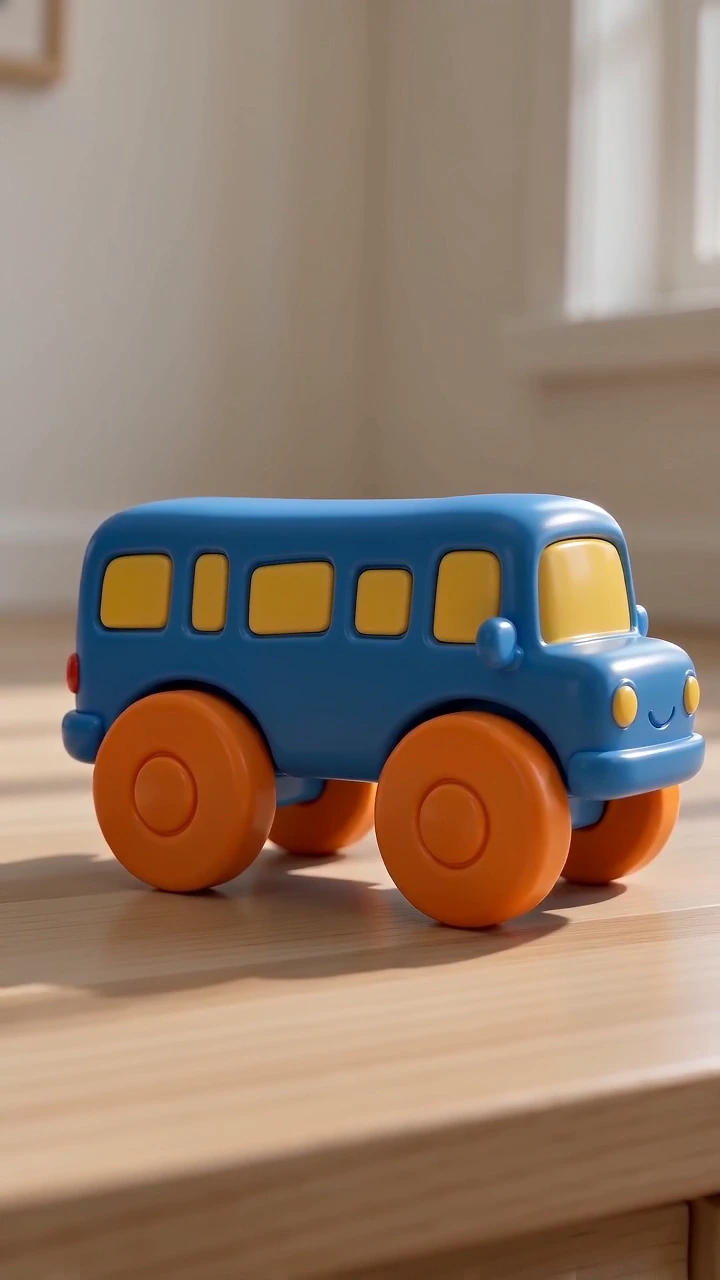
An oversized head, tiny body, mismatched ears or giant wheels can all be defining features. The drawing guides the shape, and those distinctive choices remain the focus when the subject becomes animated.
The preset begins with the drawing on paper and transitions to a three-dimensional subject with fur, fabric or metal-like surfaces, lighting and grounded shadows. Imaginary creatures can take the form of physical-looking art toys.
A blink, head tilt, a few steps or a short roll gives one subject a focused ten-second scene. Modest motion makes the result easier to compare with the drawing; the model may still regularize lines, colors or limb details.
Lay it flat and photograph it from above in even light. Include the whole subject and crop away the surrounding room.
Optionally name the creature or vehicle, its setting and a small action. No separate image-generation step is required in this preset.
Review the quote, create the 10-second video and check the shape, colors and movement against the original drawing.
Questions before you generate
The prepared direction shows the drawing briefly, then asks for a realistic-textured version that moves. It aims to keep the original design rather than animate flat lines alone.
No. Upload only the artwork. The subject can be an animal, creature, pet or vehicle; a person in the drawing is treated as a cloth toy, not a real person.
Use a clearer photo with one main subject and name the defining features in Extra details. Review limb count, proportions and colors. Exact preservation is not guaranteed, and another attempt is a new generation.
The main scene is already prepared. Extra details are optional and should stay focused on this effect.
The Generate button shows the current quote for this preset. Review it before submitting; another attempt uses a new quote.
Each video is newly generated. Faces, shapes, motion and speech can vary. Review the complete result before sharing.
Upload a drawing of one animal, imaginary creature, pet or vehicle. Make a short video that gives it real-world textures and motion while aiming to preserve its odd proportions and colors.