
Text · JPEG · PNG · WebP · MP4
Gemini Omni 1.2 Flash
Create videos with Gemini Omni 1.2 Flash.
More Models
Explore other video models for a different shot.
Gemini Omni 1.2 Flash
Choose a workflow by the material you have
Create 3–15 second videos with synchronized audio, animate a first frame, or edit an MP4 with Gemini Omni 1.2 Flash.
360p–4K
Synchronized audio
Shown before generation
Control the frame, length, and sound
Choose an output size
Select 360p, 720p, 1080p or 4K. The higher tiers are upscaled outputs.
Describe sound in the prompt
Ask for rain, music, or dialogue along with the action. The model generates the audio with the video.
Frame the shot for its destination
Choose 16:9, 9:16 or automatic framing. Video editing follows the source clip’s ratio and length.
From a blank prompt to an edited shot
Pick the mode that gives you control over the part of the shot that matters.
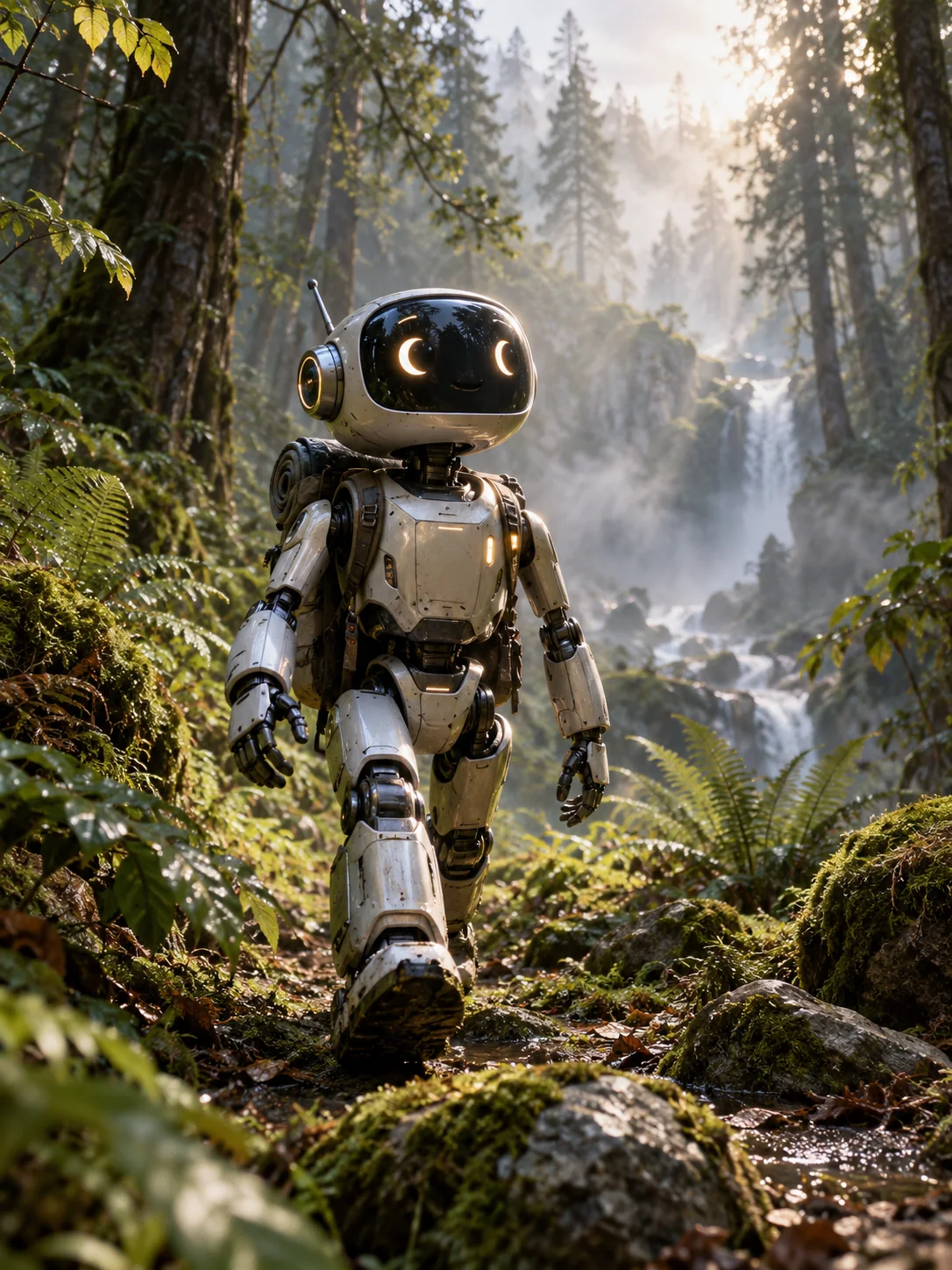
Start with a prompt
Describe the action and how the camera should follow it. A new shot can run from 3 to 15 seconds.
Set a first frame or guide the look
Use one image for the opening frame, or add a second to set the ending. In reference mode, images guide subjects and style without fixing the first frame.
Edit footage you already have
Upload one MP4 up to 15 seconds. Say what to change, such as the lighting, and what to preserve. Reference images can help show the intended change.
Make your first clip
01
Choose a mode
Use text, ordered frames, references, or an MP4 to edit.
02
Describe the shot
Give the model one clear action and describe the sound. Set the output size and, where available, the duration.
03
Review the quote and generate
Check the credits before submitting. Preview the result and download it from your library.
FAQ
Gemini Omni 1.2 Flash questions
How many reference files can I add?
Reference mode requires at least one image. It accepts up to 10 images and 3 optional MP4 clips of up to 10 seconds each. For output longer than 10 seconds, add at most one video reference.
How long can a first-to-last-frame clip be?
With two images in image-to-video mode, the clip can run from 3 to 10 seconds. With a single first frame, it can run up to 15 seconds.
Can I upload an audio track?
The model generates synchronized audio. Describe the sound you want in the prompt. This page accepts visual references only.
Why does the credit quote change?
Output duration and resolution affect the quote. The prompt, reference images and the length of any source video also contribute.
Create a video with Gemini Omni 1.2 Flash
Create 3–15 second videos with synchronized audio, animate a first frame, or edit an MP4 with Gemini Omni 1.2 Flash.