
1
Upload one front-facing adult portrait, head and upper chest visible, with room around loose hair. Avoid hats and hands covering the face.
Turn one portrait into a bouncy-hair selfie clip with the original Opa Opa rhythm and soundtrack.
Open a model to write your own prompt.
Turn one portrait into a bouncy-hair selfie clip with the original Opa Opa rhythm and soundtrack.
Upload one front-facing adult portrait, head and upper chest visible, with room around loose hair. Avoid hats and hands covering the face.
The generated picture is aligned to the complete 10.54-second source soundtrack. Audio keeps its original speed and pitch, and the download includes sound.
Review the current quote before submitting. Each new generation is a separate request.
Upload one front-facing adult portrait, head and upper chest visible, with room around loose hair. Avoid hats and hands covering the face.
Optional outfit or appearance notes. The camera, choreography and soundtrack are fixed.
Review the current quote before submitting. Each new generation is a separate request.
Turn one portrait into a bouncy-hair selfie clip with the original Opa Opa rhythm and soundtrack.
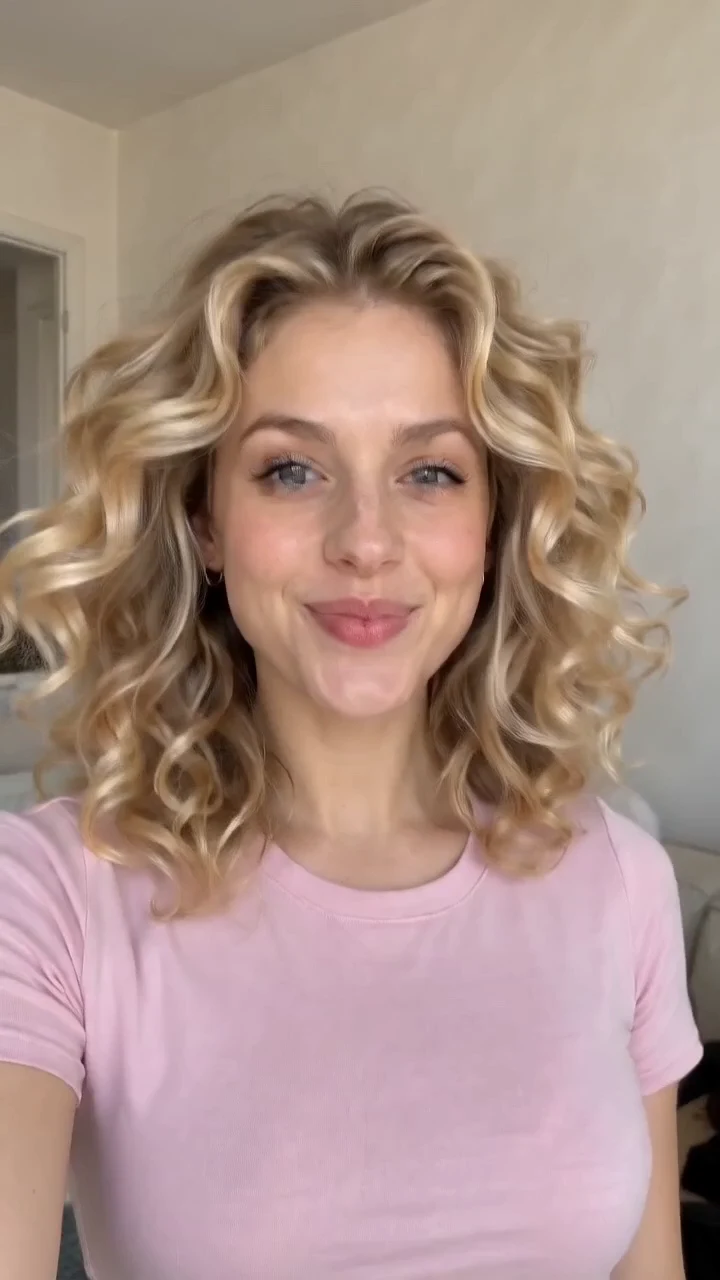
Your photo guides the face, hair and visible clothes. A built-in clip supplies the phone-camera framing, body bounce, hair sweep and changing expressions.
The aim is natural lift and sway appropriate to the hair in your photo. Keeping the hair outline visible helps; fast motion can still blur facial details.
The generated picture is aligned to the complete 10.54-second source soundtrack. Audio keeps its original speed and pitch, and the download includes sound.
Upload one front-facing adult portrait, head and upper chest visible, with room around loose hair. Avoid hats and hands covering the face.
Optional outfit or appearance notes. The camera, choreography and soundtrack are fixed.
Check the quote, generate, then inspect the result before downloading.
Questions before generating
Yes. Keep the hairline and eyes visible and reduce glare on glasses. Short hair should move according to its length; the effect does not require growing long hair.
The built-in reference guides the room, framing and routine. Your portrait guides the person and visible outfit. You can add appearance notes before generating.
Yes. Silent visuals are generated first, then the complete original soundtrack is attached at its original speed. The final clip lasts about 10.54 seconds.
This page uses a fixed reference and a vertical 720p output. For a different routine or format, use the image-to-video tool and provide your own direction.
Use a sharper front-facing portrait with clear eyes and hair. Inspect the hair sweep, side glances and final expression. Motion and likeness vary between generations.
Use the download icon once the finished result appears. Replacing the portrait and generating again creates a separate task with its own quoted credits.
Turn one portrait into a bouncy-hair selfie clip with the original Opa Opa rhythm and soundtrack.