
1 photo
Choose a clear standing photo of one adult, with the face and shoes in frame. The preset supplies the doorway and outfit.
Turn one full-body portrait into a nighttime angel wings reveal.
Open a model page to create a different scene with your own prompt.
Turn one full-body portrait into a 10-second angel wings reveal. Open the door at night, step into warm porch light and unfurl white feathered wings.
Choose a clear standing photo of one adult, with the face and shoes in frame. The preset supplies the doorway and outfit.
Check the credit quote, then generate. Before sharing, look at the face, the wing roots and both wing tips.
The button shows the credit quote for this video before submission.
Choose a clear standing photo of one adult, with the face and shoes in frame. The preset supplies the doorway and outfit.
Optionally describe the light, such as a warm amber glow. The doorway action and white wings are set by the preset.
The button shows the credit quote for this video before submission.
The AI illustration shows the doorway look this preset aims for. The video adds the entrance, wing movement and ambient sound.
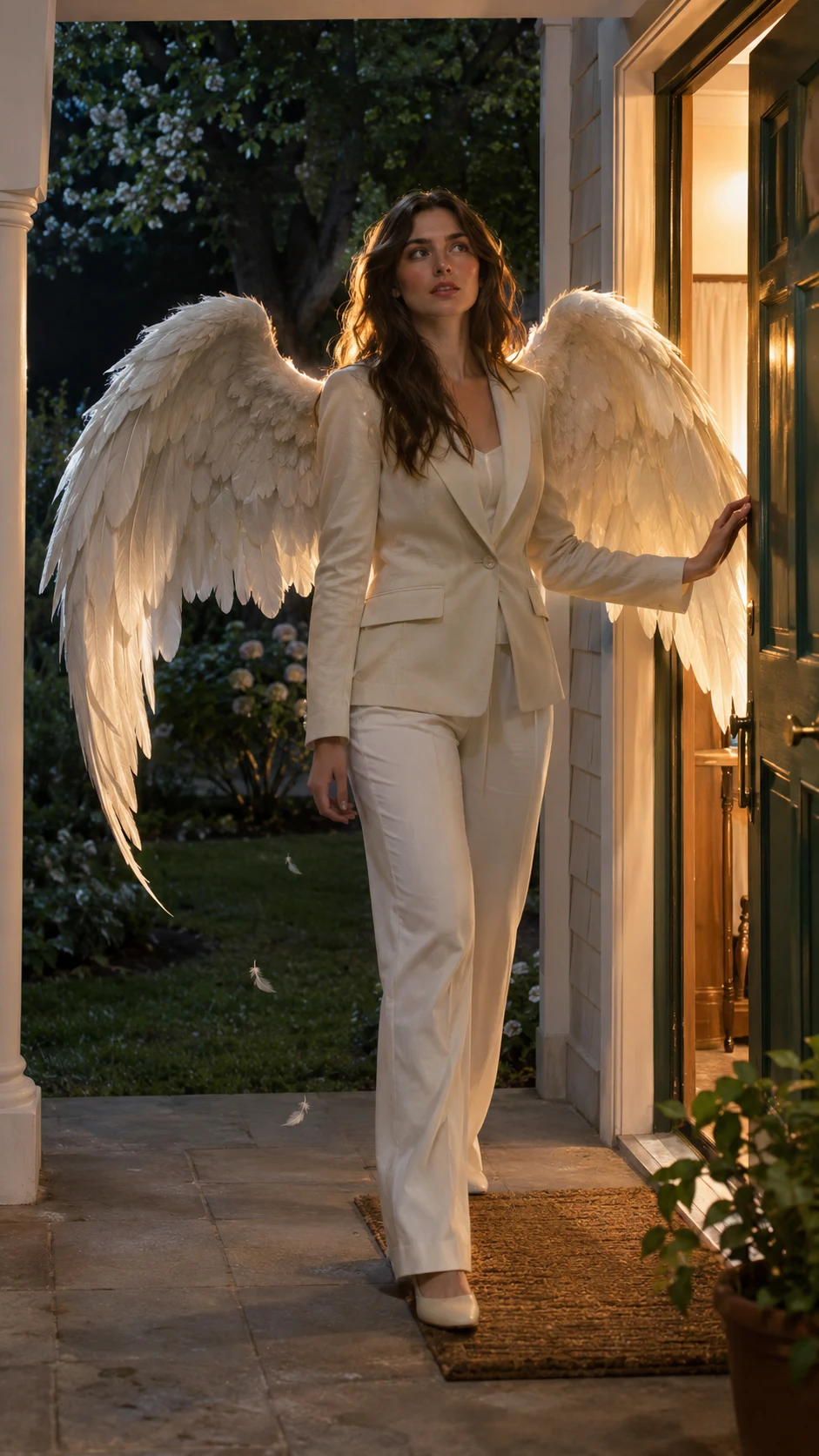
The door opens first. The adult in your photo steps from the darker interior into the porch light, giving the wings room to open outside the frame of the door.
The wings open behind the shoulders and stay in view as the subject comes to a stop. A few drifting feathers make the movement easier to see.
The preset asks for the latch, footsteps and a soft feather rustle. The 10-second vertical clip leaves room to add a track in your editor.
Choose a clear standing photo of one adult, with the face and shoes in frame. The preset supplies the doorway and outfit.
Optionally describe the light, such as a warm amber glow. The doorway action and white wings are set by the preset.
Check the credit quote, then generate. Before sharing, look at the face, the wing roots and both wing tips.
Photos, sound and wing details
One adult portrait is enough. The preset creates the ivory outfit, wings and nighttime porch around the person in the photo.
This preset is built for one adult. A standing full-body JPG, PNG or WebP gives the model the clearest view of the face and stance. With a cropped selfie, it has to invent the missing body.
The preset uses newly generated ambient sound. If you want JADE’s track, add it in a posting app where it is available for your account and intended use.
You can suggest lighting details. The preset calls for white wings and a short walk on the porch so the camera can show how the wings unfold.
Look at the frame when the wings are fully open. Check that they attach behind the shoulders and that both tips stay in view. If you try again, use a clear full-body portrait with space around the subject and ask to keep both tips in frame. Each new run uses the quoted credits.
Turn one full-body portrait into a 10-second angel wings reveal. Open the door at night, step into warm porch light and unfurl white feathered wings.