
1 photo
Use a clear three-quarter photo of one whole car, with the front, side and wheels in frame.
One car photo becomes a low-angle night showcase.
Open a model page to create a different scene with your own prompt.
Turn one car photo into a vertical night showcase with a low camera pass, a wheel close-up and a final view of the whole car.
Use a clear three-quarter photo of one whole car, with the front, side and wheels in frame.
The preset asks for coherent lighting across the shots. Check rims, body panels and reflections before sharing because the model can alter small details.
The button shows the credit quote for this video before submission.
Use a clear three-quarter photo of one whole car, with the front, side and wheels in frame.
Optionally describe a lighting color or the mood of the parking deck. The preset supplies the shot order.
The button shows the credit quote for this video before submission.
Turn one car photo into a vertical night showcase with a low camera pass, a wheel close-up and a final view of the whole car.
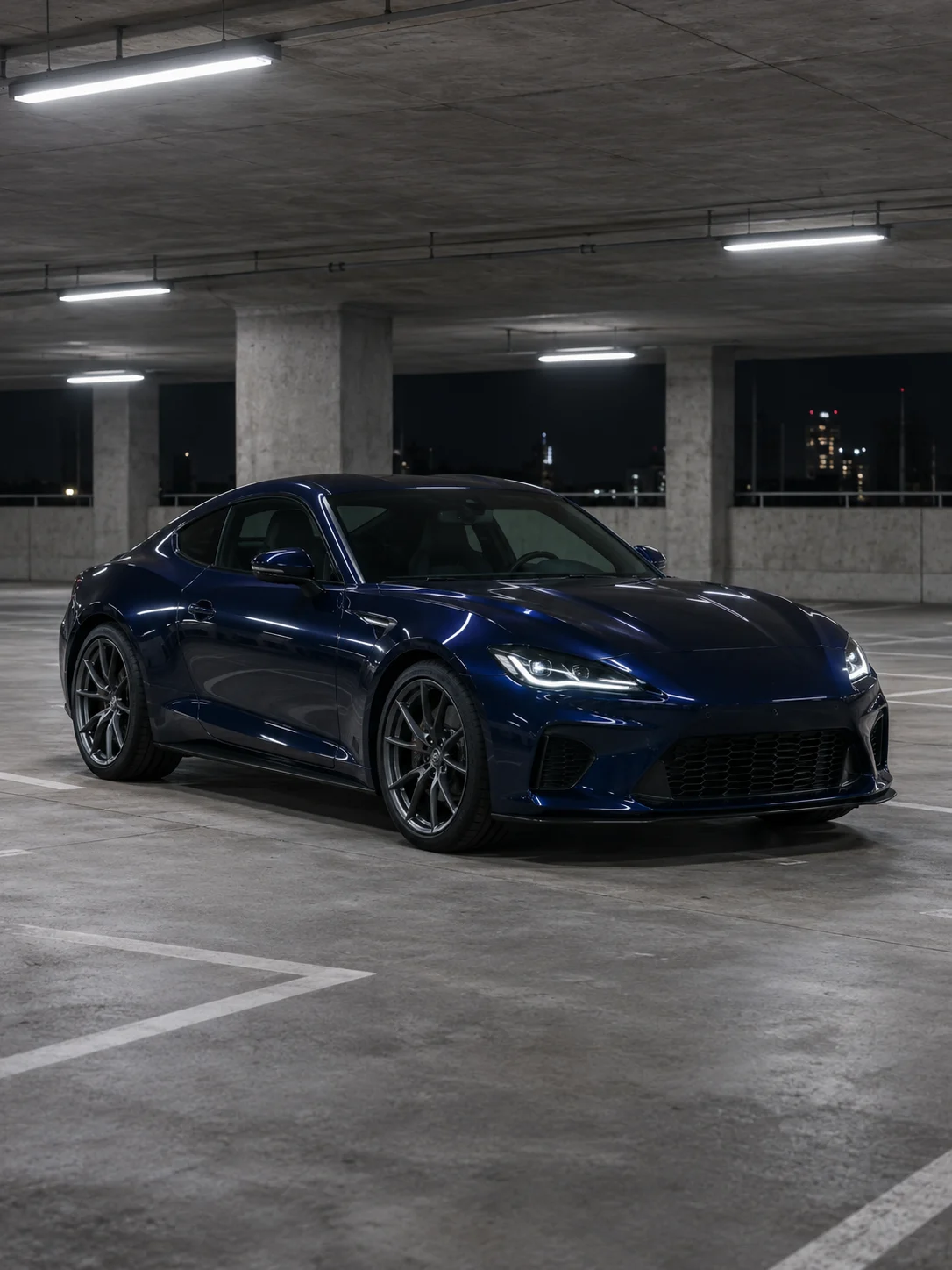
The reference guides the paint, body shape, wheels and lights. A clear whole-car photo gives close-ups more consistent details to work with.
A low side pass and a short wheel detail give the video pace. The scene ends with the full car so the clip still reads as a showcase.
The preset asks for coherent lighting across the shots. Check rims, body panels and reflections before sharing because the model can alter small details.
Upload a clear front-corner photo that includes the complete car.
Optionally describe a lighting color or the mood of the parking deck. The preset supplies the shot order.
Review the quote, generate the clip and compare the wheels and paint across the cuts.
Questions before you generate
A daytime photo of the whole car works. The preset creates the night garage. With a wheel close-up, the model has to invent the body and lights outside the frame. For a recognizable car, use a photo that shows the front, side and wheels.
The preset keeps the car parked and creates a sense of speed with a low camera pass, a wheel close-up and cuts. For driving, drifting or chase shots, use the image-to-video tool and describe the movement.
Audio is enabled. The preset asks the model for garage ambience and subtle sound effects. The upload box takes a car photo. To cut to your own music, download the clip and add the track in a video editor.
The photo guides these details, though they can vary between shots. Use a full-car photo that clearly shows the modification and name the most important detail in the notes, such as “keep the black five-spoke wheels.” Compare the side shot with the close-up.
This preset makes a fixed 10-second, 9:16 video at 720p. For landscape or a different length, choose a model with those options in the image-to-video tool.
Generating again starts a new task at the credit amount shown on the button. Review the existing clip first to decide whether to redo the lighting. To save a version you like, use the download icon in the results panel.
Turn one car photo into a vertical night showcase with a low camera pass, a wheel close-up and a final view of the whole car.