
1
Upload one clear portrait with the face and outfit visible. A full-body photo gives the model more guidance for the toy’s clothes and shoes.
Turn one portrait into a collectible-style action figure in a display box, with a name and accessories you can describe.
Open a model to write your own prompt.
Turn one portrait into a collectible-style action figure in a display box, with a name and accessories you can describe.
Upload one clear portrait with the face and outfit visible. A full-body photo gives the model more guidance for the toy’s clothes and shoes.
The vertical frame includes the figure, packaging and props. Zoom in to check small labels, fingers, plastic reflections and the accessories.
Review the current quote before submitting. Each new generation is a separate request.
Upload one clear portrait with the face and outfit visible. A full-body photo gives the model more guidance for the toy’s clothes and shoes.
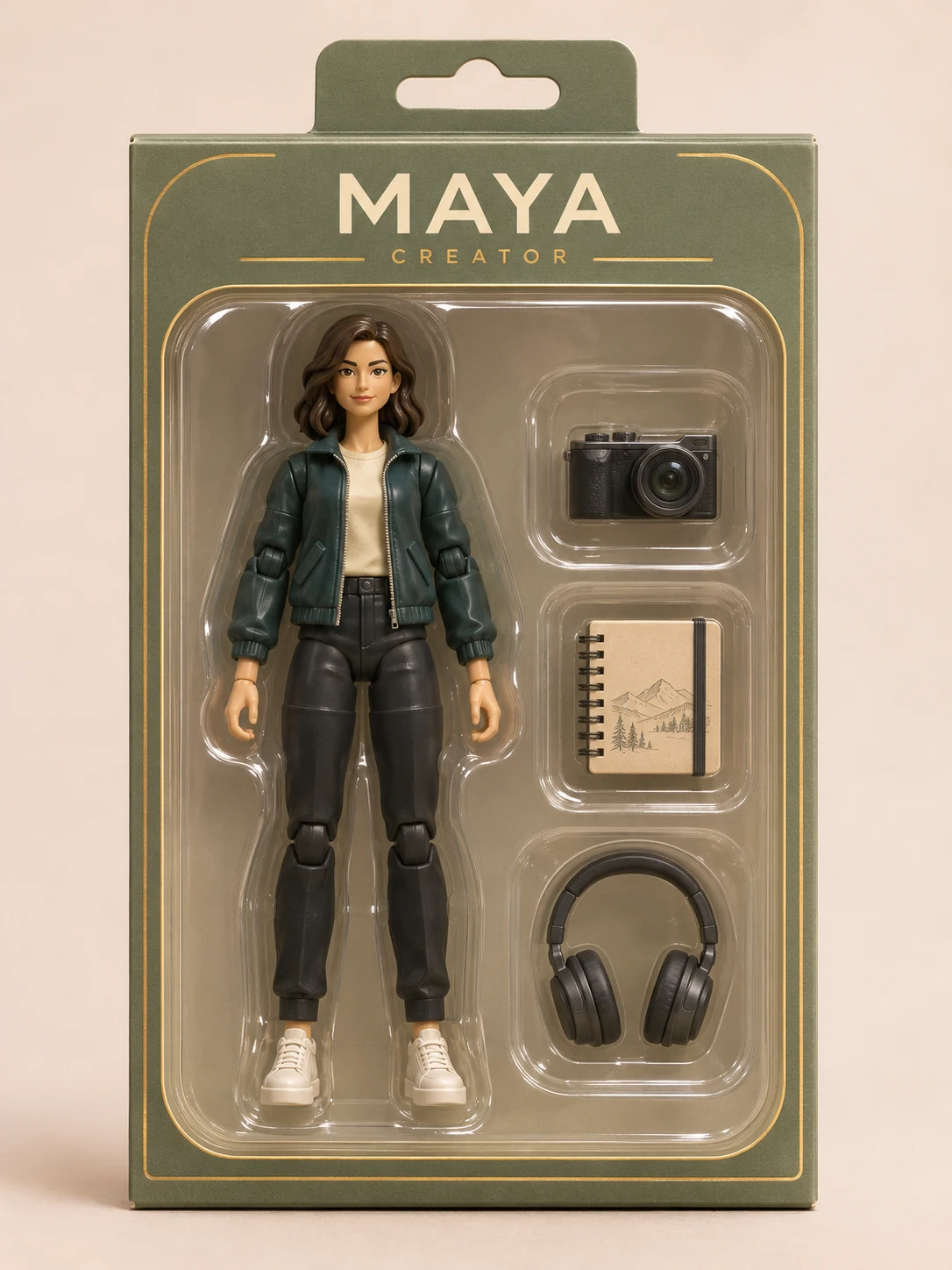
For example, name MAYA, role CREATOR, camera + sketchbook + headphones, sage-green box.
Review the current quote before submitting. Each new generation is a separate request.
Turn one portrait into a collectible-style action figure in a display box, with a name and accessories you can describe.
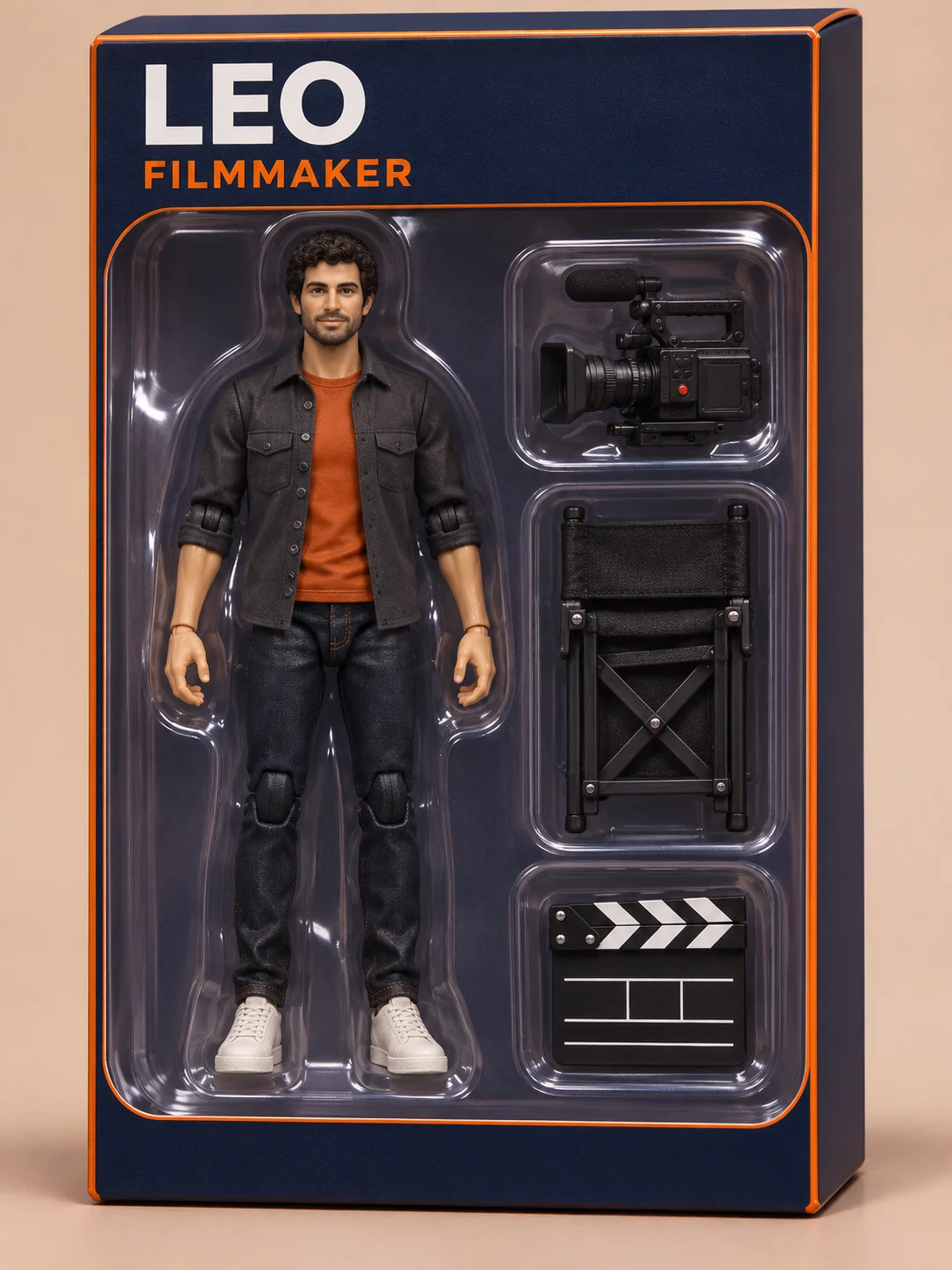
Facial cues, hairstyle and clothes guide a molded plastic figure with visible joints. The intended finish is collectible toy photography.
Describe a short name, role, box color and up to three accessories. Separate compartments help keep each small prop readable.
The vertical frame includes the figure, packaging and props. Zoom in to check small labels, fingers, plastic reflections and the accessories.
Upload one clear portrait with the face and outfit visible. A full-body photo gives the model more guidance for the toy’s clothes and shoes.
For example, name MAYA, role CREATOR, camera + sketchbook + headphones, sage-green box.
Check the quote, generate, then inspect the result before downloading.
Questions before generating
The output is one downloadable image of a toy-style package. Physical manufacturing and 3D-printable files are outside this generator’s output.
Write the exact words in the notes, preferably a short name and role. Review spelling and small text after generation. The default header stays blank when you request no label.
Yes. Describe up to three small accessories and one main packaging color in the notes. Clear, distinct props are easier to inspect than a long crowded list.
The photo guides the clothes and hair, translated into plastic toy detail. Areas outside a cropped portrait are invented, so use a full-body photo if shoes or trousers matter.
This preset requests one figure and one 2K image in 3:4. Use separate requests for different people and review the credit quote each time.
Try a shorter label in a new request, or download the image and correct the wording in an editor. Every new generation has its own credit quote.
Turn one portrait into a collectible-style action figure in a display box, with a name and accessories you can describe.