

1 photo
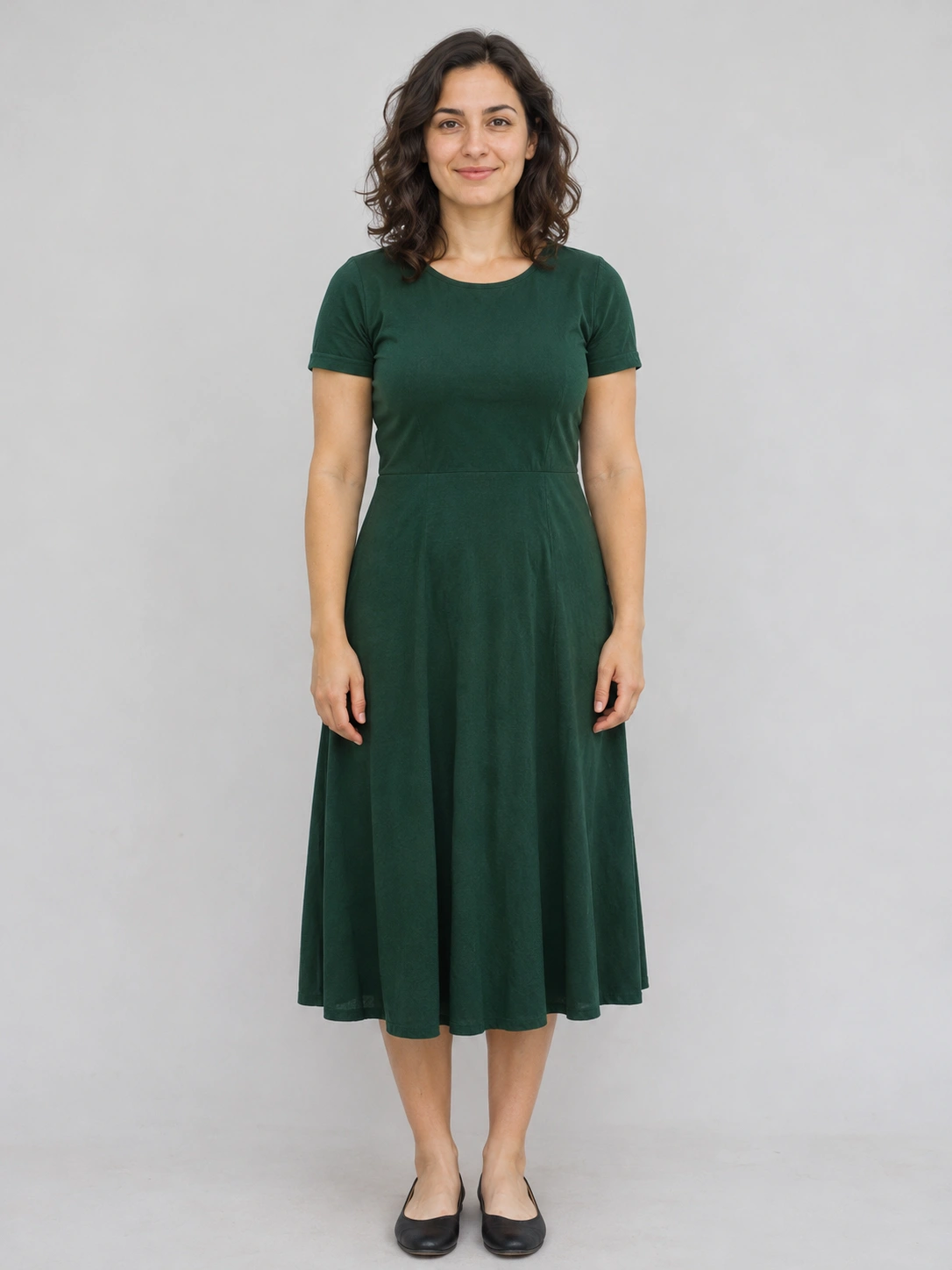
Use a well-lit single portrait with the eyes and hair visible. A waist-up photo gives the model more guidance for framing and clothes.
Turn a selfie into a warm Christmas studio portrait.
Open a model when you want to write your own prompt.
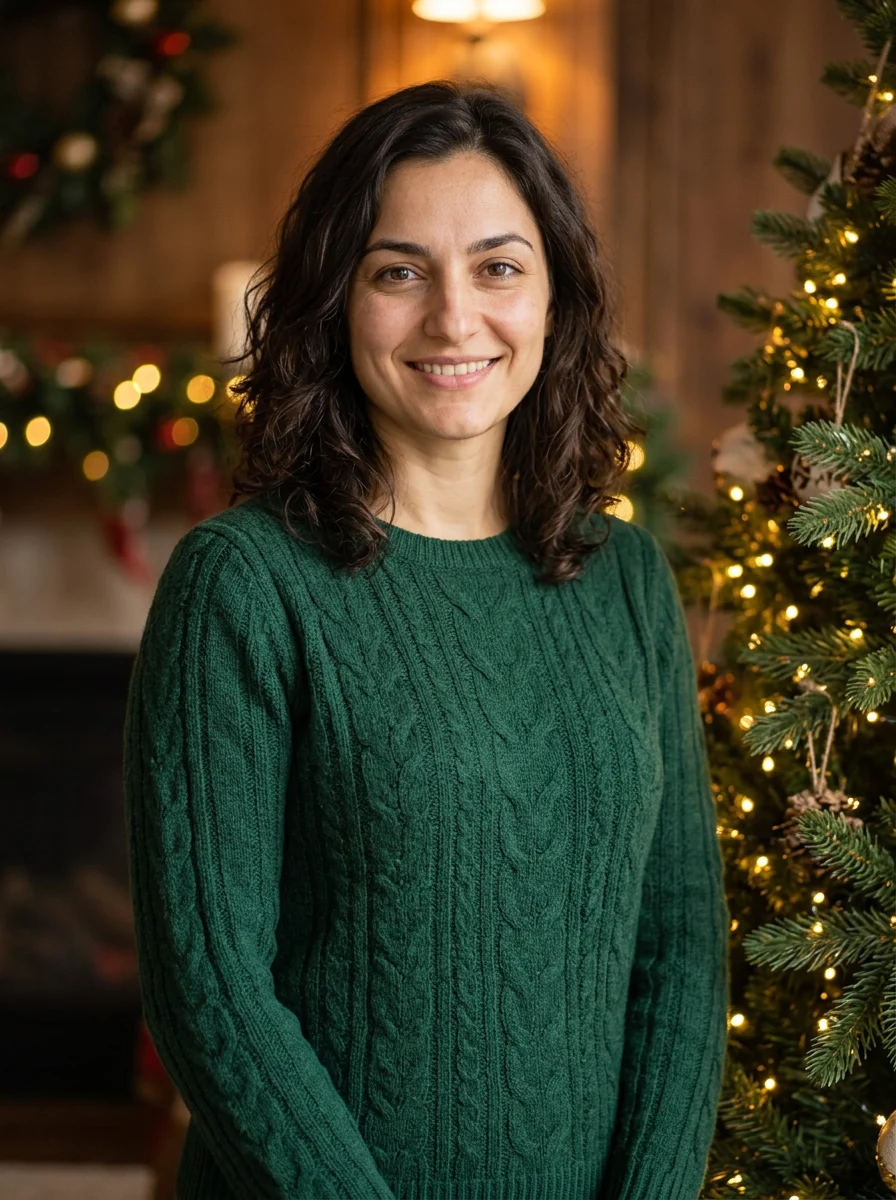
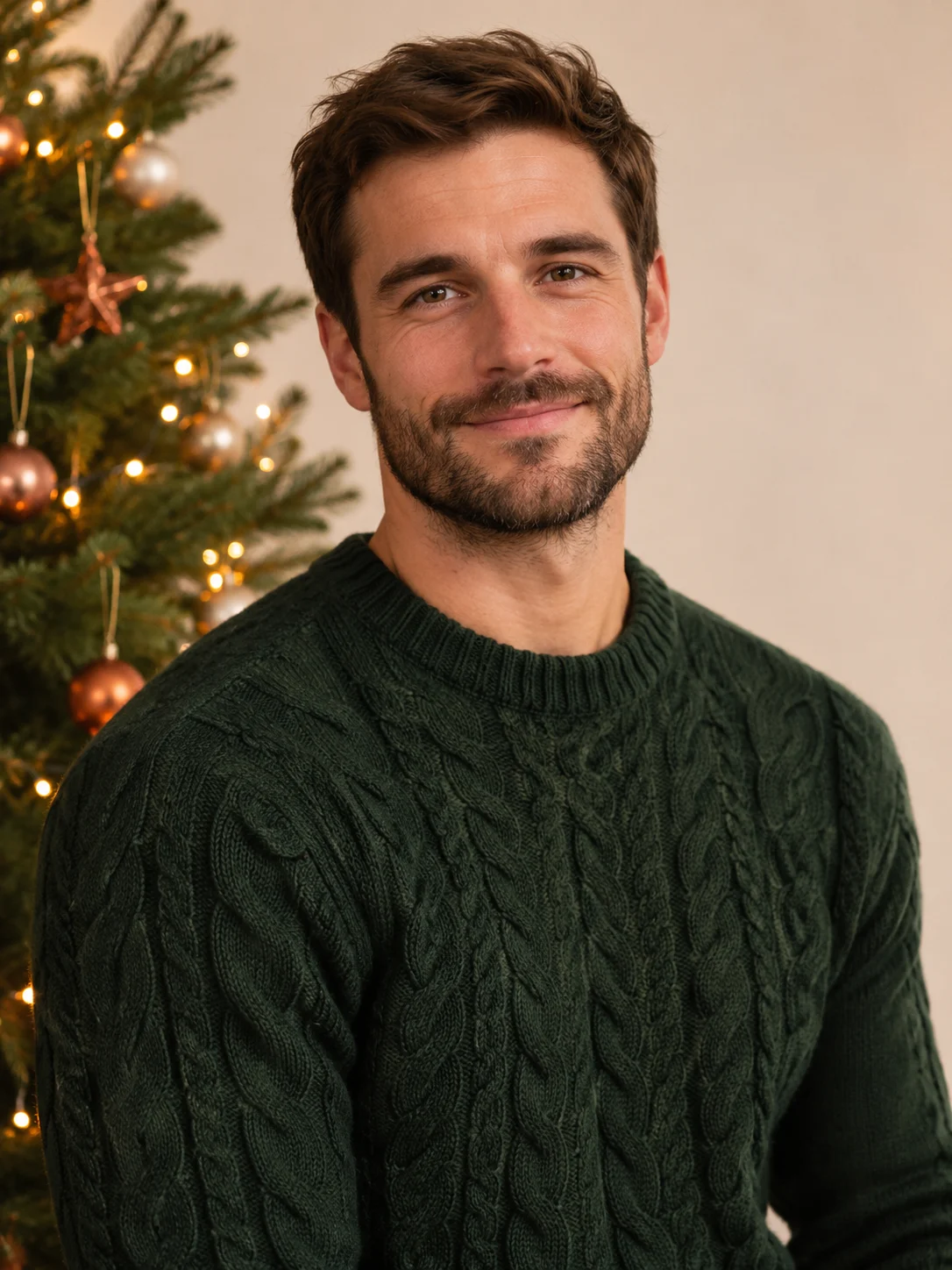
Make a Christmas studio portrait from one selfie, with warm tree lights and space to crop it for a card.
Use a well-lit single portrait with the eyes and hair visible. A waist-up photo gives the model more guidance for framing and clothes.
A vertical waist-up composition gives room around the head and shoulders. Check skin tone, hair and clothing after generation before cropping.
The button shows the current quote for the still image before submission.
Use a well-lit single portrait with the eyes and hair visible. A waist-up photo gives the model more guidance for framing and clothes.
Optionally describe a sweater color or a softer light. The holiday set is already prepared.
The button shows the current quote for the still image before submission.
Make a Christmas studio portrait from one selfie, with warm tree lights and space to crop it for a card.
The selfie guides facial features, hair and expression. Even front light helps the model see the details you want to keep.
The preset builds a warm studio scene with a lit evergreen tree and a festive knit outfit. You can add a color or lighting preference.
A vertical waist-up composition gives room around the head and shoulders. Check skin tone, hair and clothing after generation before cropping.
Upload a clear single portrait with the face unobstructed.
Optionally describe a sweater color or a softer light. The holiday set is already prepared.
Review the quote and generate a still image. Compare the face with your reference, then crop for the intended use.
Photos, styling and saving
This preset features one adult. If a group photo is all you have, crop out one person and keep their full head and shoulders in frame. To compose several people together, describe the group separately in the image-to-image tool.
The preset creates a Christmas studio with a lit tree and a festive sweater. If you want another sweater color, such as burgundy, write it in the optional notes.
Yes. Choose a photo with little glare so the eyes are easy to see. If the glasses matter to the look, add “keep the original thin frames,” then inspect the frames and eyes in the result.
The preset produces one vertical 3:4 portrait without added text. For a digital card, download the portrait, crop it to fit and add the name and greeting in an editor. Leave room around the head and shoulders when cropping.
The preset returns one image per run. Try one color, save the image you like, then change the notes for another color. Check the credit amount on the button before submitting again.
Once the image appears in the results panel, use the download icon. Zoom in to check the face and hair, and keep the full-size download for later avatar or card crops.
Make a Christmas studio portrait from one selfie, with warm tree lights and space to crop it for a card.