


2
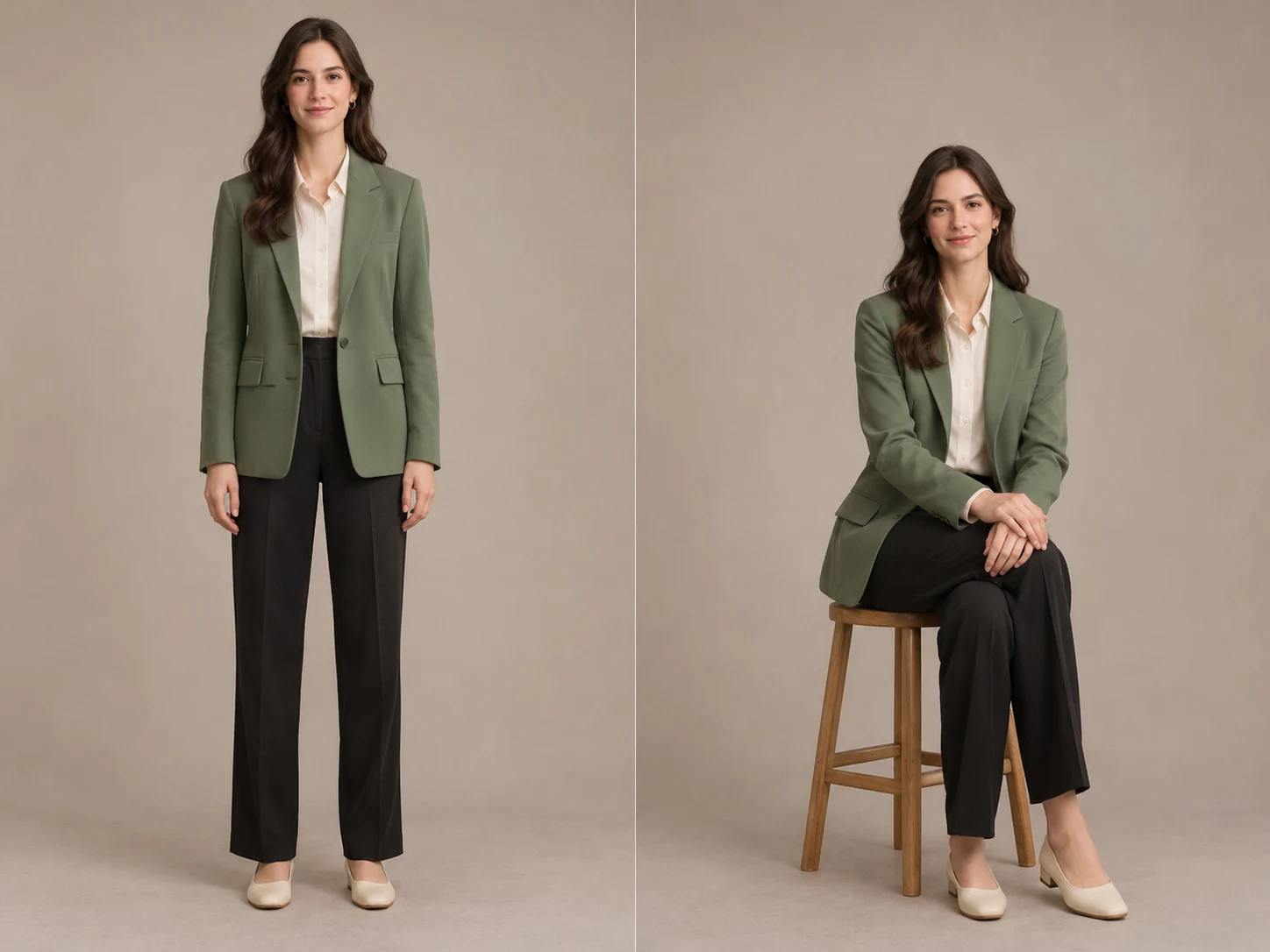
Left is the person to edit; right is the pose to follow. Keep the relevant arms, legs and support surfaces visible in both photos.
Upload a person photo and a pose reference to explore a new stance, seated portrait or hand position.
Open a model to write your own prompt.
Upload a person photo and a pose reference to explore a new stance, seated portrait or hand position.
Left is the person to edit; right is the pose to follow. Keep the relevant arms, legs and support surfaces visible in both photos.
Name the arm, head turn or seated position you want to change. Review hands, knees, chair contact and shadows in the finished image.
Review the current quote before submitting. Each new generation is a separate request.
Left is the person to edit; right is the pose to follow. Keep the relevant arms, legs and support surfaces visible in both photos.
For example, keep the room and outfit, change only the right arm, and keep both feet on the floor.
Review the current quote before submitting. Each new generation is a separate request.
Upload a person photo and a pose reference to explore a new stance, seated portrait or hand position.
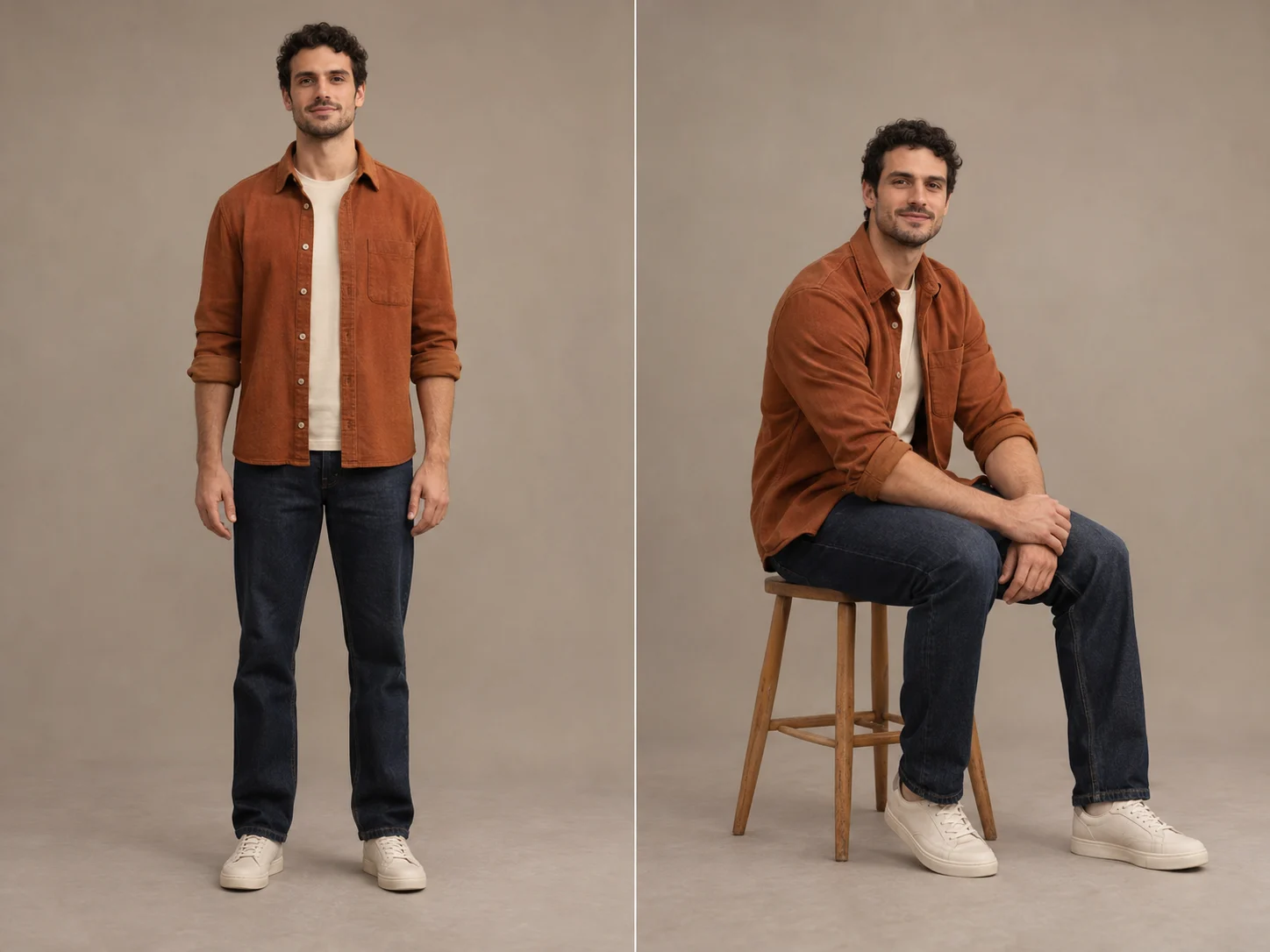
The first photo supplies the face, hair and outfit. A half-body or full-body photo shows more detail for the model to retain.
The second photo supplies the stance, limb directions and hand placement. Choose a reference with a camera angle and framing close to the intended result.
Name the arm, head turn or seated position you want to change. Review hands, knees, chair contact and shadows in the finished image.
Left is the person to edit; right is the pose to follow. Keep the relevant arms, legs and support surfaces visible in both photos.
For example, keep the room and outfit, change only the right arm, and keep both feet on the floor.
Check the quote, generate, then inspect the result before downloading.
Questions before generating
The preset asks for identity and clothes from the first photo and pose only from the second. Details can still change, so compare the face, outfit and accessories before using the result.
The model must invent any body, clothes or shoes outside the source frame. A full-body source is a better starting point when those details need to remain recognizable.
Name the part to change in the notes and explain what should stay. This is reference-guided regeneration; inspect other parts of the image as well.
Use photos with compatible framing and make any supporting seat visible. Large viewpoint changes or hidden limbs make the result harder to control.
This preset requests one 2K image in 3:4. For another format, open the image-to-image tool and choose the available model settings.
Downloading an existing result does not regenerate it. Changing the pose or photos and submitting again creates a new task with its own credit quote.
Upload a person photo and a pose reference to explore a new stance, seated portrait or hand position.