
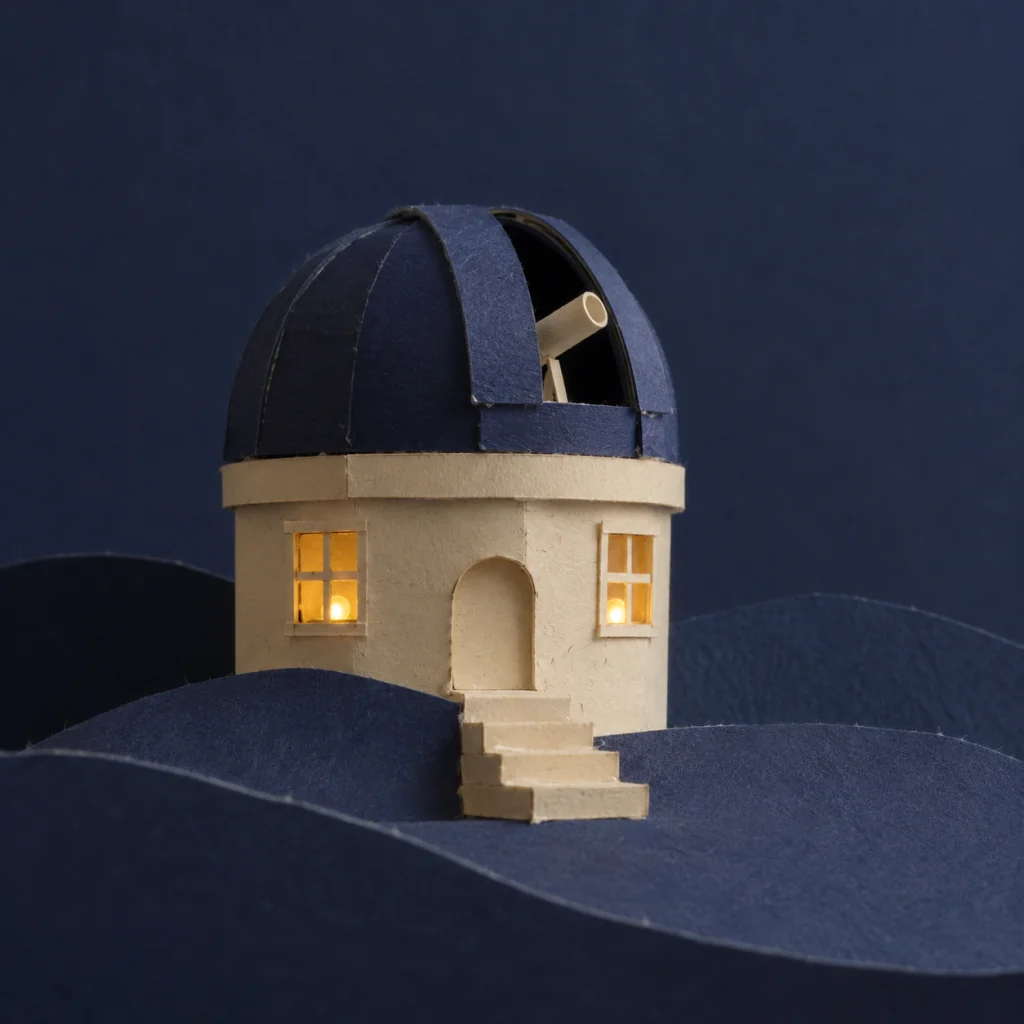
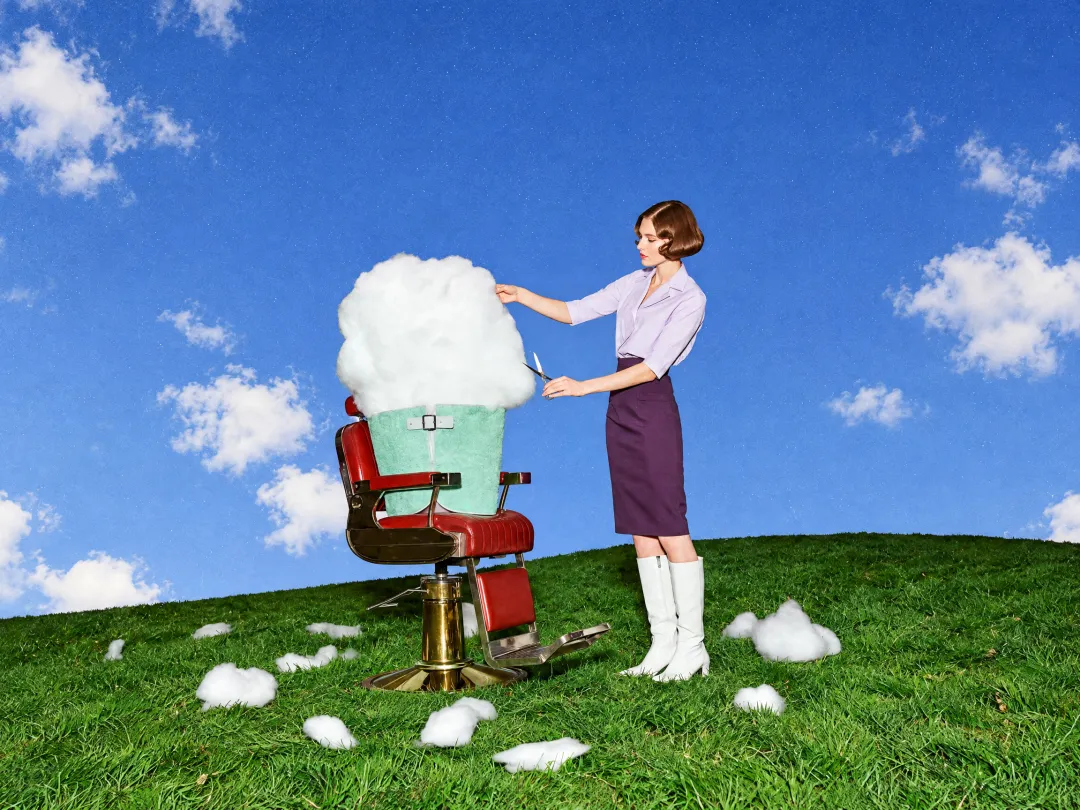
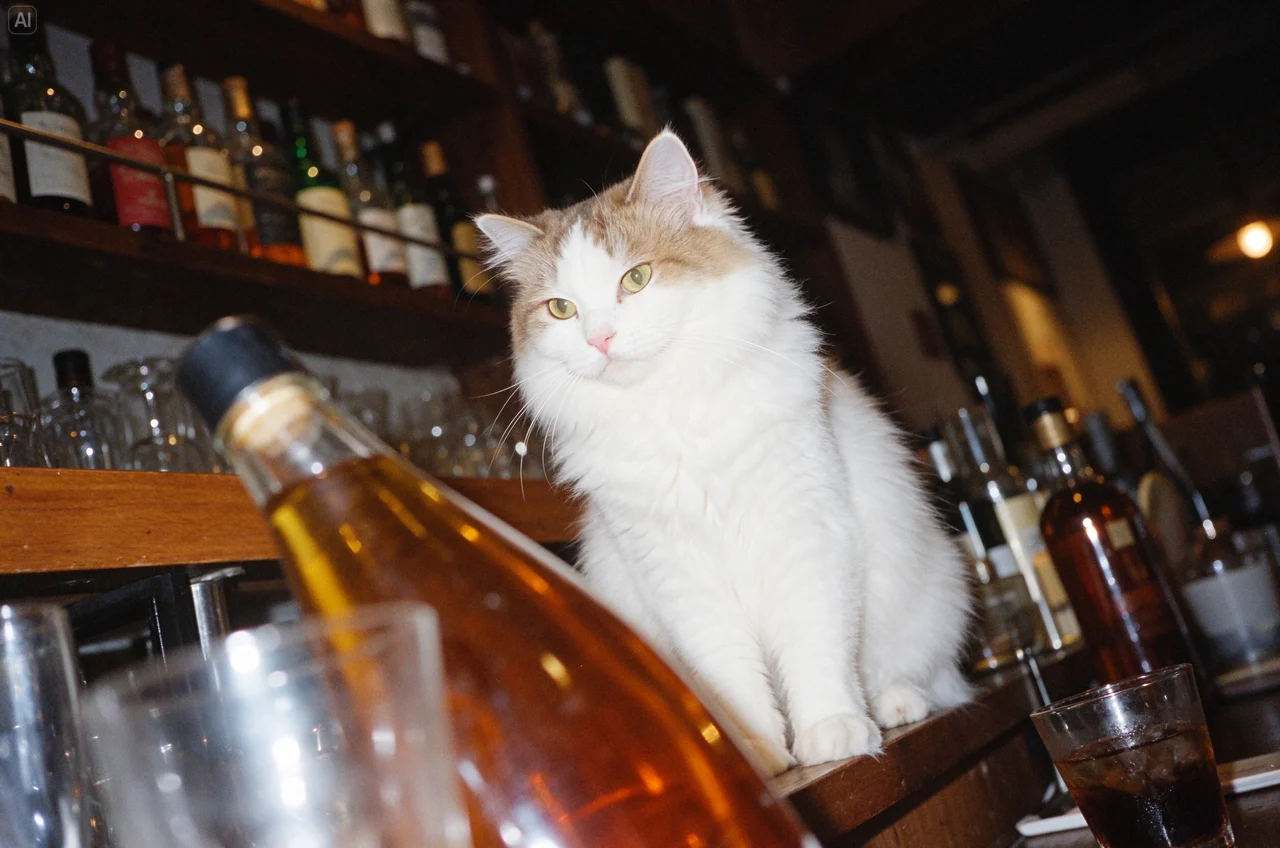
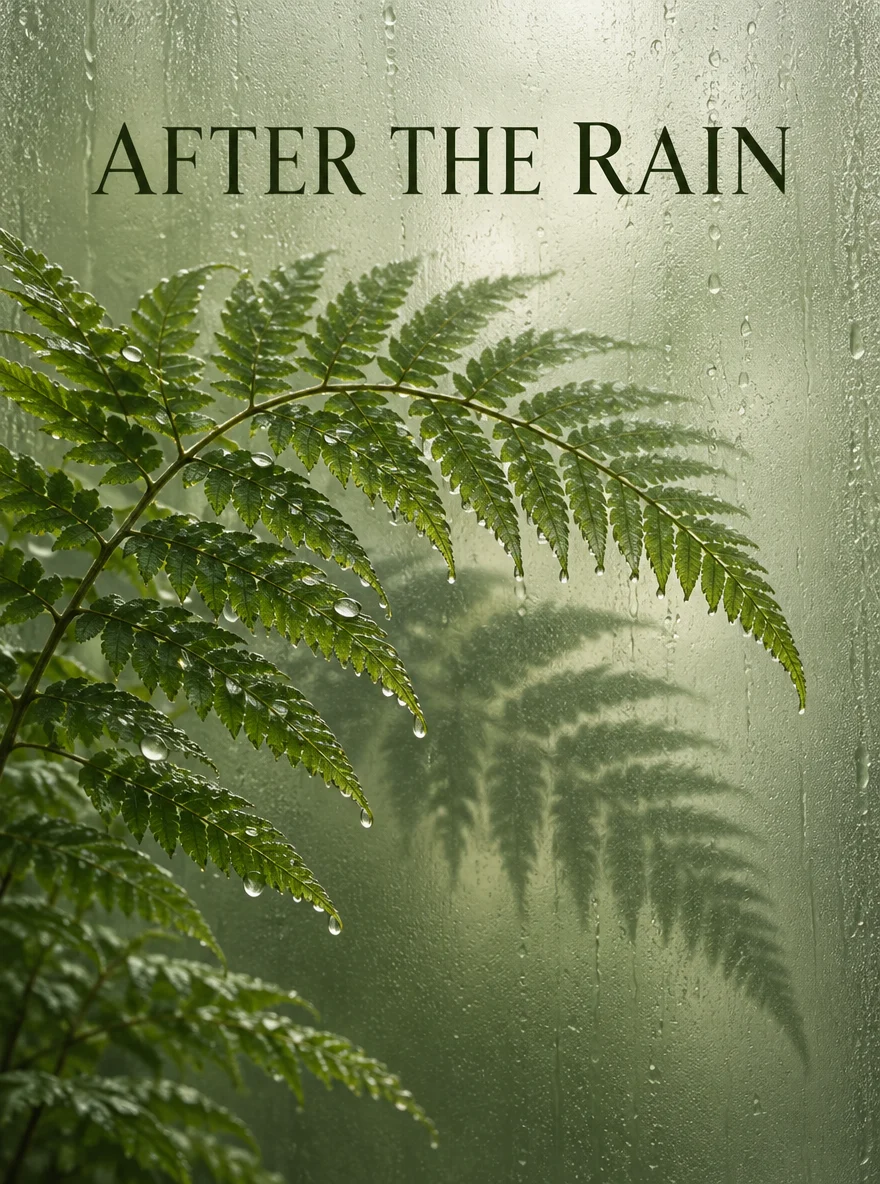
Photo to outlines
Use your own subject and composition as the starting point.
Turn a photo or illustration into black outlines on white paper, with open areas ready for coloring.
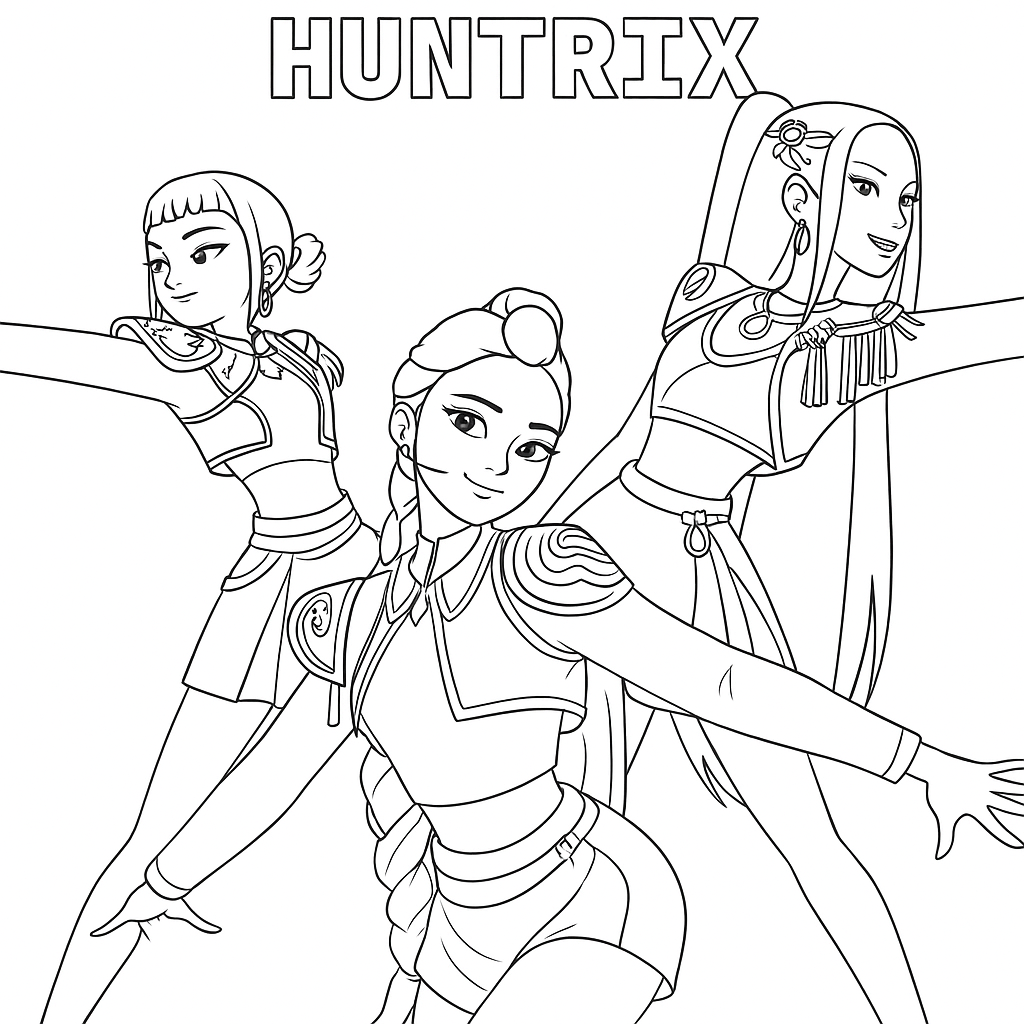
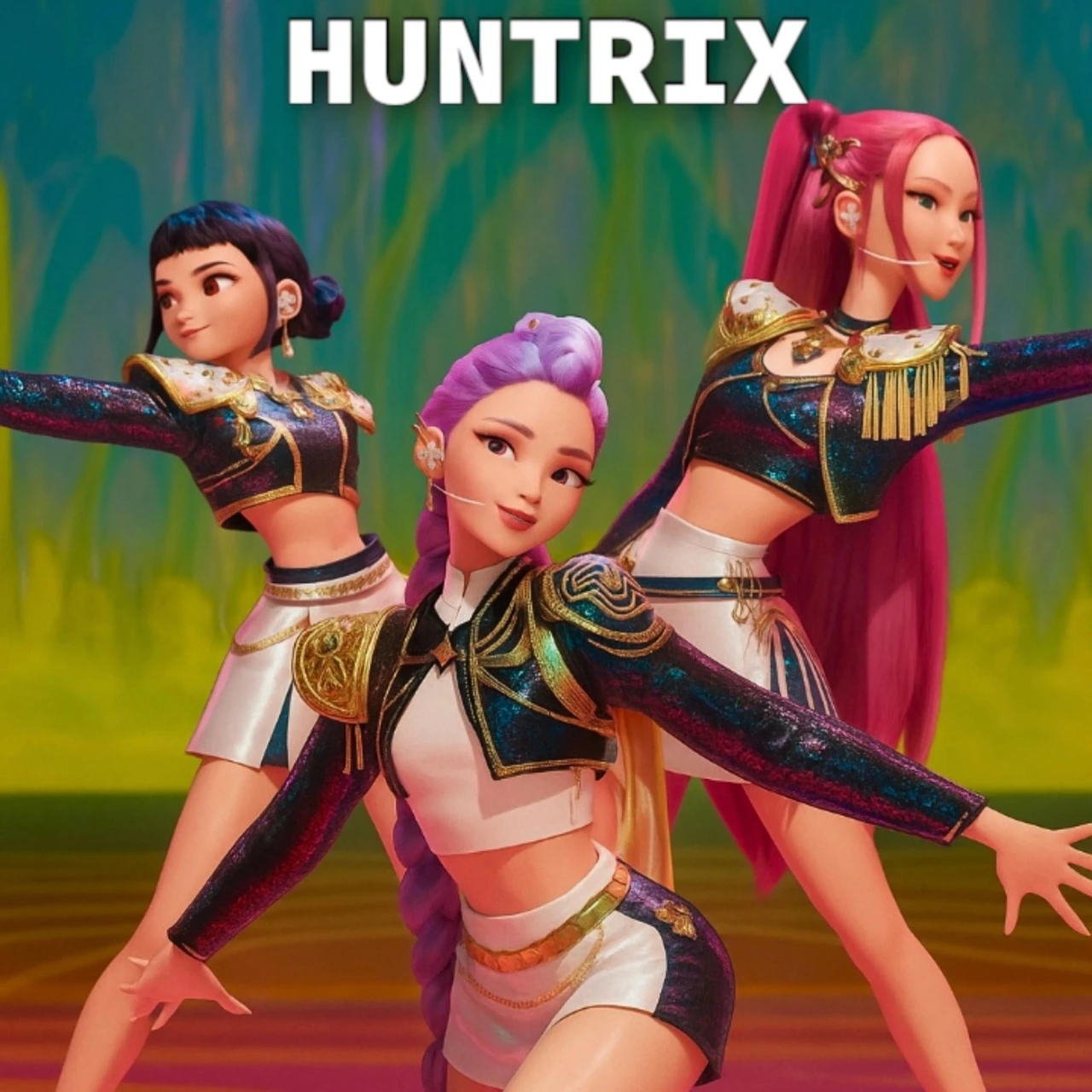
Open a model page to choose settings and write your own prompt.
Choose a clear subject and a level of detail that suits the person coloring. Review the lines at the size you plan to print.
Use your own subject and composition as the starting point.
Ask for thicker lines, larger areas or a simpler background.
Download a still image and choose its print size in your own print dialog.
The goal is a usable outline drawing: fewer tiny marks, clear boundaries and white space to fill.
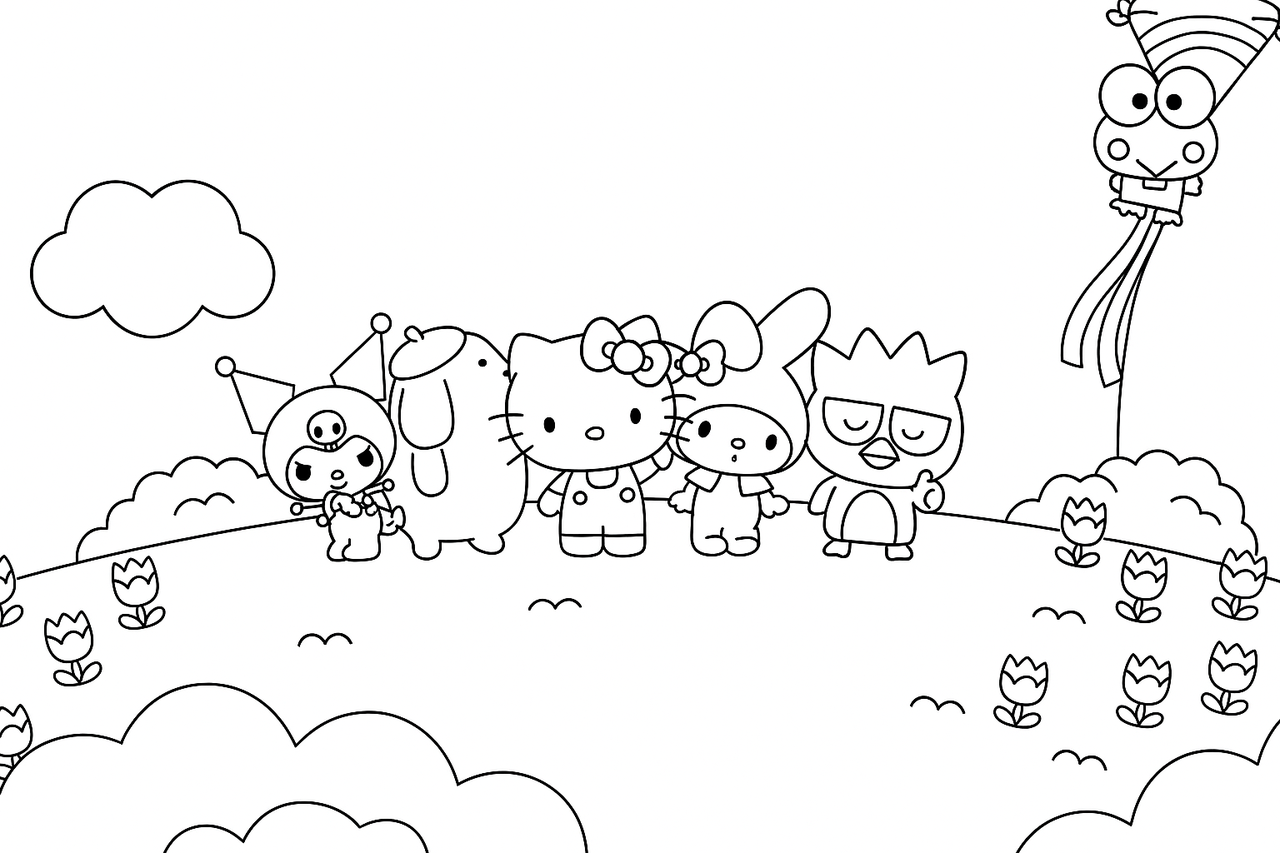
Faces, pets and objects should remain identifiable after textures and colors are removed. Start with a clear subject rather than a crowded scene.
Large areas and fewer details are easier for young children. Smaller contours can suit more detailed projects; specify your preferred level.
Check broken outlines, tiny gaps and heavy black patches. Print a draft at your intended scale before making several copies.
Choose a photo or illustration with a clear main subject.
Ask for bold or fine outlines and say how much background detail to retain.
Review the credit quote, download the image and check a draft print at the size you want.
Questions before generating
No. The requested output is an outline drawing with white areas to color, rather than a grayscale photograph with shading.
This page requires one source image. For a scene from scratch, use an available text-to-image model and describe a coloring-page style.
This workflow returns a still image. It does not create a PDF coloring book or editable SVG paths; use your own print or layout tool afterward.
Ask for bold outlines, large closed areas, fewer small details and a simple background. Review the result for the intended age and activity.
No exact preservation is guaranteed. Faces are simplified and text may change; check the output and avoid relying on exact labels or tiny lettering.
Yes. Each new submission is a separately quoted task requesting one 2K image. Printing or downloading an existing result does not start another task.
Turn a photo or illustration into black outlines on white paper, with open areas ready for coloring.