
01
Choose one portrait
Use even lighting and keep the full chin in view.
Preview a clean shave from one portrait and compare it with your original photo.
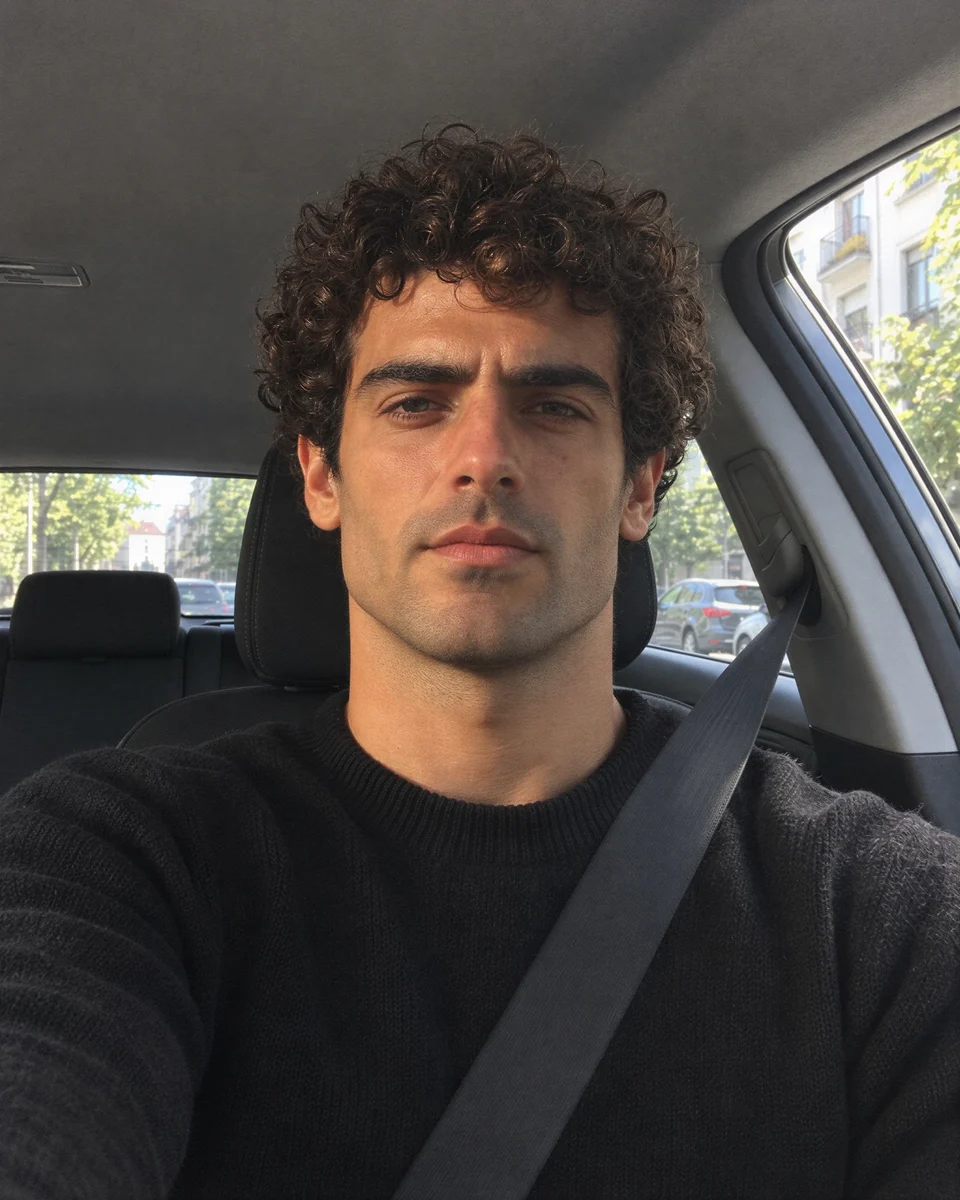
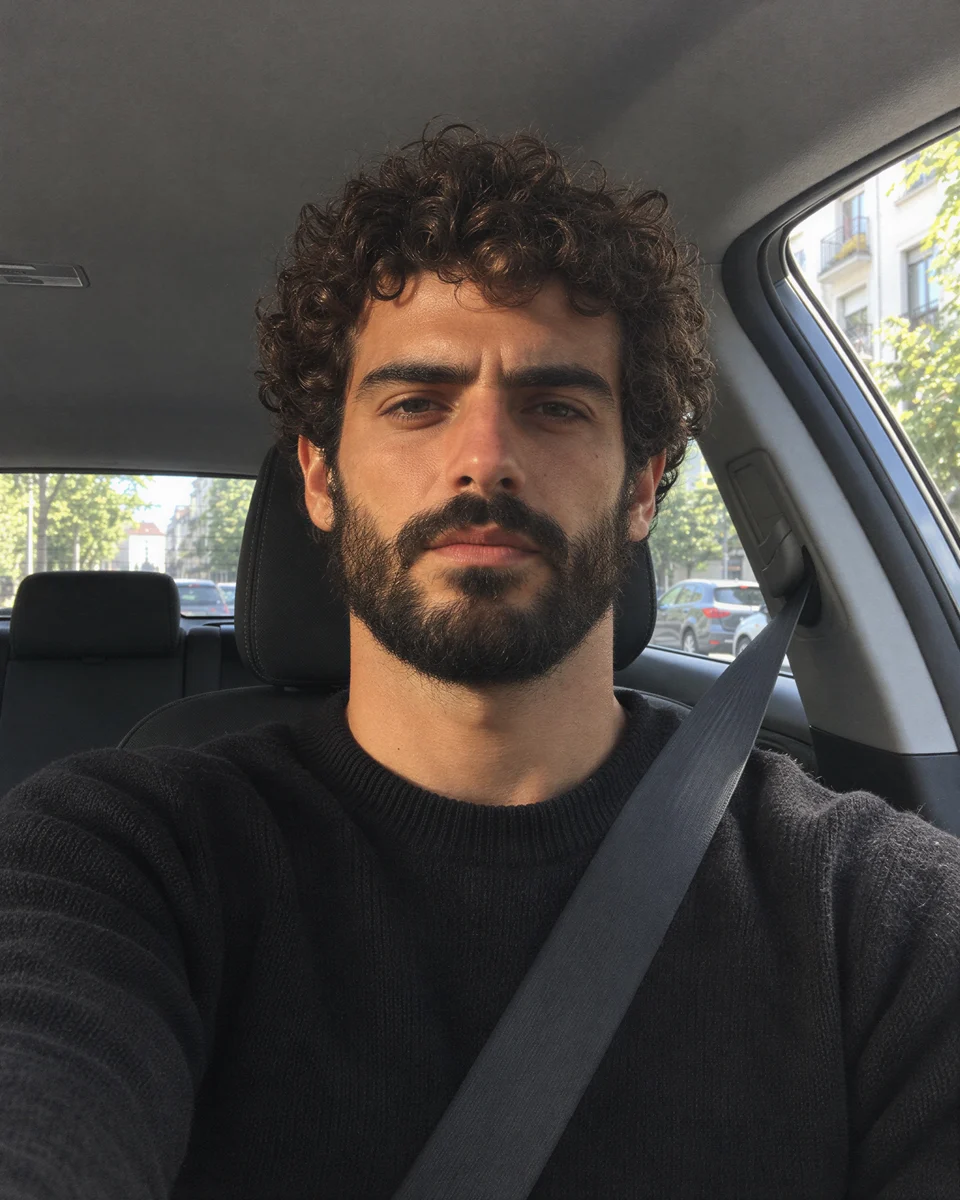
Choose settings and write your own prompt on another model page.
Preview a clean shave from one portrait and compare it with your original photo.
Focus the edit on facial hair and inspect the chin and upper lip at the same scale.
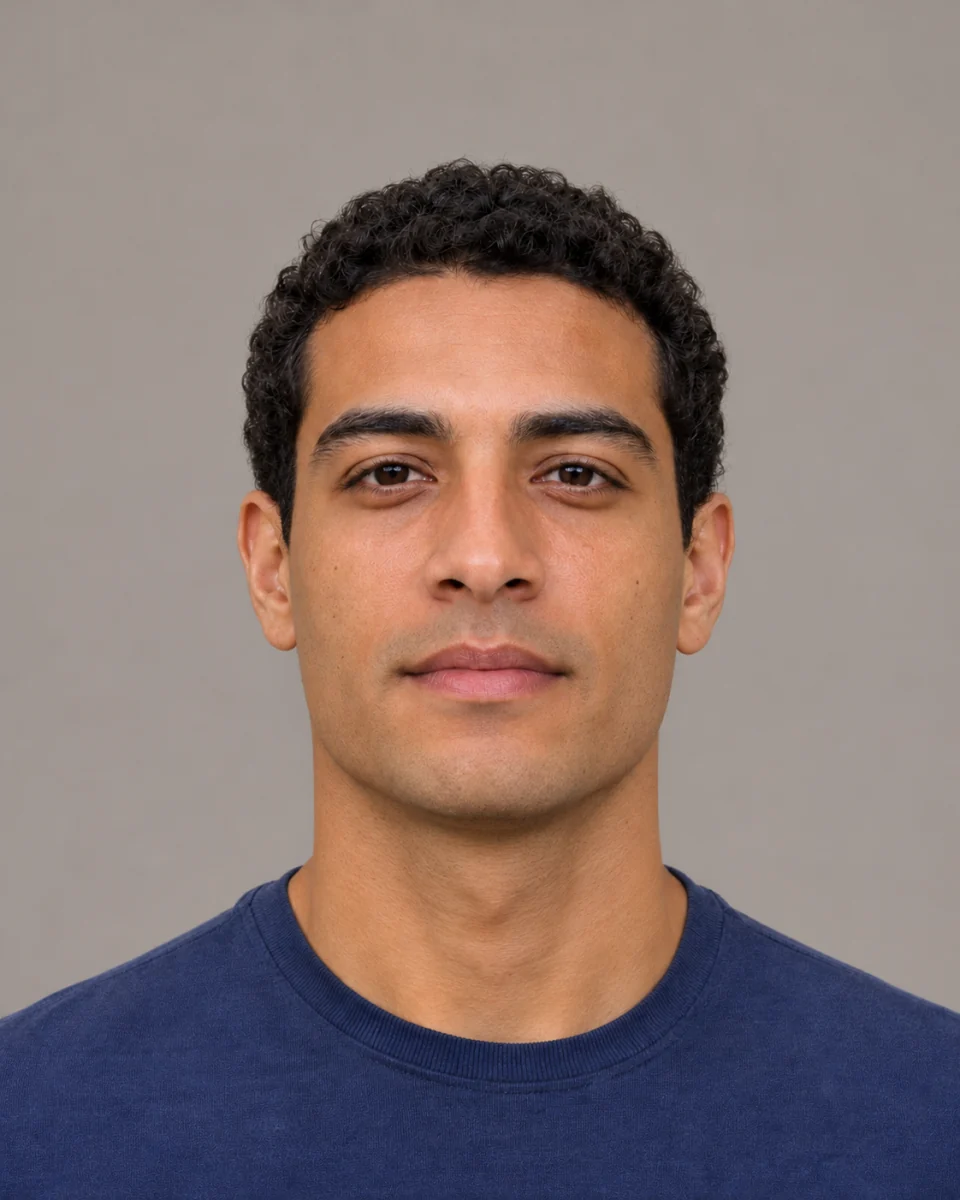
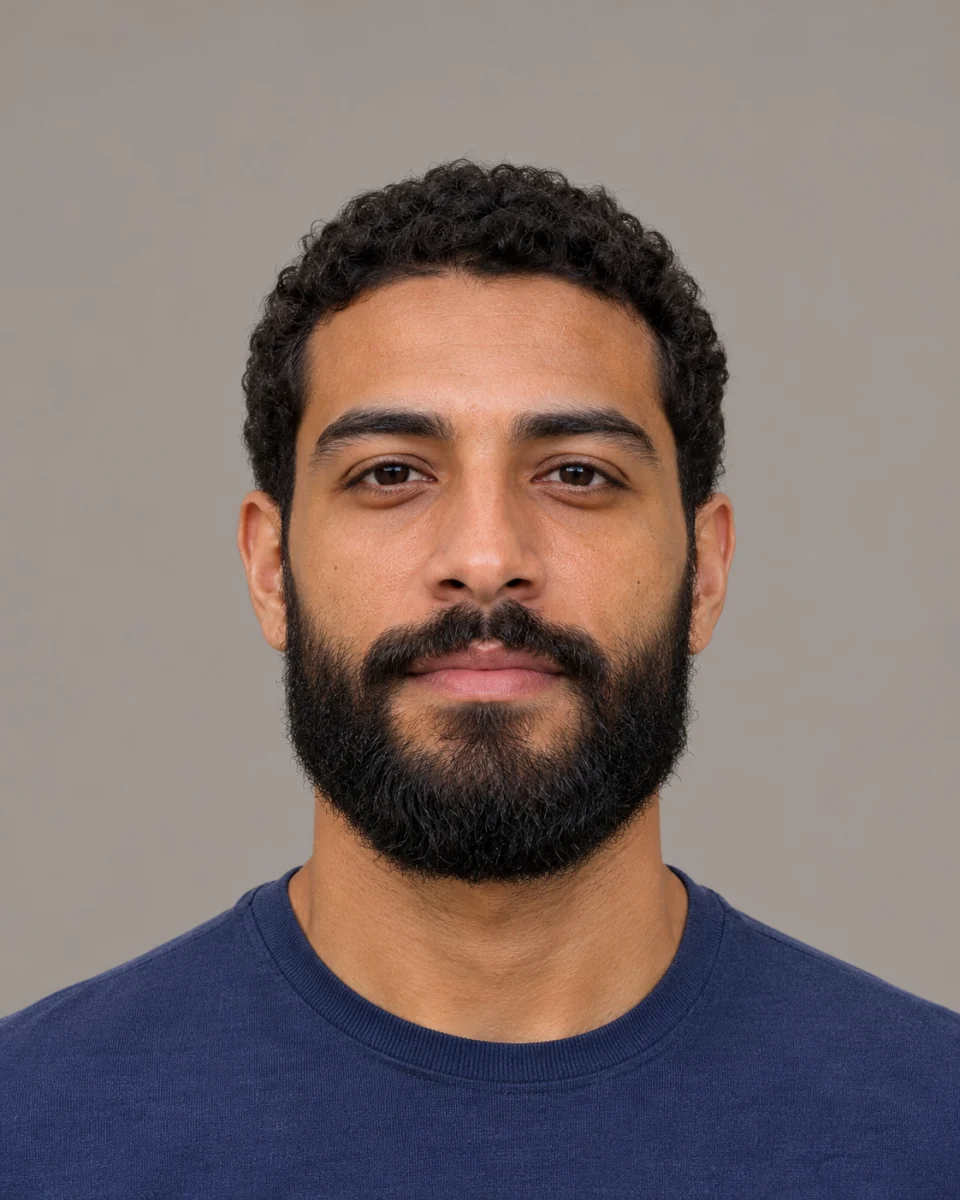
The preset asks to preserve the eyes, expression, hair, clothing and background.
The default removes the beard and moustache. Use the notes to keep the moustache or leave light stubble.
Dense facial hair can obscure the jaw, chin and upper lip. Look closely at the skin and shape reconstructed in these areas.
Use even lighting and keep the full chin in view.
Leave the notes blank for a clean shave or specify which hair to keep.
Review the credit quote, generate one 2K image and compare the result with your source.
Questions before generating
Yes, by default. Ask to keep it in the optional notes.
A slight angle works best. An extreme angle or a covered chin gives the model less information about the jaw.
Facial hair can hide the underlying shape. The model estimates it from the visible face, so treat the image as a style preview.
Use a portrait of one person so the edit is applied to the intended face.
Try the slider with the example. After generating, save the result and open it alongside your original photo.
Editing the notes alone is free. Submitting another generation creates a new task with its own credit quote.
Preview a clean shave from one portrait and compare it with your original photo.