
01
Assign the two roles
Upload the listener first and the speaker second.
Turn two portraits into a 15-second elevator scene with headphones, a repeated line and an awkward exit.
Choose settings and write your own prompt on another model page.
Turn two portraits into a 15-second elevator scene with headphones, a repeated line and an awkward exit.
Recreate the timing of the scene from (500) Days of Summer with two portraits of your choice.
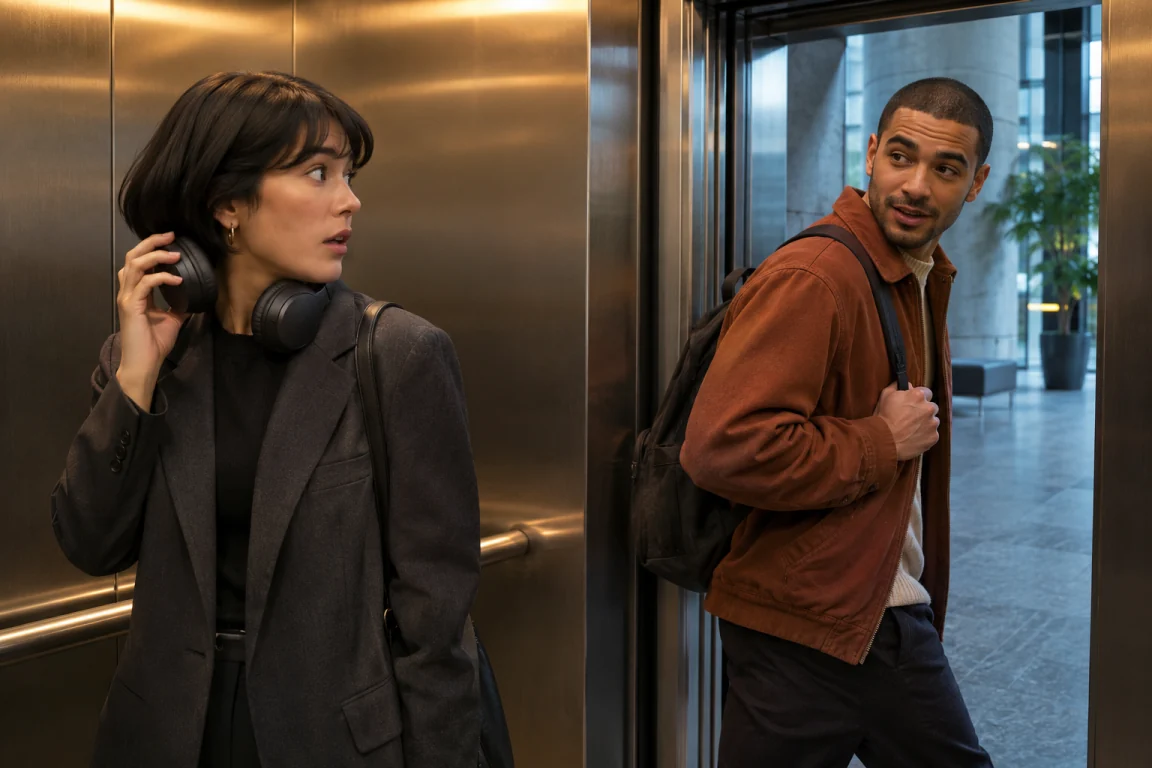
Photo 1 supplies the person on the left. Use a clear view of the face and shoulders so the headphones can stay visible.
Photo 2 supplies the person on the right. They say the line, repeat it after the listener asks, and step through the doors.
The preset cues a chime and opening doors, then asks for a final shot of the surprised listener as the speaker leaves.
Upload the listener first and the speaker second.
Describe clothes, elevator lighting or how the characters react. The order of the scene stays fixed.
Review the credit quote, then check the faces, dialogue and exit in the vertical result.
Questions before generating
Yes. Swap the photos before generating. The first person stays in the elevator and the second speaks and exits.
The preset requests new English voices and elevator sounds. The preview illustrates the staging. The original recording and soundtrack are not included in generated results.
Voice clarity and timing can vary. Keep optional notes short and check the voices at normal speed before sharing.
Use one adult per photo, with an unobstructed face and even lighting. Group photos can make role assignment ambiguous.
This effect uses a 15-second vertical 720p preset. Open a model page if you want to choose other settings.
Each new submission creates a separate task and shows its own credit quote.
Turn two portraits into a 15-second elevator scene with headphones, a repeated line and an awkward exit.