
1
Upload one clear photo of one cat or dog. Show the face, ears and coat markings; a full-body view helps with proportions.
Turn one pet photo into a concert-arena DJ clip with the selected reference’s sound.
Open a model page to choose settings and write your own prompt.
Turn one pet photo into a concert-arena DJ clip with the selected reference’s sound.
Upload one clear photo of one cat or dog. Show the face, ears and coat markings; a full-body view helps with proportions.
Watch every shot for the same pet, natural paws and movement that fits the music.
Review the credit quote before submitting. Each new generation creates a separate task with its own cost.
Upload one clear photo of one cat or dog. Show the face, ears and coat markings; a full-body view helps with proportions.
For example: keep the white muzzle and white paws; follow the reference stage, cuts and DJ movements.
Review the credit quote before submitting. Each new generation creates a separate task with its own cost.
The photo supplies your pet’s appearance. The selected clip guides the decks, camera changes, audience and musical moment.
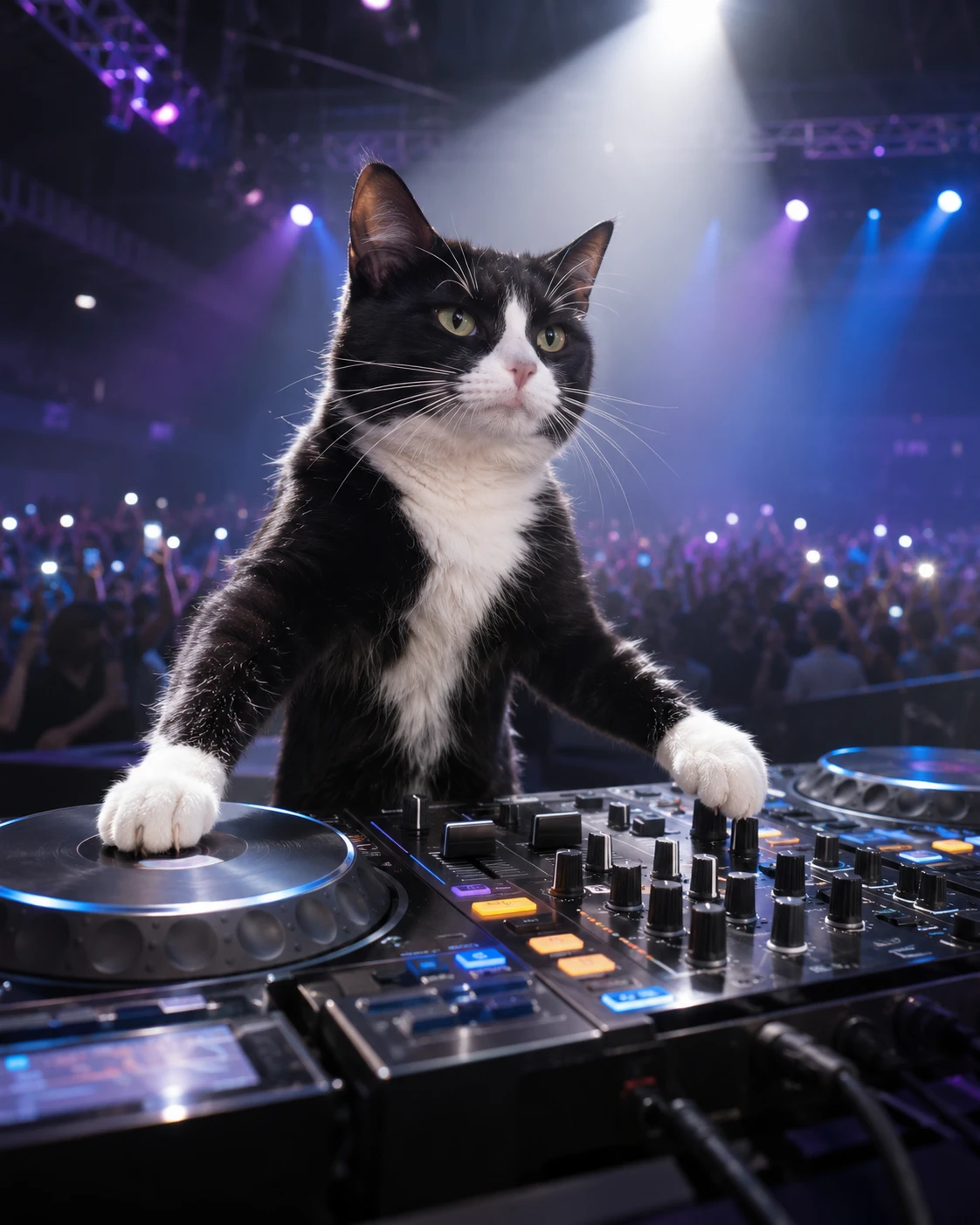
The face, ears and coat come from your photo. The preset asks for animal paws at the console, without turning the pet into a person.
The clip moves between the console, the crowd and the stage. The pet is intentionally small in the distant view, so assess identity in the closer shots too.
The finished clip receives the matching 15-second reference audio at its original speed. Review movement and musical accents before sharing.
Upload one clear photo of one cat or dog. Show the face, ears and coat markings; a full-body view helps with proportions.
For example: keep the white muzzle and white paws; follow the reference stage, cuts and DJ movements.
Review the credit quote before submitting. Each new generation creates a separate task with its own cost. Watch every shot for the same pet, natural paws and movement that fits the music.
Questions before generating
Yes. This version accepts one photo of one cat or dog, and asks to keep its species and markings. It is a single-pet effect, without a human or two-pet mode.
No. A normal clear photo is enough. Keep the face, ears and fur visible; a full-body image gives more information about proportions. The console and upright pose are generated.
The prompt asks for consistent species, muzzle, ears and coat across all cuts, but identity may drift. Check turns, side views and paws instead of judging only the opening.
The selected reference includes a distant stage view from the crowd. That composition shows the arena and spotlight; it is not meant to keep the face large in every frame.
The matching reference excerpt is attached after the silent video is generated. This preset has no song selector. Review the timing; choose a different available track in your publishing app if needed.
It is a 15-second 9:16 MP4 requested at 720p, using a selected part of the longer reference. It is not a GIF. A new attempt creates a separate paid task.
Turn one pet photo into a concert-arena DJ clip with the selected reference’s sound.