

Length and shape
Try a bob, pixie, fringe or a different parting from one portrait.
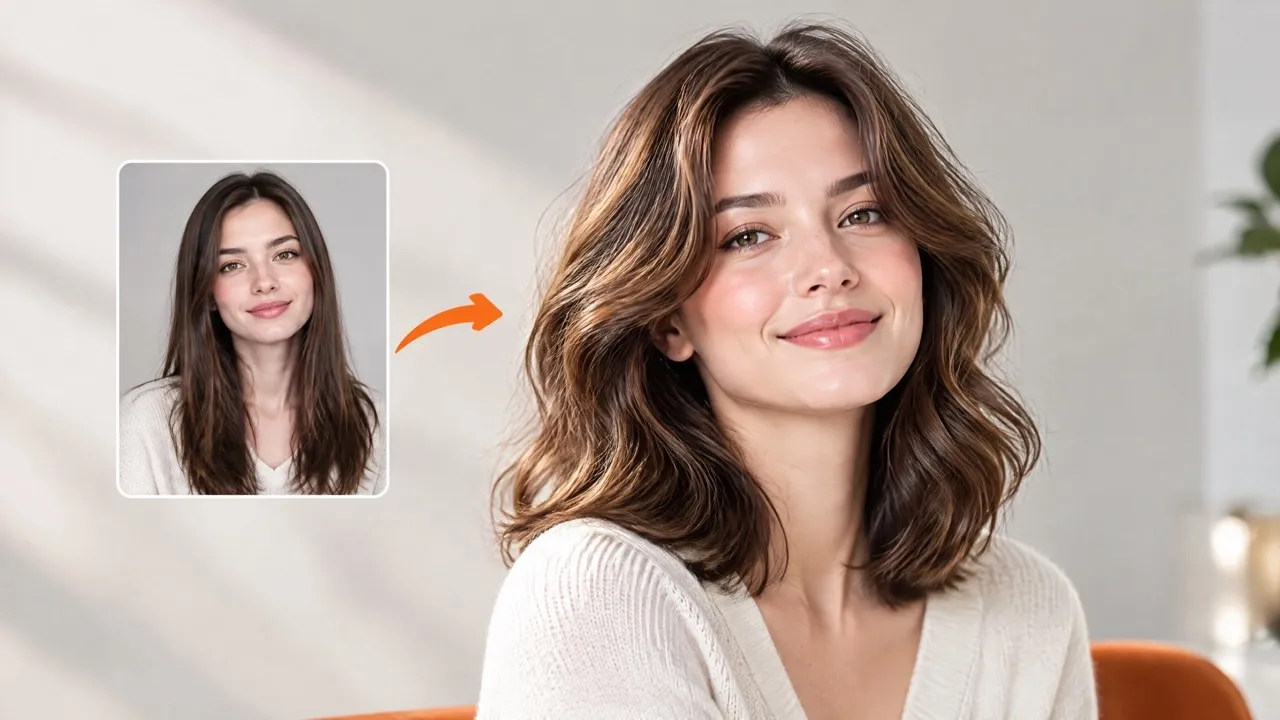
Try a new haircut, fringe, texture or hair color on your own portrait while asking to keep your face and scene.
Open a model page to choose settings and write your own prompt.
Describe a visible change in length, fringe, texture or color. The preview is a starting point for a conversation, not a prediction of real hair growth.
Try a bob, pixie, fringe or a different parting from one portrait.
Describe waves, curls or a new shade in the notes.
Use the result to discuss a look; it is not a guarantee of a salon outcome.
Specify length, fringe, texture and color together so the preview answers a concrete styling question.
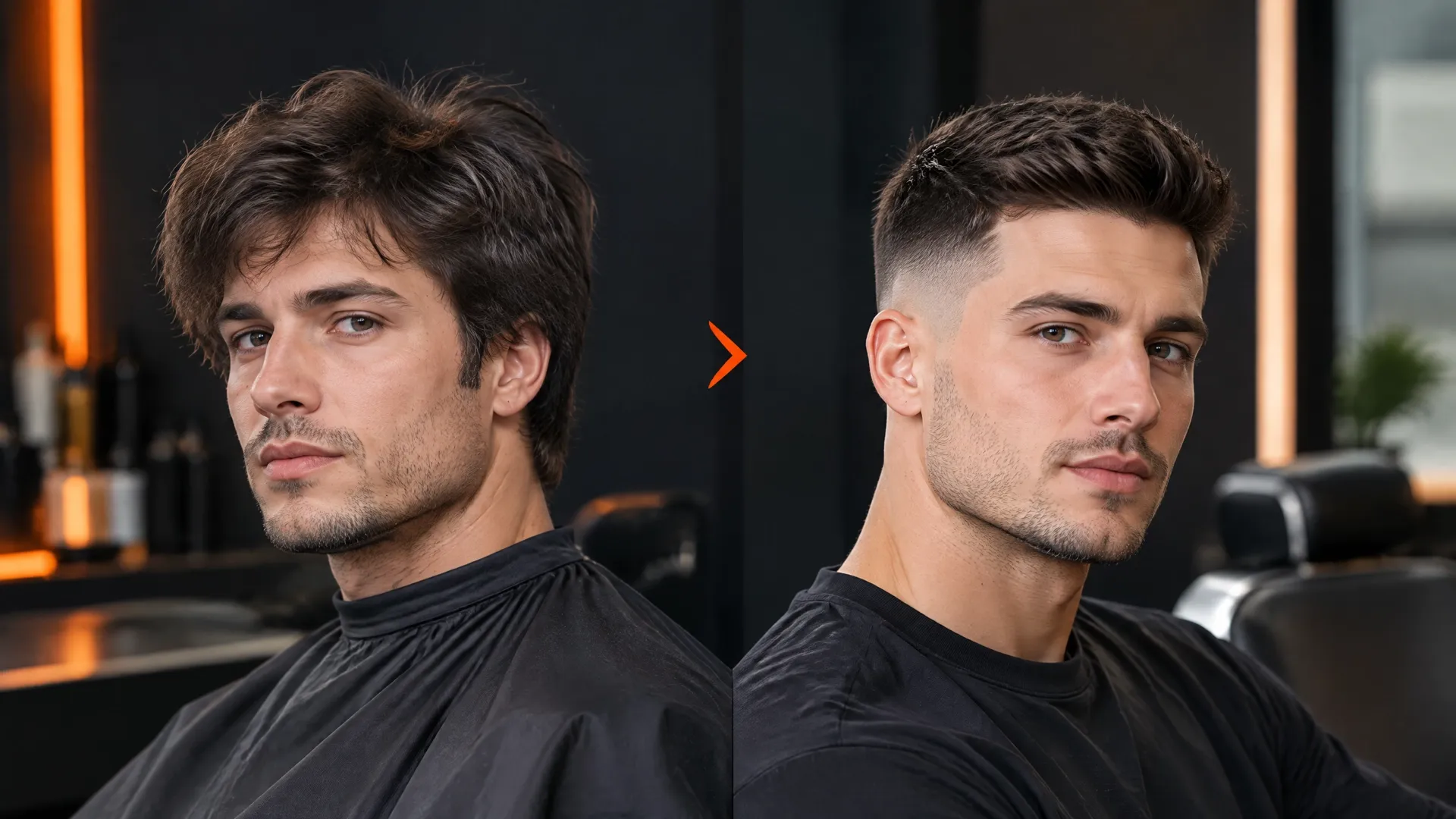
Name the length and silhouette first, then add fringe, parting or layers. A specific target is easier to judge than an open-ended makeover.
The edit asks to retain the face, glasses, clothing and scene. Review the jawline, ears and skin rather than judging the hair alone.
New hair can reveal areas covered in the source. Check the forehead, neck, strand edges and shadows for reconstructed details.
Use a clear front or slight three-quarter view with the whole head visible.
For example: keep the color, shorten to jaw length and add a side fringe. With no notes, the preset asks for shoulder-length waves.
Review the quote, generate one image, then compare hair, face and background with the source.
Questions before generating
Yes. Name the new shade and ask to keep the cut, length and texture. Inspect the roots and surrounding skin for unwanted color changes.
The default requests soft shoulder-length waves while keeping the original hair color. Add notes to choose a different target.
This page accepts one portrait only. Describe the target in words; a second reference upload or a hairstyle catalog is not available here.
The preset asks to preserve it, but generative editing can change small details. Compare facial features, ears, glasses and expression before using the result.
It is a visual idea, not a prediction of hair growth, density or a stylist’s work. Bring a useful preview to a consultation and discuss what is achievable.
Each submission requests one 2K image. Trying another style creates a separate task and quote; saving an existing result does not start a new generation.
Try a new haircut, fringe, texture or hair color on your own portrait while asking to keep your face and scene.