
01
Write a focused brief
Describe the image in up to 2,000 characters. Choose image-to-image when using references.
Create and edit images with Nano Banana 2 Lite.
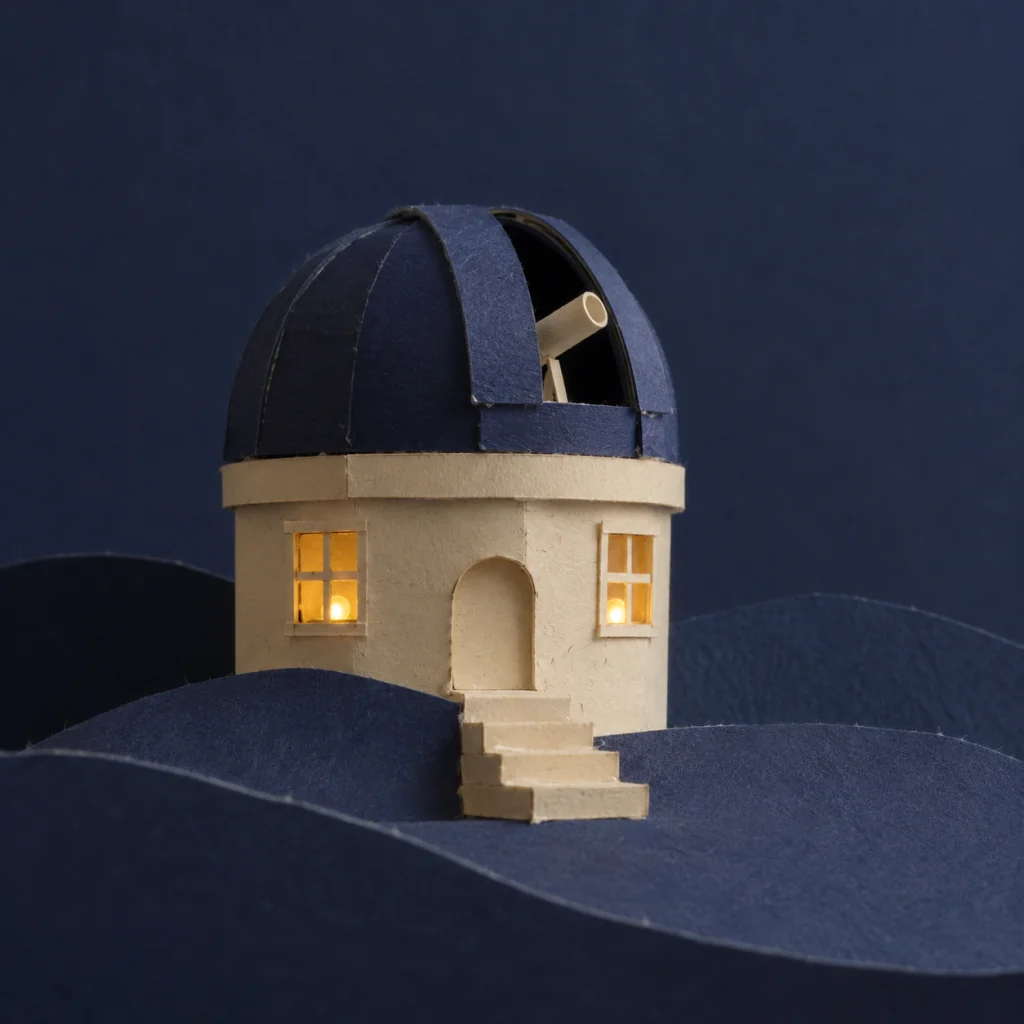
Choose settings and write your own prompt on another model page.
Draft a native 1K image from text or edit up to ten references with Nano Banana 2 Lite. Choose a ratio and review the credit quote.
Use a short brief for a new composition or identify exactly what each reference should contribute.
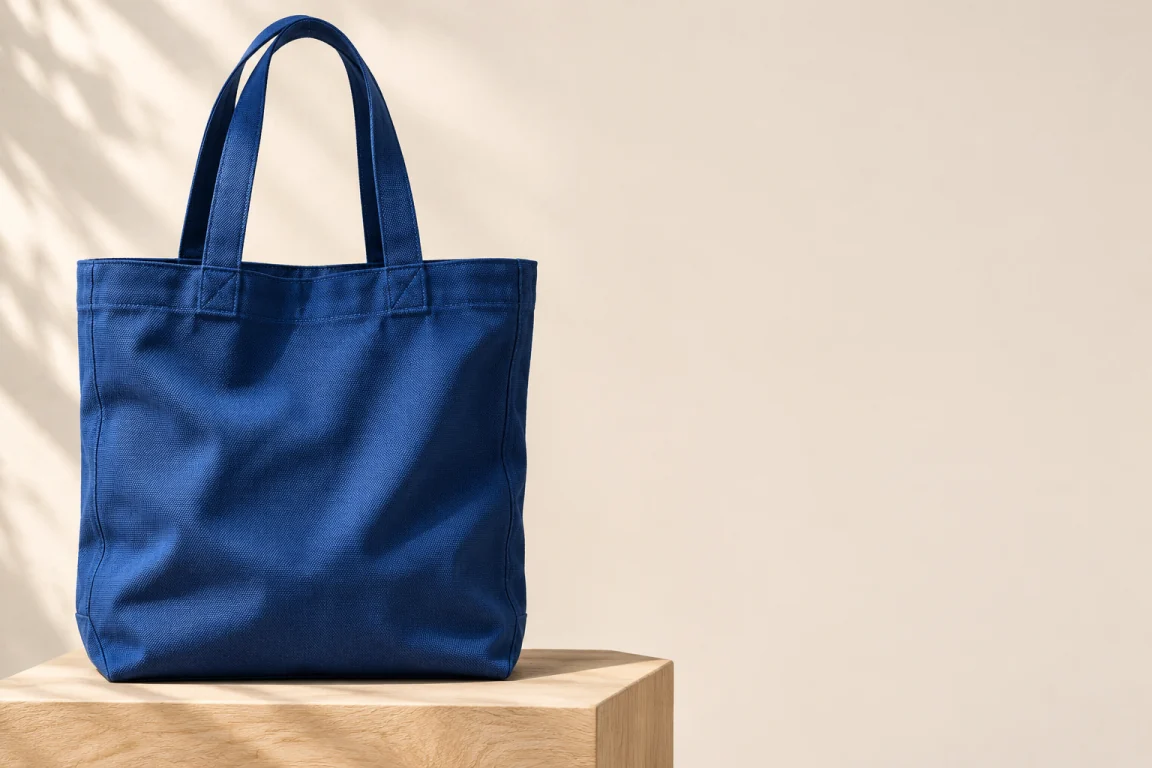
Name the subject, lighting and empty space for your design. Auto lets the model choose framing; fixed ratios set the canvas shape.
Use up to ten JPEG, PNG or WebP images for an edit. Specify which supplies the subject and which supplies the scene; unwanted details may still change.
Inspect text, edges and likeness at full size. Download a result and upload it again for another edit; each request is a new task.
Describe the image in up to 2,000 characters. Choose image-to-image when using references.
Select Auto or a fixed aspect ratio. This page offers native 1K only, with no 2K or 4K option.
Check the current credit estimate, generate one image and inspect the result before sharing.
Questions before generating
No. This page uses the production Lite model through EvoLink first, with Kie as a fallback.
The page uses a shared limit of ten: Kie supports ten and EvoLink supports fourteen. Use only the references needed for the edit.
This page limits prompts to 2,000 characters, conservatively below the provider token ceiling. Thinking is fixed internally and cannot be adjusted here.
The quote depends on the prompt and references, including estimated text and thinking usage. Review the page quote for each submission; actual model usage can vary.
Results vary by model and brief. Text, faces and product details need review. Native 1K is a resolution tier, so pixel dimensions vary with the ratio.
Draft a native 1K image from text or edit up to ten references with Nano Banana 2 Lite. Choose a ratio and review the credit quote.