
01
Compose a still life
Describe the subject, framing and direction of light in one prompt.
Create and edit images with MiniMax H3 Image.
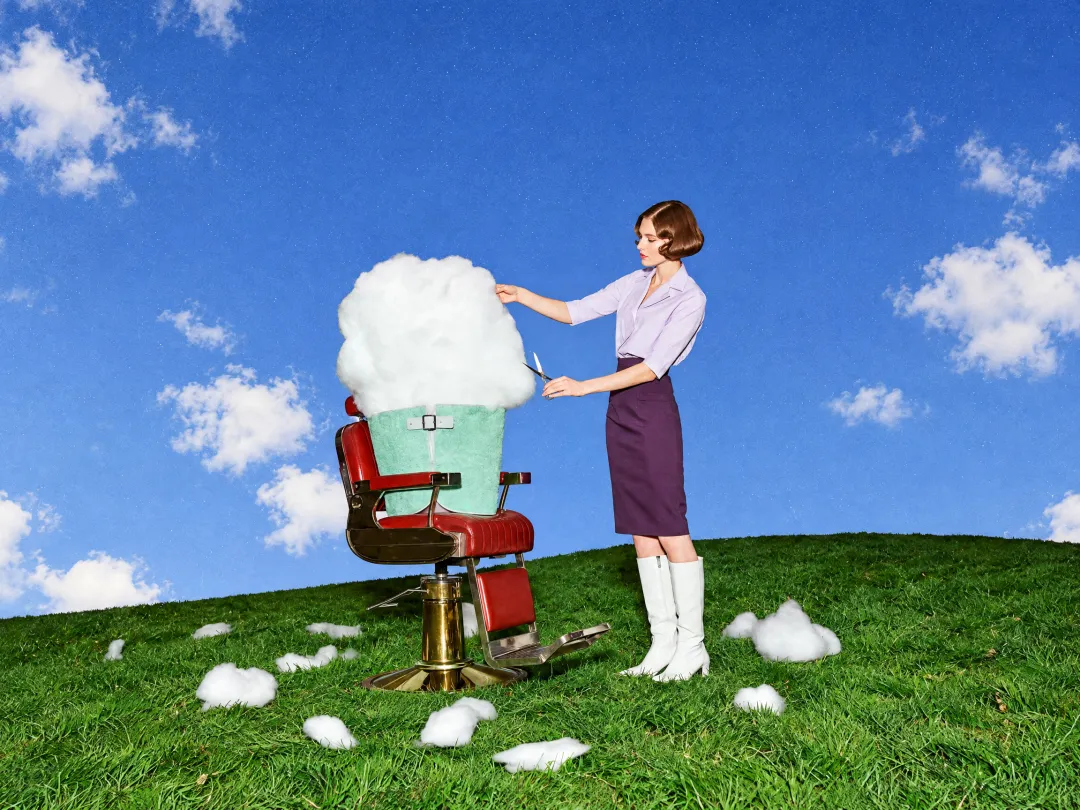
Choose settings and write your own prompt on another model page.
Create a still image from a prompt or edit it with up to 16 references using MiniMax H3 Image.
Create a still image from a prompt or edit it with up to 16 references using MiniMax H3 Image.
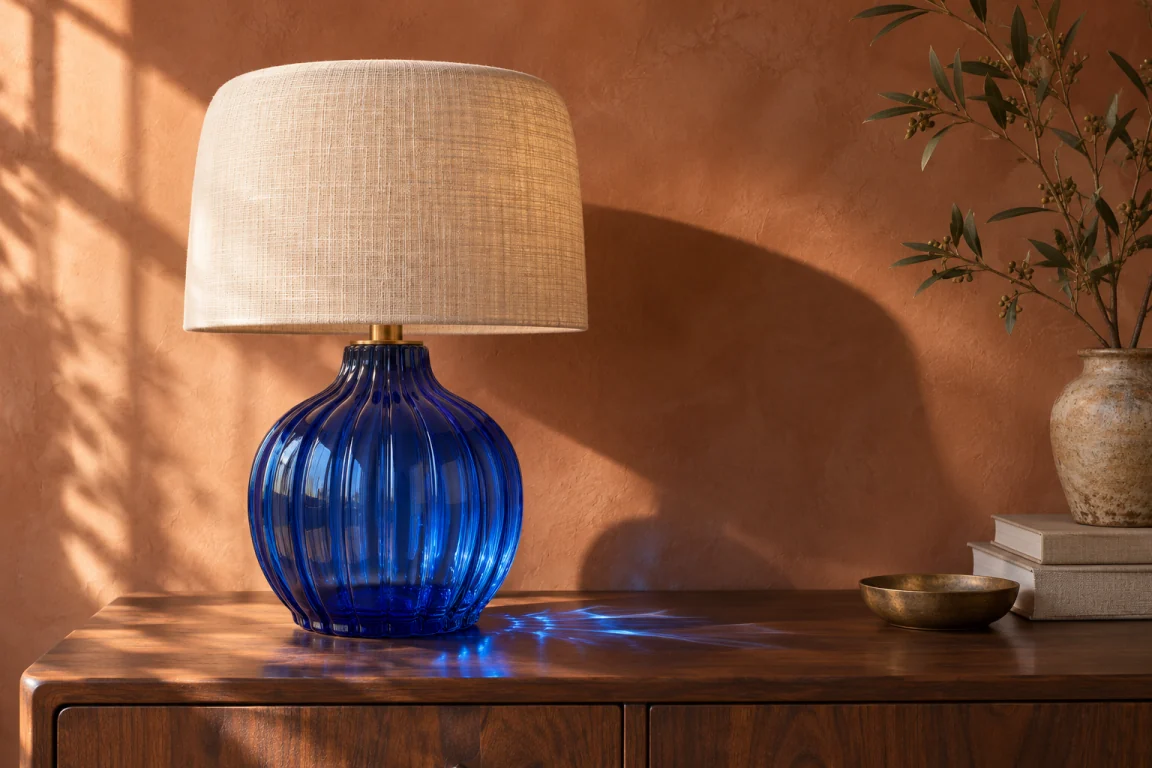
Name the image that provides the subject, the setting or the visual treatment. Use the order shown in the upload area.
Use a wide ratio for banners or a vertical ratio for covers. Inspect a 2K draft before asking for 4K detail.
Check lettering, reflected objects and fine textures after download. These details can change between generations.
Describe the subject, framing and direction of light in one prompt.
In image-to-image mode, upload references and identify what each one should contribute.
Choose a size and format, check the credit quote and inspect the downloaded image.
Questions before generating
This page uses the standard MiniMax H3 Image route through EvoLink. It creates one still image per submission.
In image-to-image mode, use up to 16 JPEG, PNG or WebP files. Refer to them by upload order.
This route does not provide transparency, including when PNG is selected. For a cutout, use the background removal tool or a model with transparent output.
EvoLink estimates the same output-image token charge for 1K and 2K. The prompt and references also affect the quote. 4K uses more output tokens.
Use only references that change the result. Adding references can increase the quote even at the same resolution.
Create a still image from a prompt or edit it with up to 16 references using MiniMax H3 Image.