


01
Choose a mode
Write a prompt for a new image, or upload the image you want to edit.
Create and edit images with Seedream 5.5.

Choose settings and write your own prompt on another model page.
Generate an image or edit up to ten references with Seedream 5.5, with a transparent PNG option.
For an edit, describe the object to change and the details to preserve before uploading the reference.
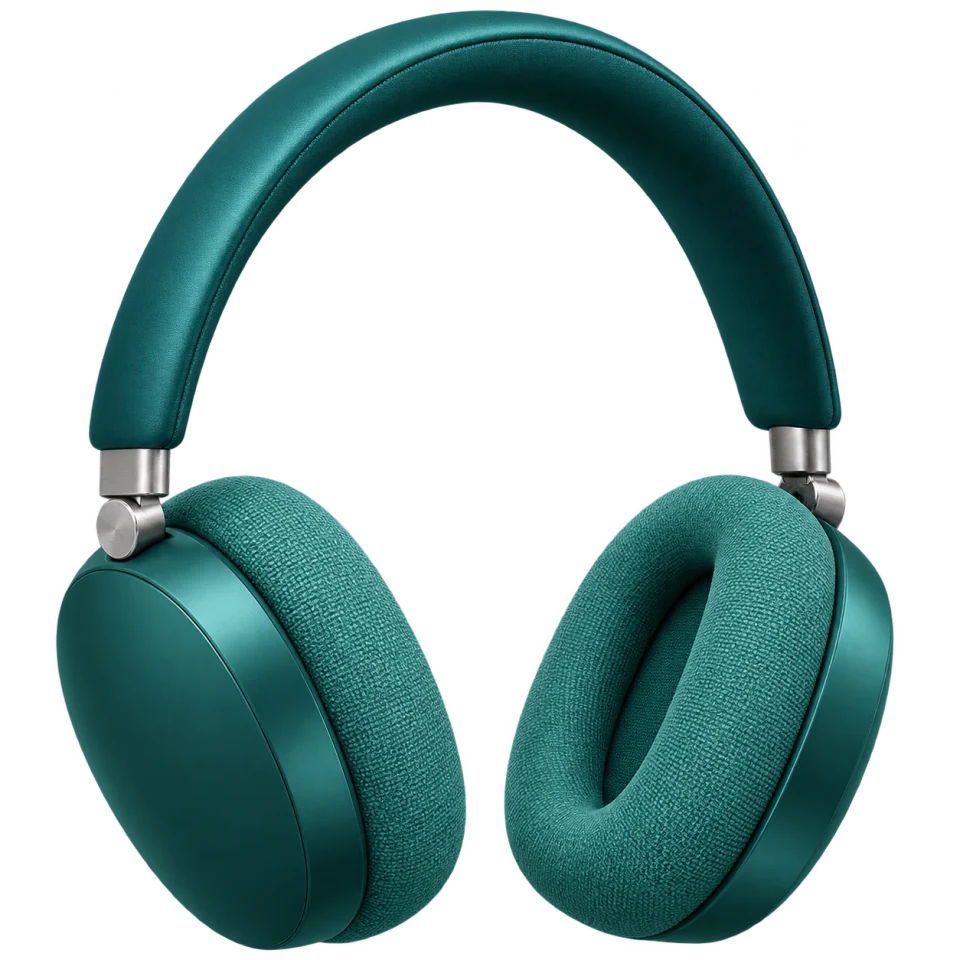
Name the shape, camera angle and label that should stay. Compare edges, shadows and spelling against the source.
Choose Transparent for PNG output with an alpha channel. Inspect fine and partially transparent edges on both light and dark backgrounds.
Save each result you want to keep. Use a chosen result as the next input when you want to continue editing.
Write a prompt for a new image, or upload the image you want to edit.
Choose 1K, 1.5K or 2K and a background option. Use Transparent for assets you will place over a design.
Check the credit quote, generate one PNG and inspect the details at full size.
Questions before generating
Yes. Select Transparent. This page requests PNG, which can store transparency.
Up to ten JPEG, PNG or WebP files in image-to-image mode. Each reference adds to the quote.
Yes. Save a result and upload it as a reference for the next task. Every submission has its own credit quote.
This generator returns one PNG per task. It does not offer layer decomposition.
Use 1K for drafts, 1.5K for a larger preview or 2K for small text and textures you need to inspect at full size.
Generate an image or edit up to ten references with Seedream 5.5, with a transparent PNG option.