
720p MP4
Choose landscape, portrait, square or ultrawide in text and reference modes.
Create videos with Kling 4.0 Flash.
Explore other video models for different creative workflows.
Create 3–20 second 720p MP4 clips with Kling 4.0 Flash. Start with a written scene, animate one opening image, or guide a shot with reference images and videos.
Choose landscape, portrait, square or ultrawide in text and reference modes.
Set the duration in whole seconds and check the credit estimate before generating.
Start with a prompt, set the opening with one image, or guide the shot with references.
Upload one image for the opening composition. The output follows that image’s aspect ratio. A closing frame and intermediate keyframes are unavailable.
Reference mode accepts up to 10 images and 5 videos. Each video must be 3–20 seconds, with 20 seconds total. Use @image_1 or @video_1 to identify a reference.
Describe subject, motion and camera in a concise prompt. The output is 720p MP4, from 3 to 20 seconds.
Use a prompt to set the action, then choose a first frame or references when the scene needs a visual anchor.
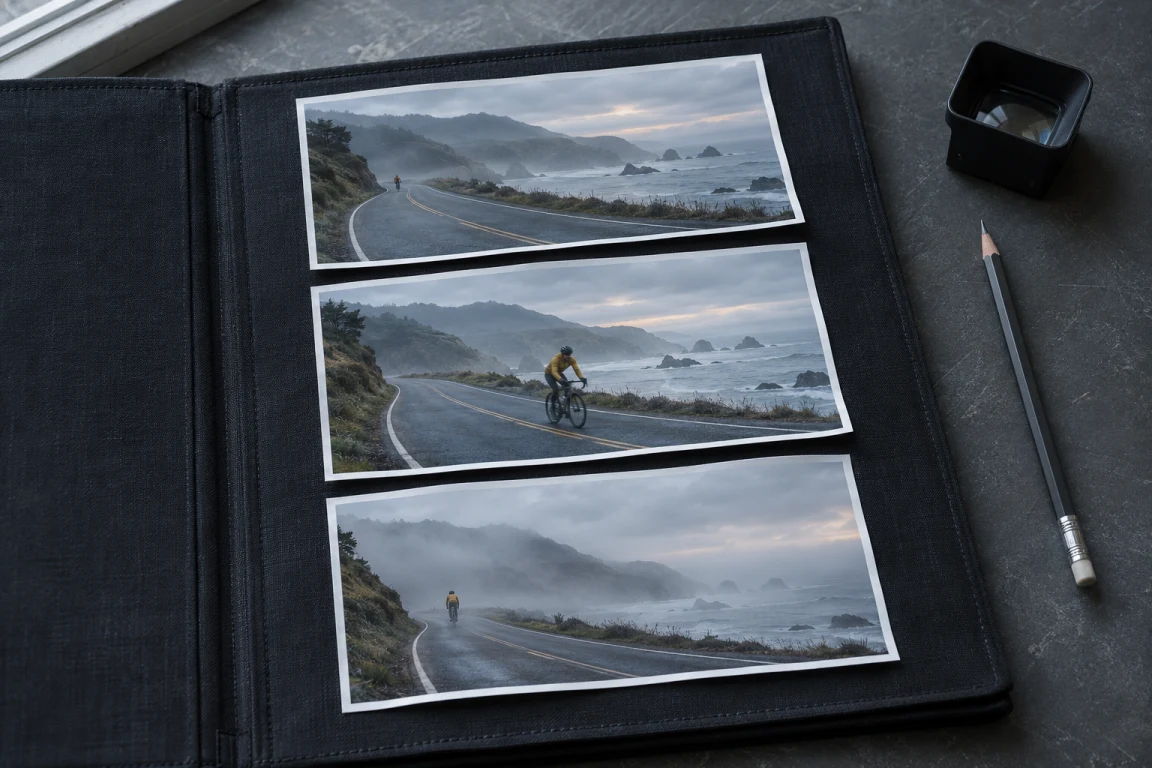
Name the subject, action, setting and camera movement.
Use a first frame when the opening composition matters. Use references to guide the subject, motion or setting.
The quote changes with duration and video references. Check it before submitting.
Name the subject, action, setting and camera movement.
Choose text, one first frame or reference media, then explain how each item should guide the result.
The quote changes with duration and video references. Check it before submitting.
Kling 4.0 Flash video generator
No. Kling 4.0 Flash is limited to 720p output.
No. The image mode accepts one first frame; last frames and multi-keyframe control are not supported.
Video input can increase billable seconds: EvoLink counts output plus the longer of total reference video or output. First frames and reference images are not billed. The estimate is shown before generation.
Create 3–20 second 720p MP4 clips with Kling 4.0 Flash. Start with a written scene, animate one opening image, or guide a shot with reference images and videos.