
Describe what you want to generate
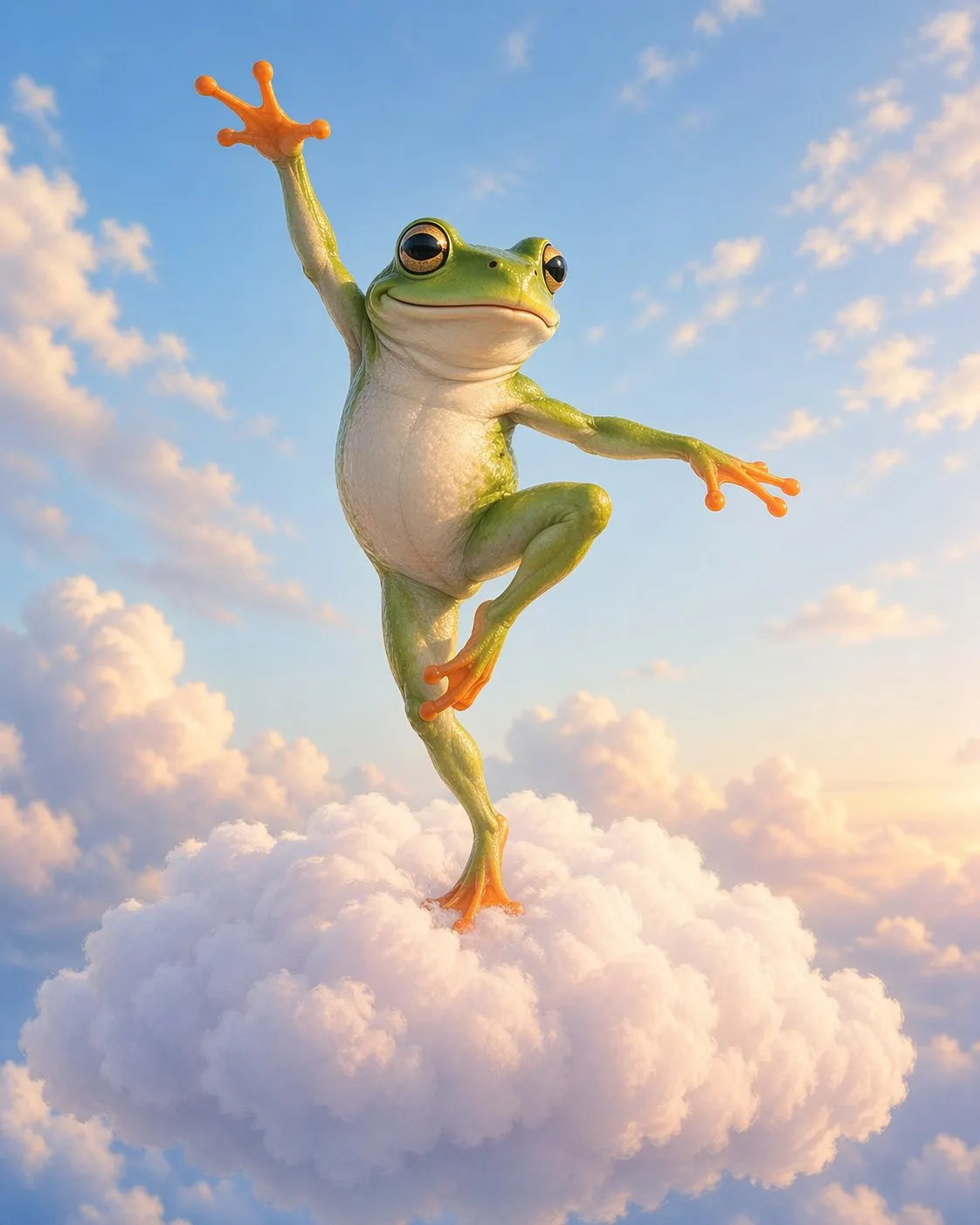
GPT Image 2 – High-Fidelity AI Image Generator and Editor
Create polished visuals with OpenAI's GPT Image 2 model. Generate images from text, transform uploaded references, preserve important visual details, and produce cleaner typography for ads, product mockups, UI concepts, posters, and editorial graphics.
GPT Image 2 Use Cases
Examples of where GPT Image 2 fits production image workflows.
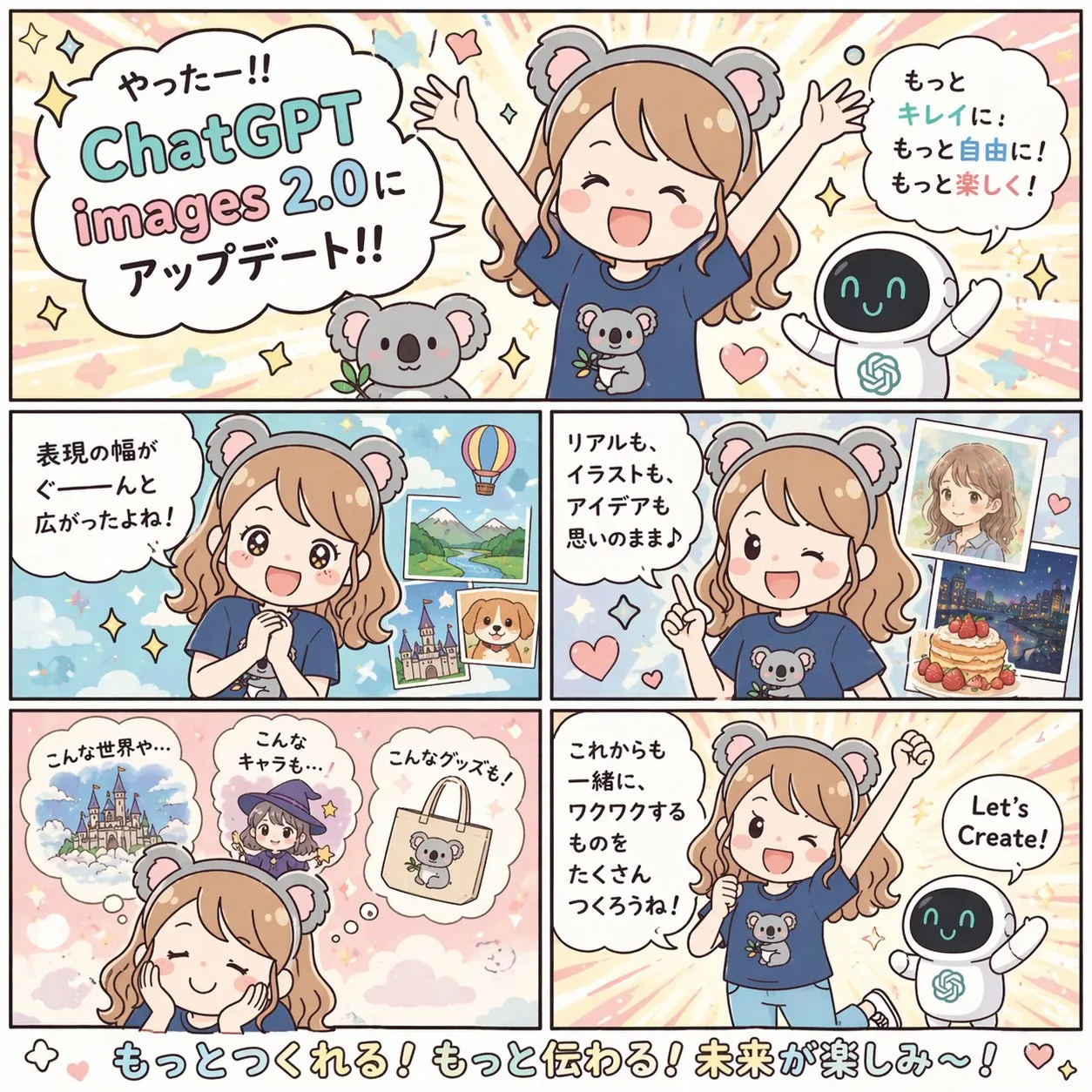
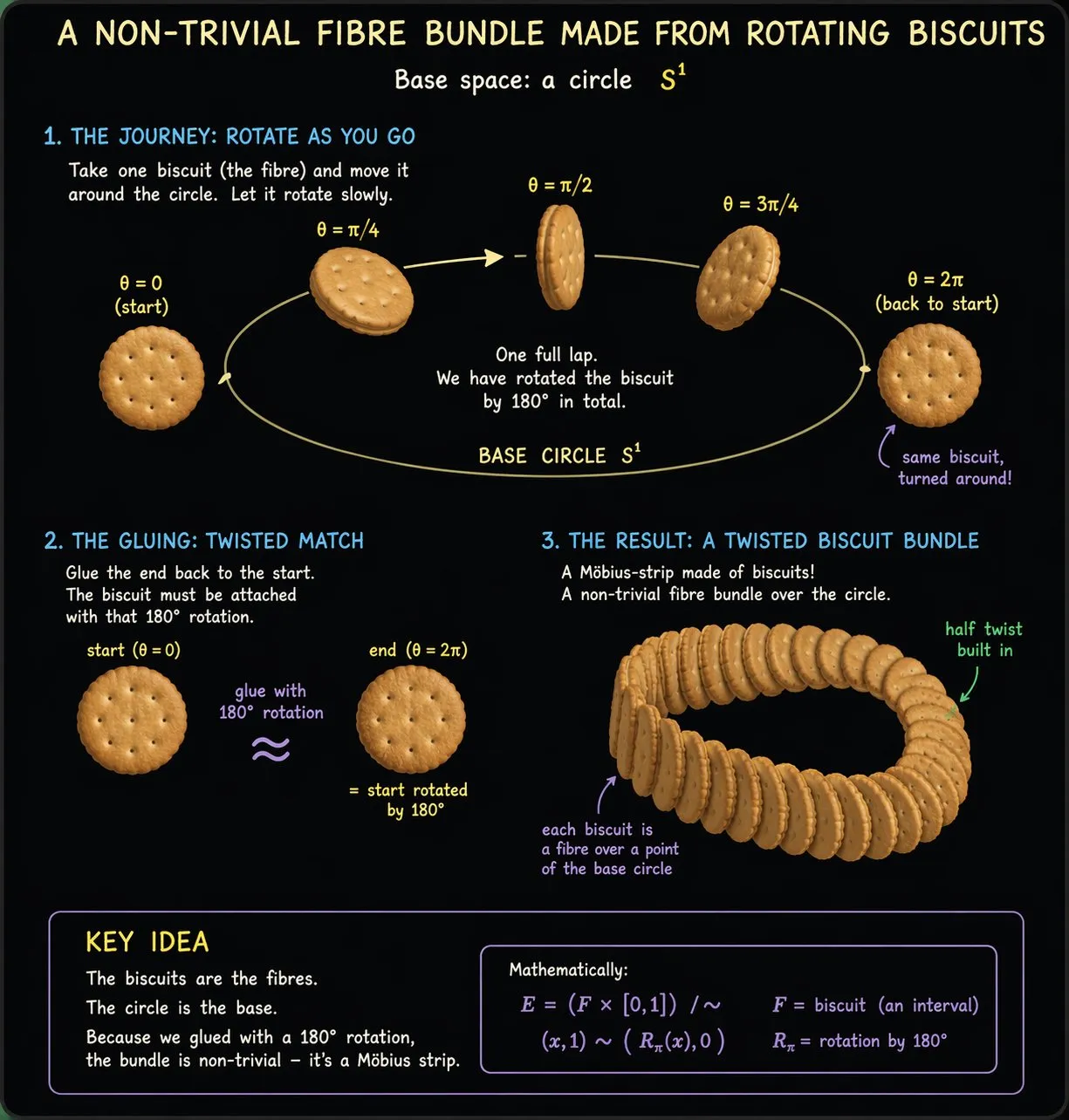
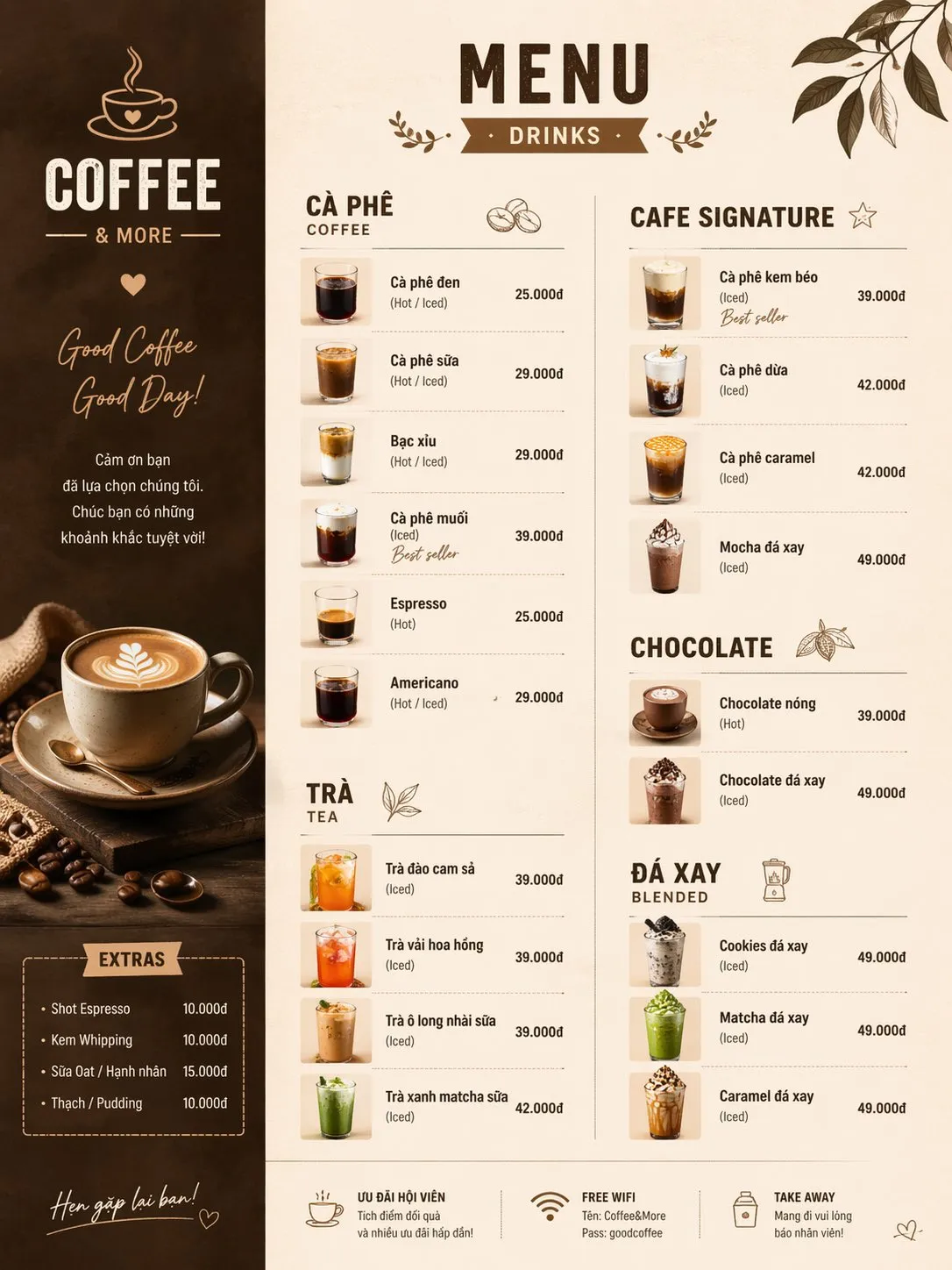
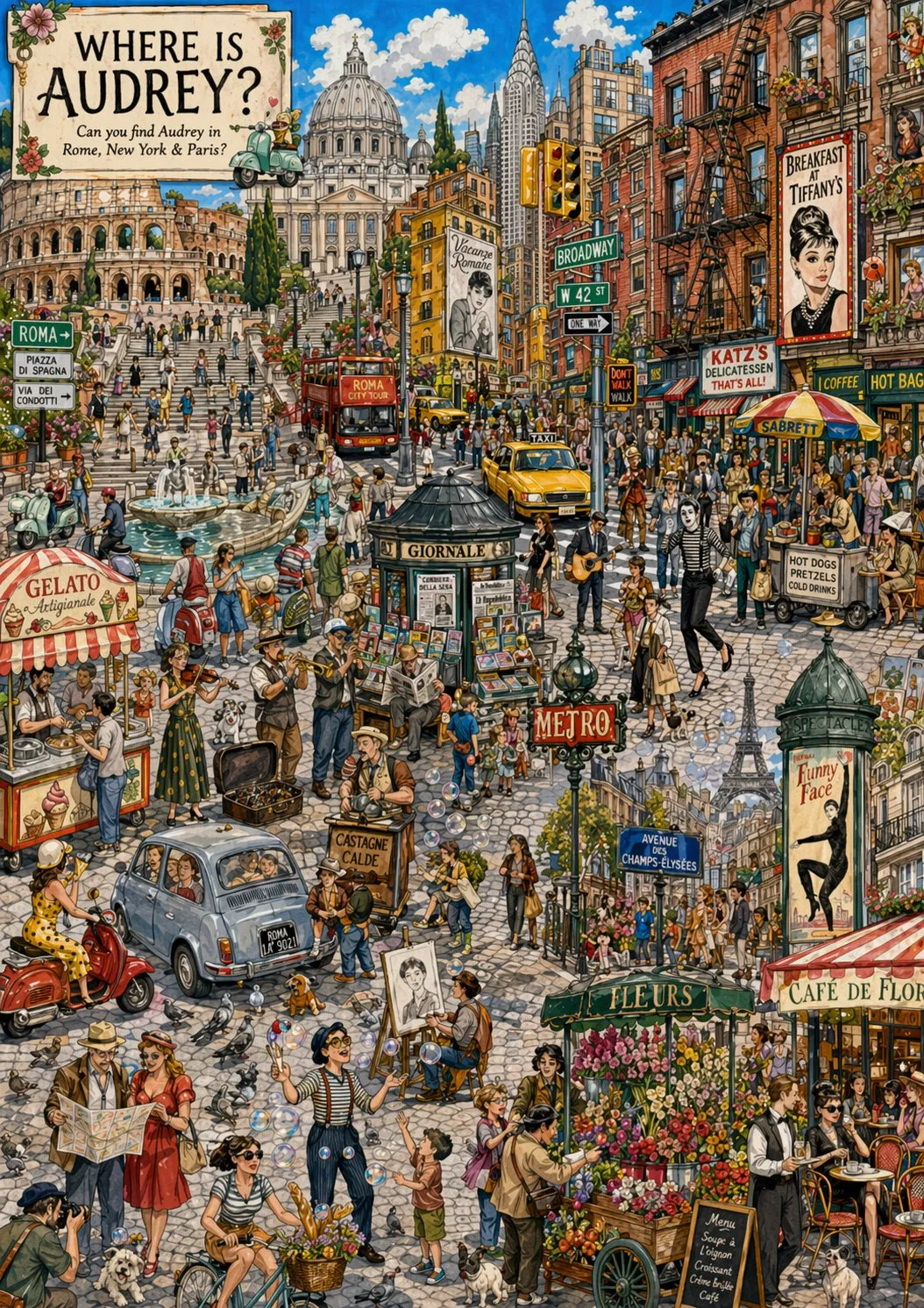
Sharper Instruction Following for Real Creative Work
GPT Image 2 is designed for high-quality image generation with stronger prompt adherence. Use it for structured layouts, commercial concepts, and visuals where composition, objects, and text placement all need to follow detailed direction.
Detailed Prompt Control
Describe subject, composition, lighting, style, typography, and output purpose in one natural-language prompt.
Commercial Composition
Generate product scenes, campaign images, posters, and UI concepts with cleaner layout structure.
Consistent Visual Intent
Keep important visual details aligned across iterations instead of rebuilding prompts from scratch.
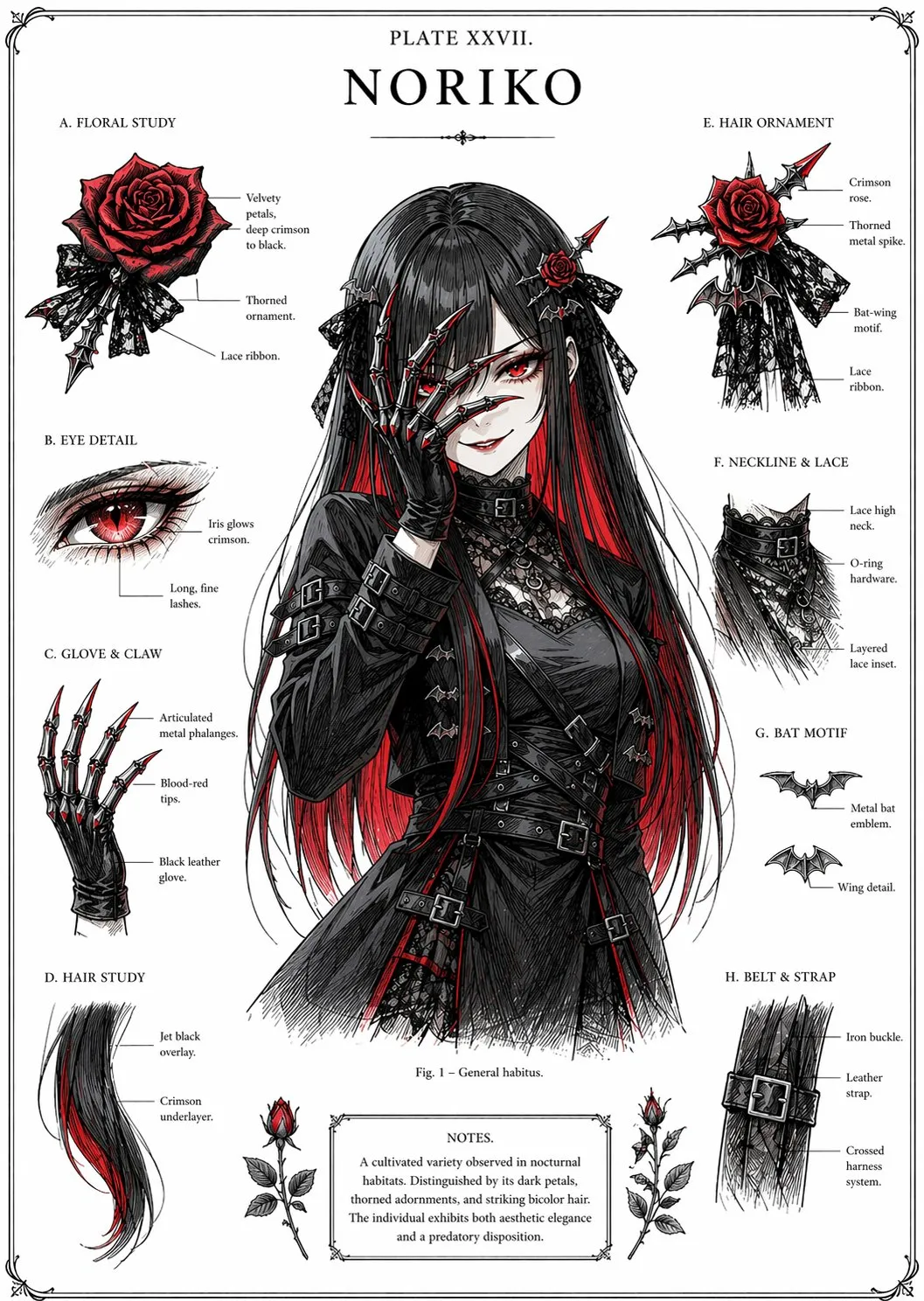
Reference-Based Image Transformation
Upload an existing image and guide GPT Image 2 with a prompt to transform, restyle, clean up, or reposition the subject. This is useful for product poster conversions, e-commerce presentation, background changes, and controlled visual updates.
Image-to-Image Workflow
Use uploaded image URLs as inputs for edits and transformations through the Kie Jobs API.
Product Presentation
Turn raw product shots into premium posters, ads, or listing visuals with clearer creative direction.
Style and Background Updates
Change visual style, lighting, background, and composition while keeping the source image as context.
Typography-Aware Creative Output
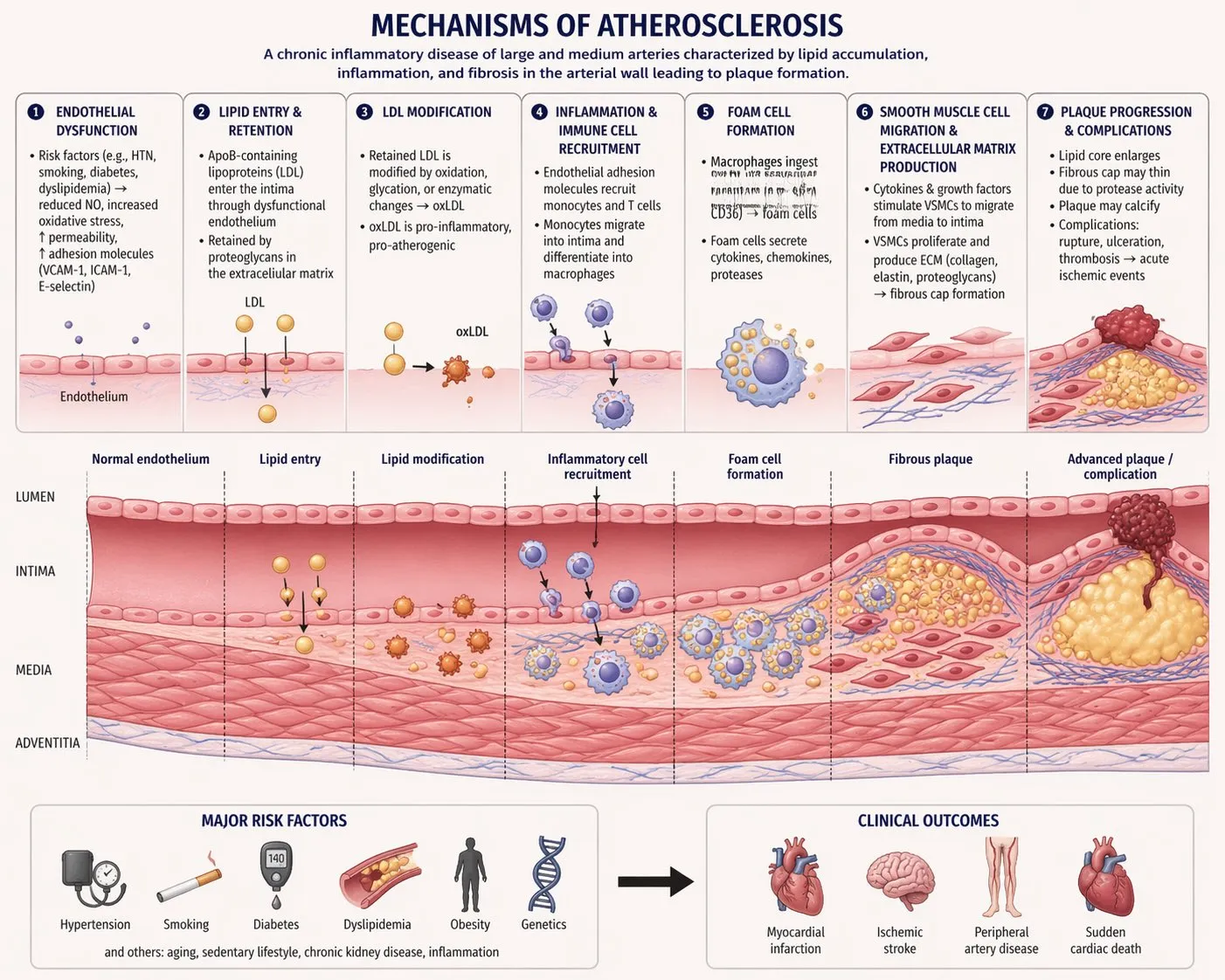
GPT Image 2 is a strong fit for designs that include readable text, interface elements, signs, labels, headlines, and multilingual campaign assets. It helps image generation move closer to finished design work instead of rough concept art.
Text-Rich Visuals
Create posters, menus, UI mockups, product labels, editorial graphics, and information-style images.
Design-Ready Assets
Produce visuals suited for marketing, pitch decks, social posts, and brand concept exploration.
Fast Iteration Loop
Refine layout, copy, colors, and scene details through concise follow-up prompts.
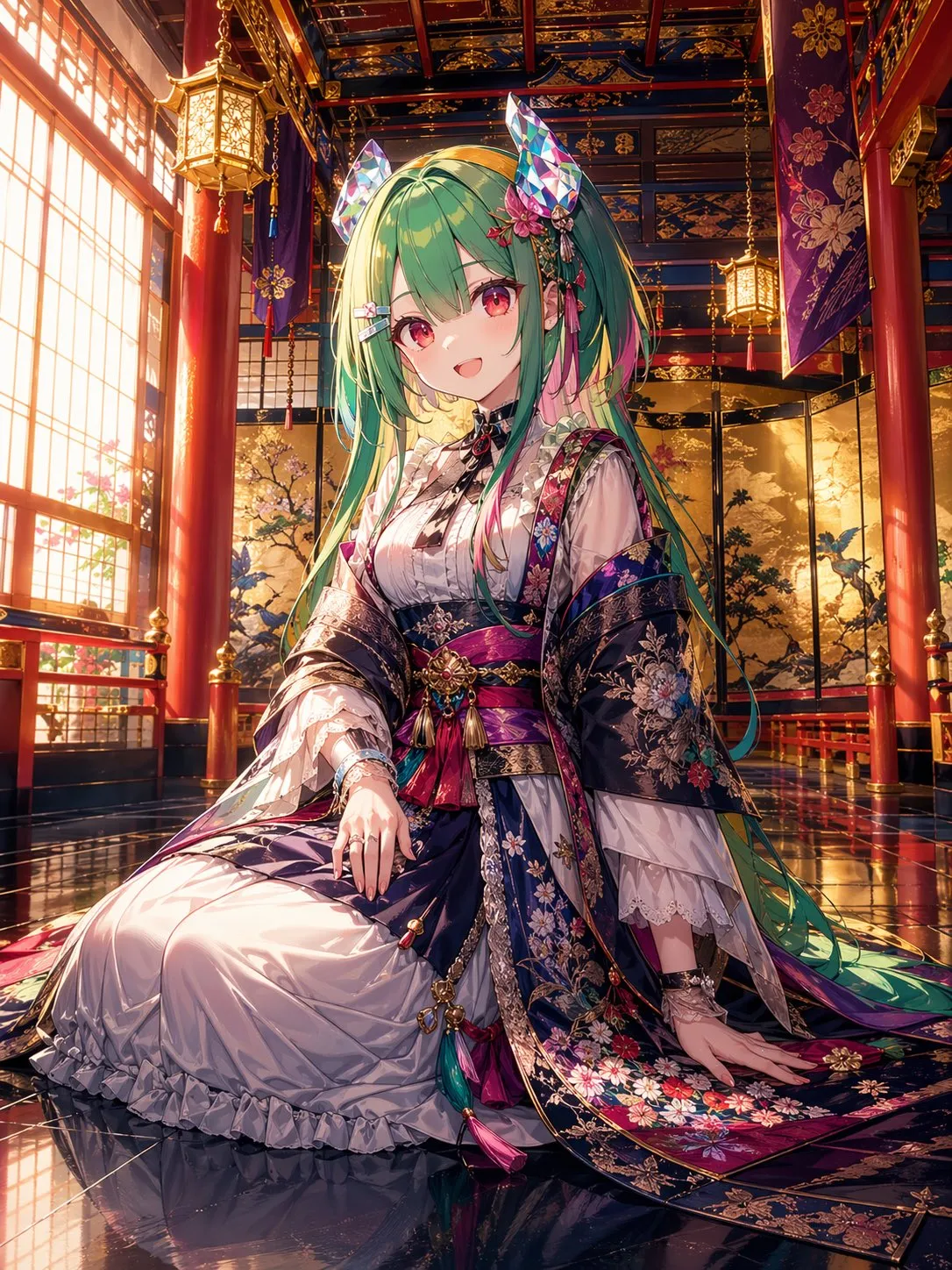
GPT Image 2 Capabilities
Practical image generation features for design, marketing, and production workflows.
High-Fidelity Image Generation
Generate polished, detailed visuals from natural-language prompts for creative and commercial use.
Image-to-Image Editing
Transform uploaded image URLs with prompt-guided edits through the Kie GPT Image 2 endpoint.
Typography-Aware Output
Better suited for posters, menus, UI mockups, packaging, labels, and other text-rich images.
Commercial Visual Quality
Create ad creatives, product mockups, editorial images, and presentation graphics with a finished look.
Prompt Detail Preservation
Preserve important objects, layout cues, and style requirements from detailed instructions.
Unified Jobs Workflow
Runs through Kie AI Jobs API with task creation, polling, callback compatibility, and standard output handling.
Professional Image Creation in Three Steps
A focused workflow for GPT Image 2 text-to-image and image-to-image creation:
Describe the Desired Output
Write a prompt that covers subject, composition, style, lighting, typography, commercial goal, and any exact text you need inside the image.
Add an Input Image When Editing
For image-to-image workflows, upload a source image and describe the transformation you want, such as product poster styling, background replacement, or visual cleanup.
Generate, Review, and Refine
Generate the image, inspect details and text, then iterate with more specific instructions for layout, objects, lighting, background, or brand presentation.
Technical Information and Common Questions
Common questions about GPT Image 2 generation and editing.
What is GPT Image 2?
GPT Image 2 is OpenAI's image model for high-quality image generation and editing. This project integrates it through Kie AI's Jobs API.
Does GPT Image 2 support text-to-image?
Yes. The text-to-image workflow sends a prompt to the Kie GPT Image 2 text-to-image model and returns generated image URLs.
Does GPT Image 2 support image-to-image?
Yes. The image-to-image endpoint accepts an uploaded image URL plus a prompt, then returns a transformed or edited result.
Which parameters are exposed for GPT Image 2?
The integration keeps the parameter surface close to the Kie documentation: prompt for text-to-image, and prompt plus image URLs for image-to-image. The NSFW checker defaults to false for text generation.
What is GPT Image 2 best for?
It is best for commercial visuals, product mockups, ad creatives, UI concepts, posters, text-rich graphics, and controlled transformations from reference images.
Can I use GPT Image 2 for product images?
Yes. It is useful for turning raw product references into more polished marketing, e-commerce, and campaign visuals.
How are results returned?
Kie returns a task ID first. The app polls the Jobs API status endpoint and stores the generated image URLs when the task succeeds.
Can GPT Image 2 images be used commercially?
Generated image usage depends on the applicable model provider and platform terms. Review the current OpenAI and Kie AI terms for your production use case.
Create with GPT Image 2
Use GPT Image 2 for high-quality image generation, clean typography, and precise image-to-image transformations.